(Distributors) Verify eCoupons
The distributors can verify eCoupons, view eCoupon verification records, etc.
To verify eCoupons, you should have been configured with the verification permission. If your company has been configured with the verification permission, all employees in your company can verify eCoupons. For details about the permission, please contact Hikvision.
Go to to enter the eCoupon Verification page.
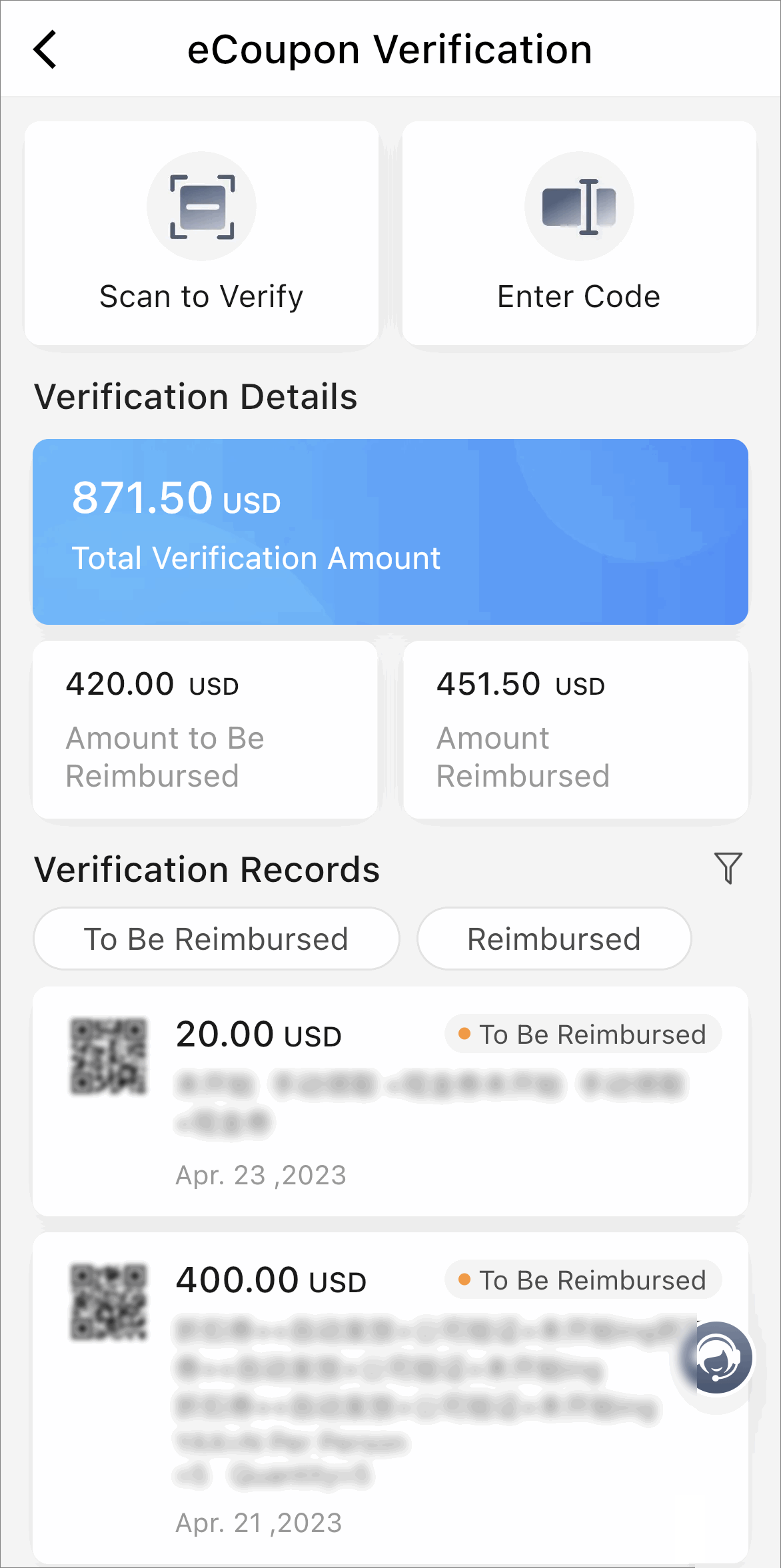
Tap Scan to Verify or Enter Code to start verifying eCoupons.
The verification will not continue if the eCoupon has been used or expired.
On the eCoupon Verification page, you can also view the verification details, including
the total verification amount, the amount to be reimbursed, and the amount reimbursed.
You can view the verification records and tap  to filter records by whether the eCoupon has been reimbursed
and the reimbursement period.
to filter records by whether the eCoupon has been reimbursed
and the reimbursement period.