The Installer Admin or the Installers with the Manage All Sites permission
can assign a site to the specified Installer as site manager responsible for configurations
of the devices on the site.
Make sure you have the Manage All Sites permission.
-
Tap the Site tab at the bottom to enter the Site
page.
-
Tap
 to enter the Assign page.
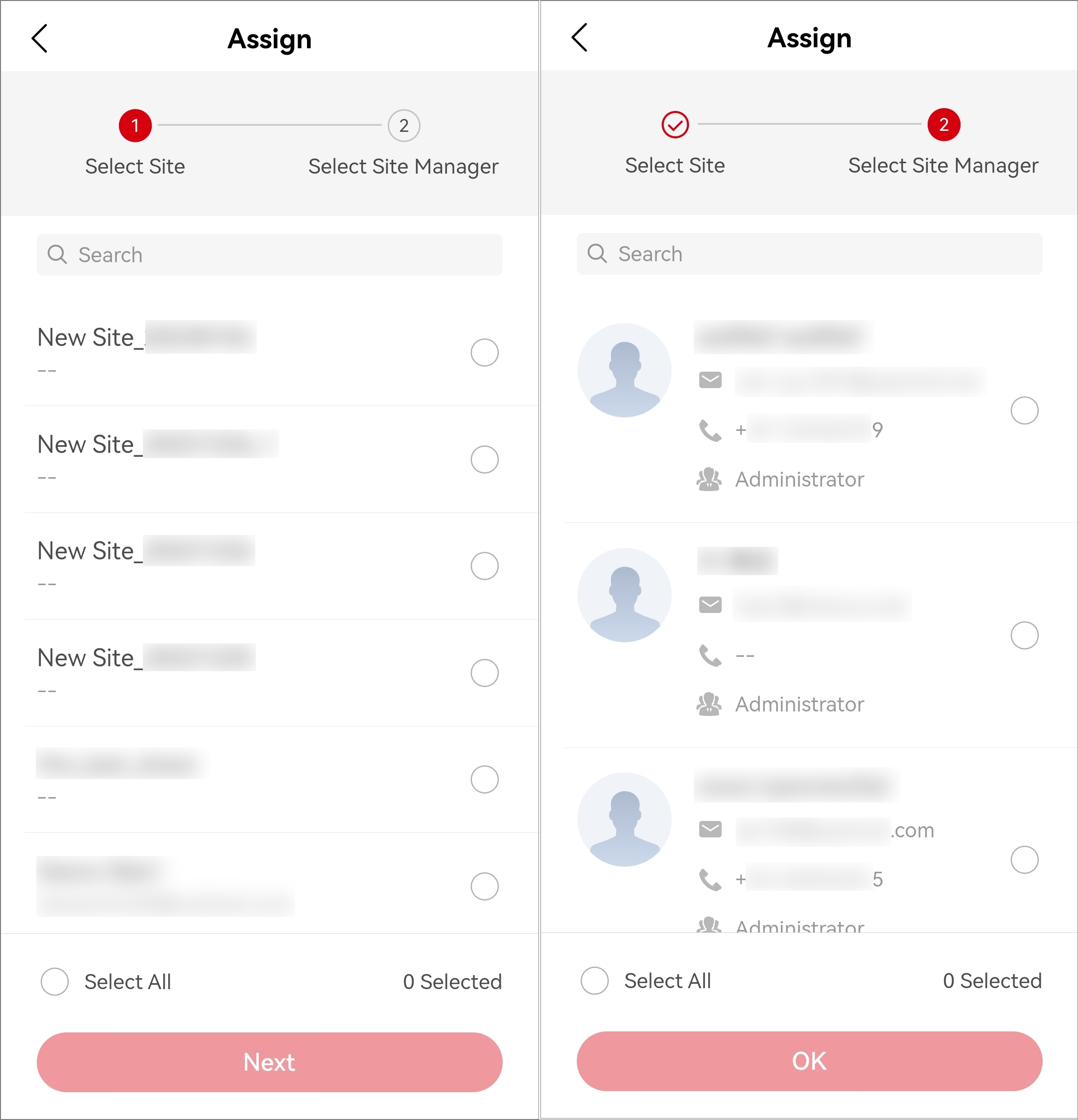
Figure 1 Assign Site to
Installer
-
Select one or multiple sites for assignment, and tap
Next.
-
Select one or multiple Installers as the site manager(s) of the selected
site(s).
Note:
-
You can check Select
All to select all the site managers.
-
You can search for specific site managers by entering
keywords in the Search
field.
-
No more than 100 site managers can be assigned to
each site.
-
Tap OK.
The site manager of assigned sites can enter site details and
perform related operations, such as adding devices.