Batch Arm/Disarm AX PRO and AX HYBRID PRO
You can batch arm or disarm multiple AX PRO / AX HYBRID PRO devices on various sites by grouping the devices.
Follow the steps to create a group of AX PRO / AX HYBRID PRO devices and then control the group.
This function is only supported in some countries/regions.
-
Tap
 .
Figure 1 Add Group Page
.
Figure 1 Add Group Page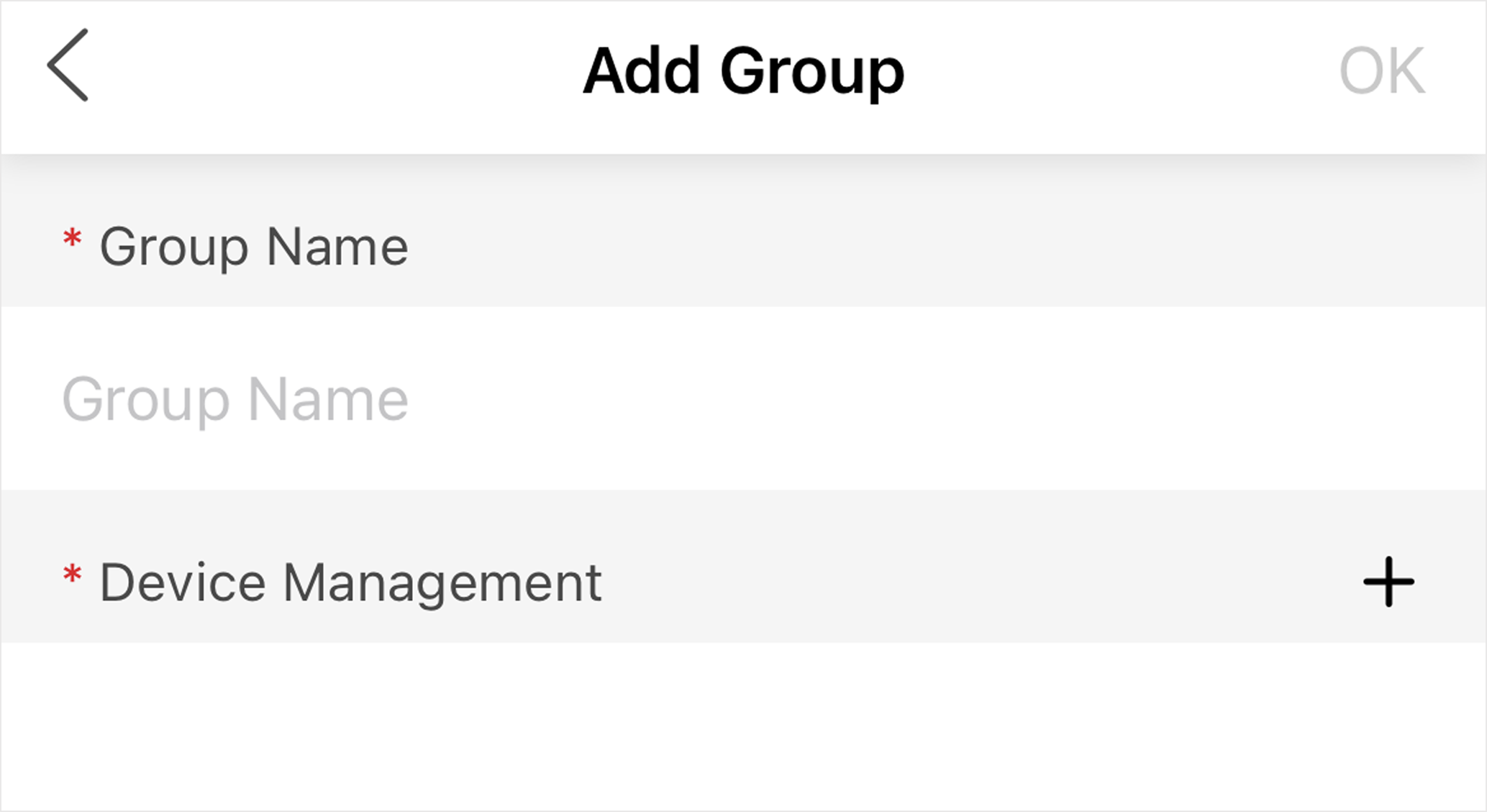
-
Add devices to the group.
-
Tap
 and
select the devices on different sites.
Figure 2 Add Device Page
and
select the devices on different sites.
Figure 2 Add Device Page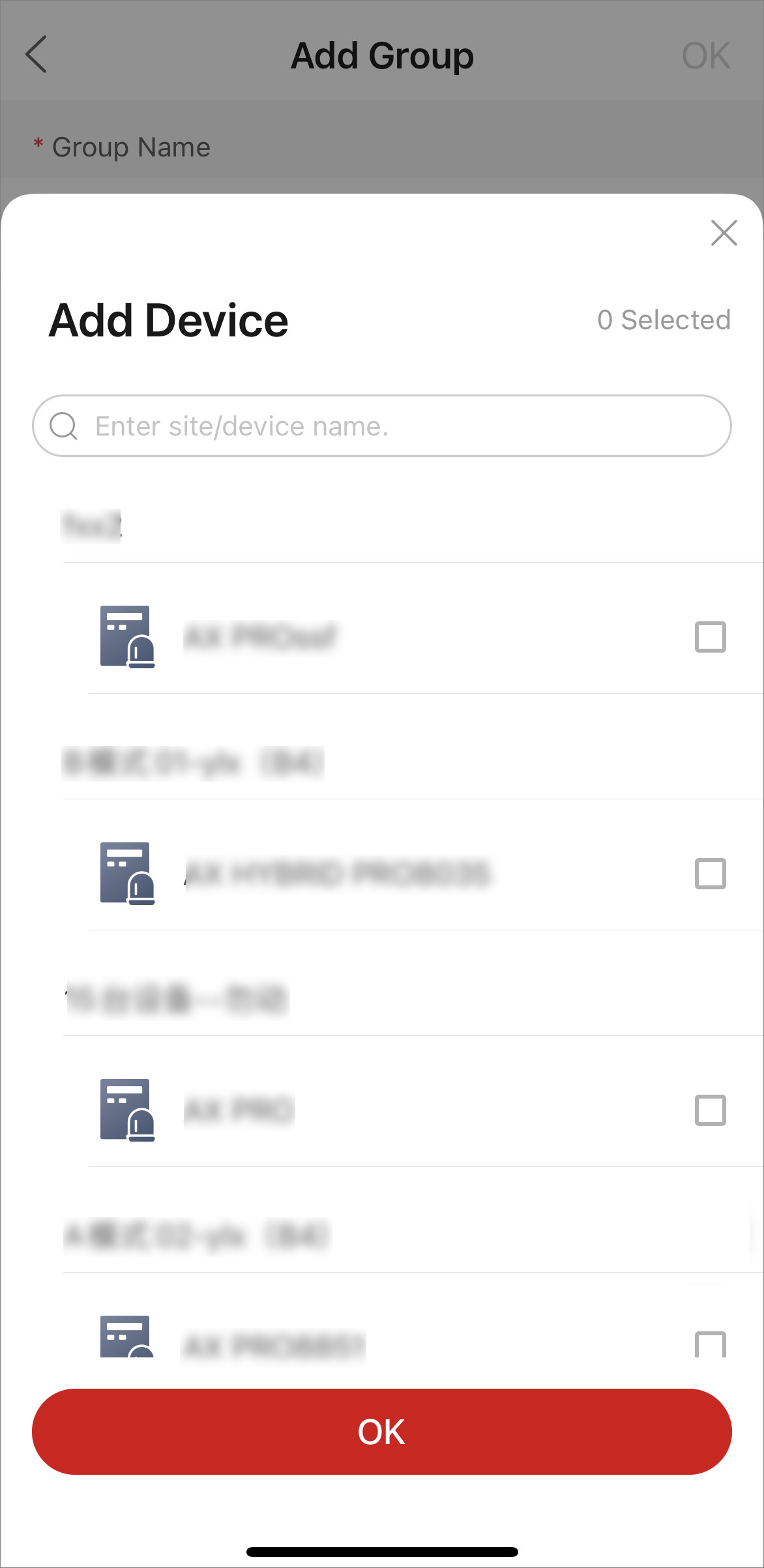 Note:
Note:-
Only devices of which you have the Configuration permission can be added.
- Up to 500 devices can be added to one group.
-
-
Tap
- Optional:
Perform further operations.
Option Description View Group Details
Tap on the group to view its details, including devices in the group and their arming/disarming status.
Arm/Disarm Group
Tap
 to
arm in Stay mode; tap
to
arm in Stay mode; tap  to
arm in Away mode. Or tap
to
arm in Away mode. Or tap  to
disarm all devices in the group.
to
disarm all devices in the group.You will be notified when the arming/disarming process is completed.
Figure 3 Result Notice
Check Last Result
Tap
 > Record to check the last arming/disarming results. If there
are devices that failed, you can arm/disarm the failed ones
again.
> Record to check the last arming/disarming results. If there
are devices that failed, you can arm/disarm the failed ones
again.Edit Group Name
Tap
> Edit Group to edit group name.Delete Device
Swipe left on a device and tap Delete.
Add More Devices
Tap
> Add Device to add more devices to the group.Delete Group
Tap
> Delete Groupto delete the group.