Business Notifications
In the Business Notification module, you can receive the device management invitations from Hik-Connect users for device management on Hik-Partner Pro, notifications concerning site sharing with the Maintenance Service Partner, and device installation work order notifications, etc.
In the upper-right corner of the page, tap  > Business Notification to enter the Business Notification page.
Device Management Invitations
Besides receiving the device management invitation from Hik-Connect users through an email, you can also receive it in the Business Notification on Hik-Partner Pro. After accepting the invitation, you will be able to manage the device on Hik-Partner Pro.
For details about accepting the invitation, refer to Accept a Device Management Invitation from Your Customer.
Site Sharing Notifications
Both the person who shares sites and the person who accepts site sharing (MSP/ISP) can view the notifications concerning site sharing.
For the person who shares sites, you can receive site sharing notifications involving the customers and/or the MSP/ISP. For example, when the MSP/ISP accepts or cancels the site sharing, when the customer cancels the site sharing authorization to you and/or the MSP, or when the customer modifies your and/or the MSP's device management permissions.
For MSPs, you can receive site sharing notifications involving the Installer and/or the customers. For example, when the Installer cancels the site sharing, when the Installer shares a site with you and modifies your device management permissions, when the customer cancels the site sharing authorization to you and/or the Installer, or when the customer modifies your and/or the Installer's device management permissions.
For ISPs, you can receive site sharing notifications involving the ARC. For example, when the ARC cancels the site sharing.
For details about accepting site sharing, refer to Accept Site Collaboration.
Device Installation Work Order Notifications
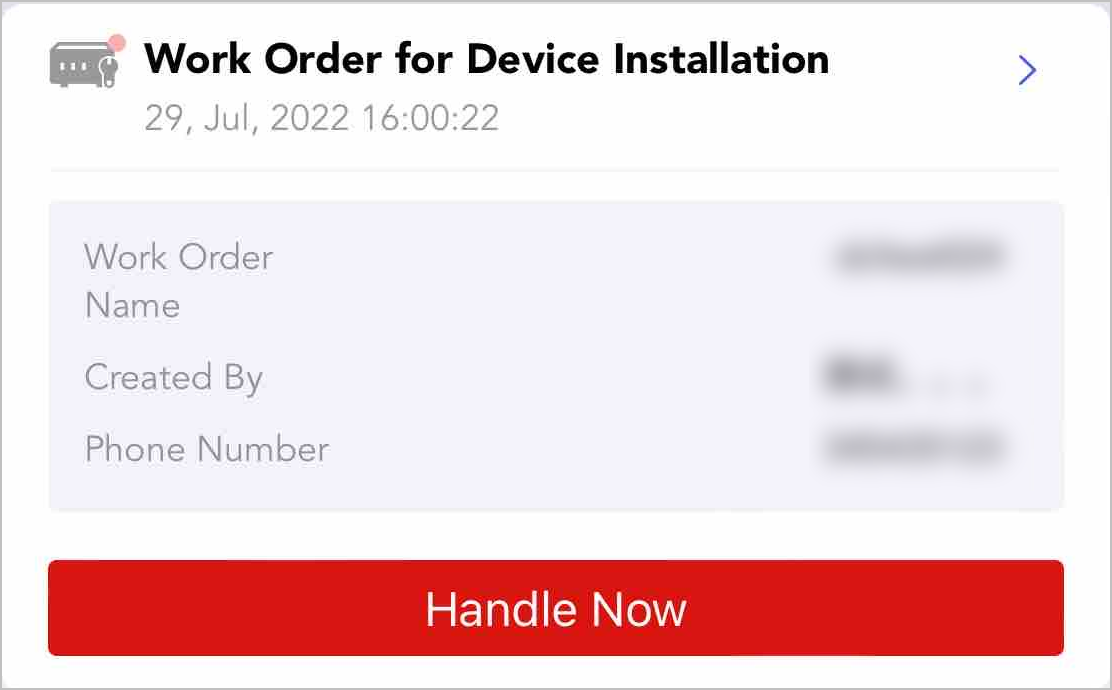
If an RMC from HikCentral ReGuard assigns a work order for device installation to you, a corresponding notification will be pushed to the Mobile Client. The notification shows the work order name, person who created it, and phone number. You can also tap the notification to handle the work order on the Mobile Client.
Site Manager Change
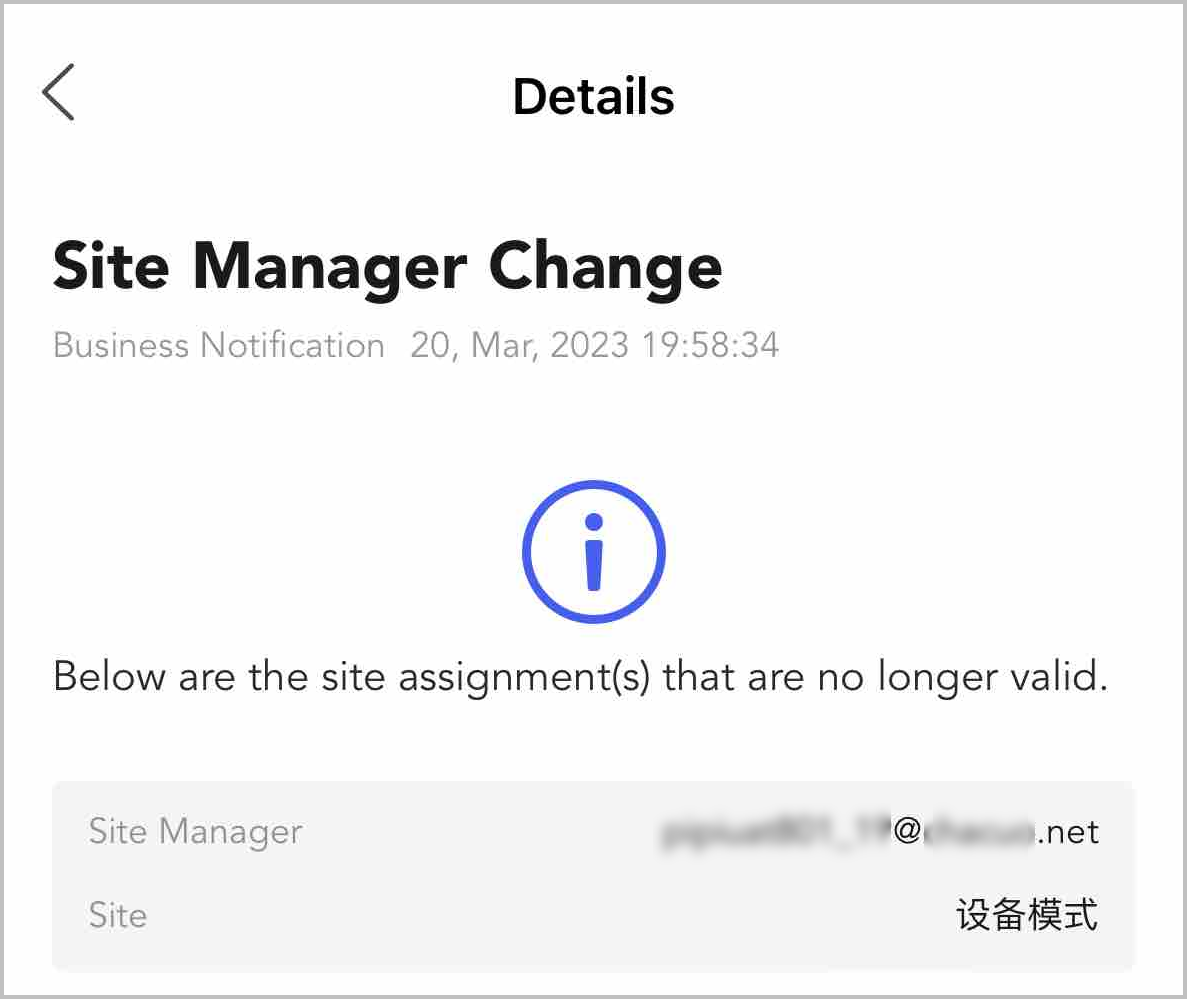
When site managers change, for example, sites are assigned to new managers or site assignments expire, the corresponding site managers will receive the notifications about the site manager changes.
Employee Joining Application
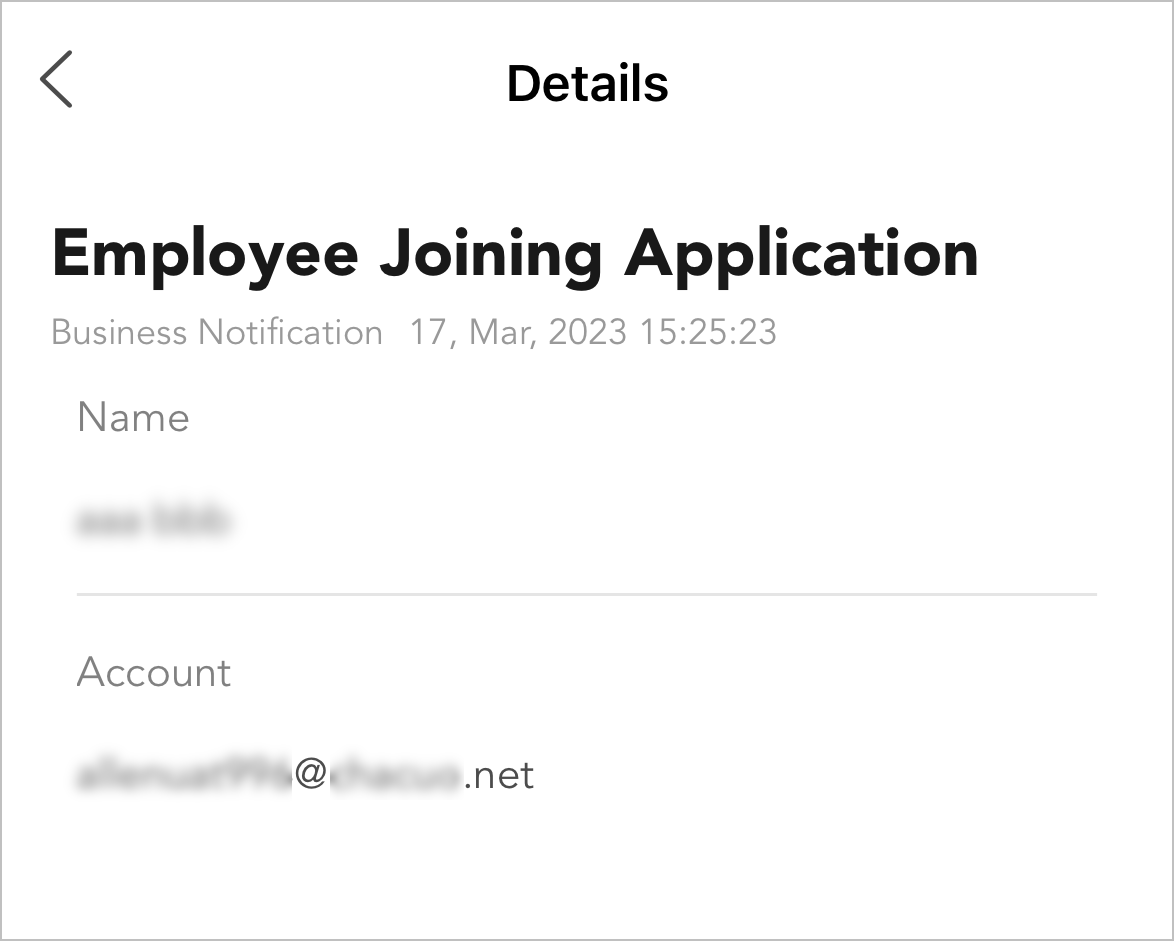
You can receive and view employees' company joining applications. Only those with employee management permission can approve/deny the applications.
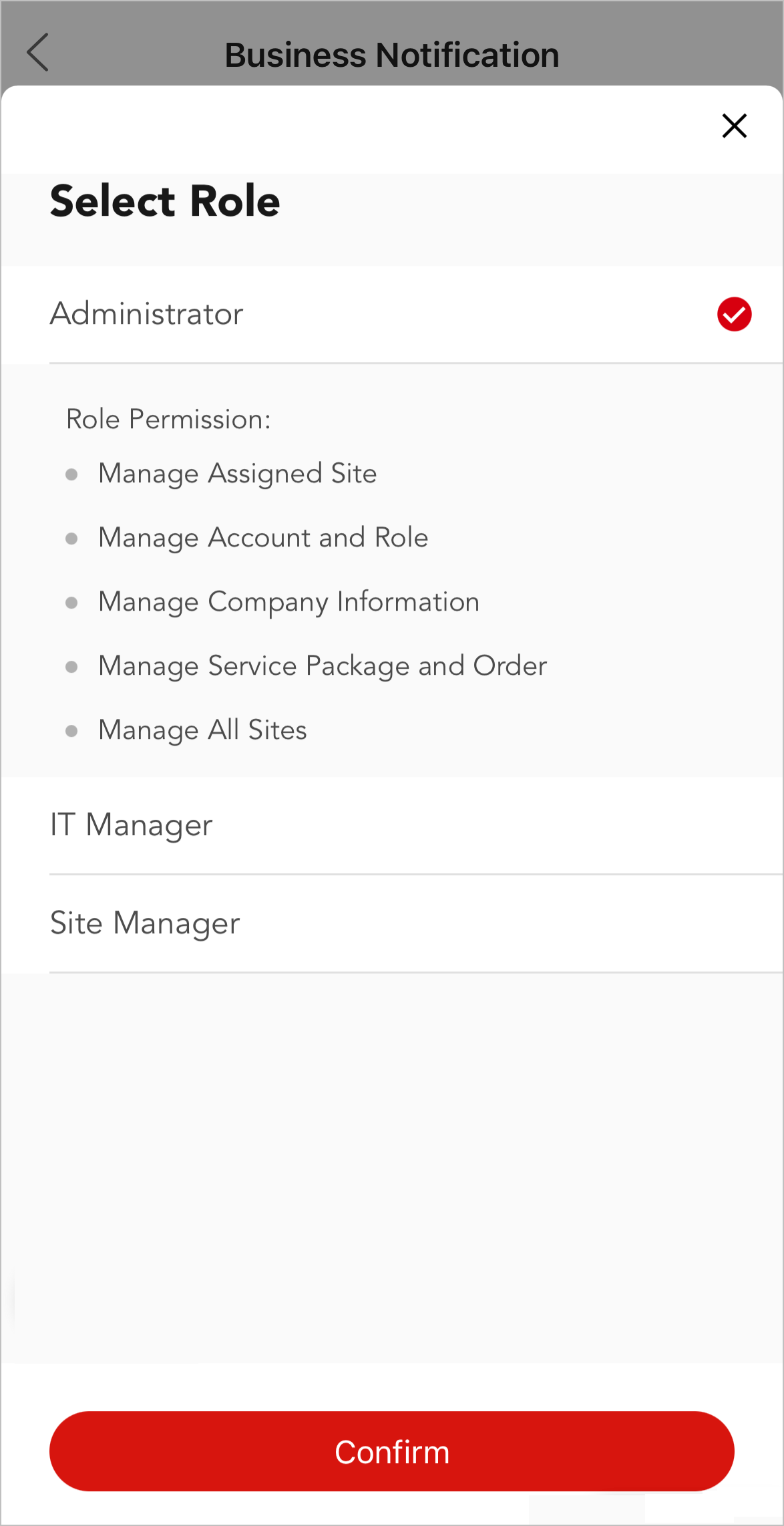
If the application is approved, you can assign a role to grant the permissions to them. By default, the role administrator is selected.