Claim eCoupons
You can claim eCoupons and view the eCoupons that you have claimed.
Ways to Claim eCoupons
There are several ways to claim/get eCoupons. First, on the Home page,
you can tap  >
>  in the upper-left corner to start scanning the QR code of the
eCoupon, or find the entry of claiming eCoupons in the Application Center, in the
Banner area, or under the Event tab. Also, you may get eCoupons automatically.
in the upper-left corner to start scanning the QR code of the
eCoupon, or find the entry of claiming eCoupons in the Application Center, in the
Banner area, or under the Event tab. Also, you may get eCoupons automatically.
View My eCoupons
After claiming eCoupons or getting eCoupons automatically, you can view all your eCoupons in .
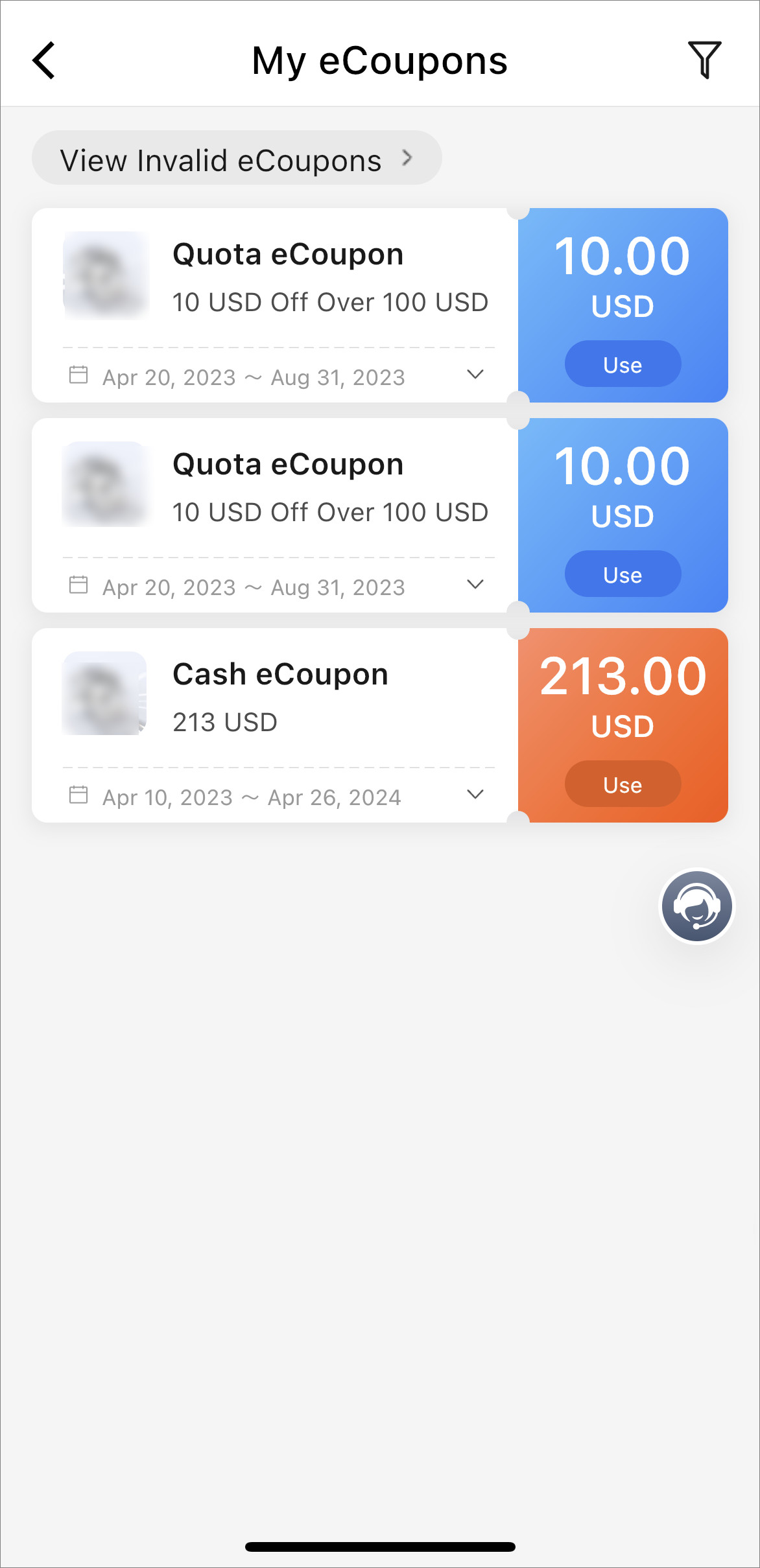
On the My eCoupons page, you can view eCoupon information such as
eCoupon type
(quota
eCoupon, cash eCoupon, or ratio eCoupon), discount rule, and
validity period. You can tap View Invalid eCoupons to view
invalid eCoupons, which have been used or expired. You can tap  to view the number/amount of the eCoupons that have been
verified today and whether you have reached the daily limit of eCoupon verification.
Also, you can tap
to view the number/amount of the eCoupons that have been
verified today and whether you have reached the daily limit of eCoupon verification.
Also, you can tap  to filter your eCoupons by eCoupon
type and validity period.
to filter your eCoupons by eCoupon
type and validity period.
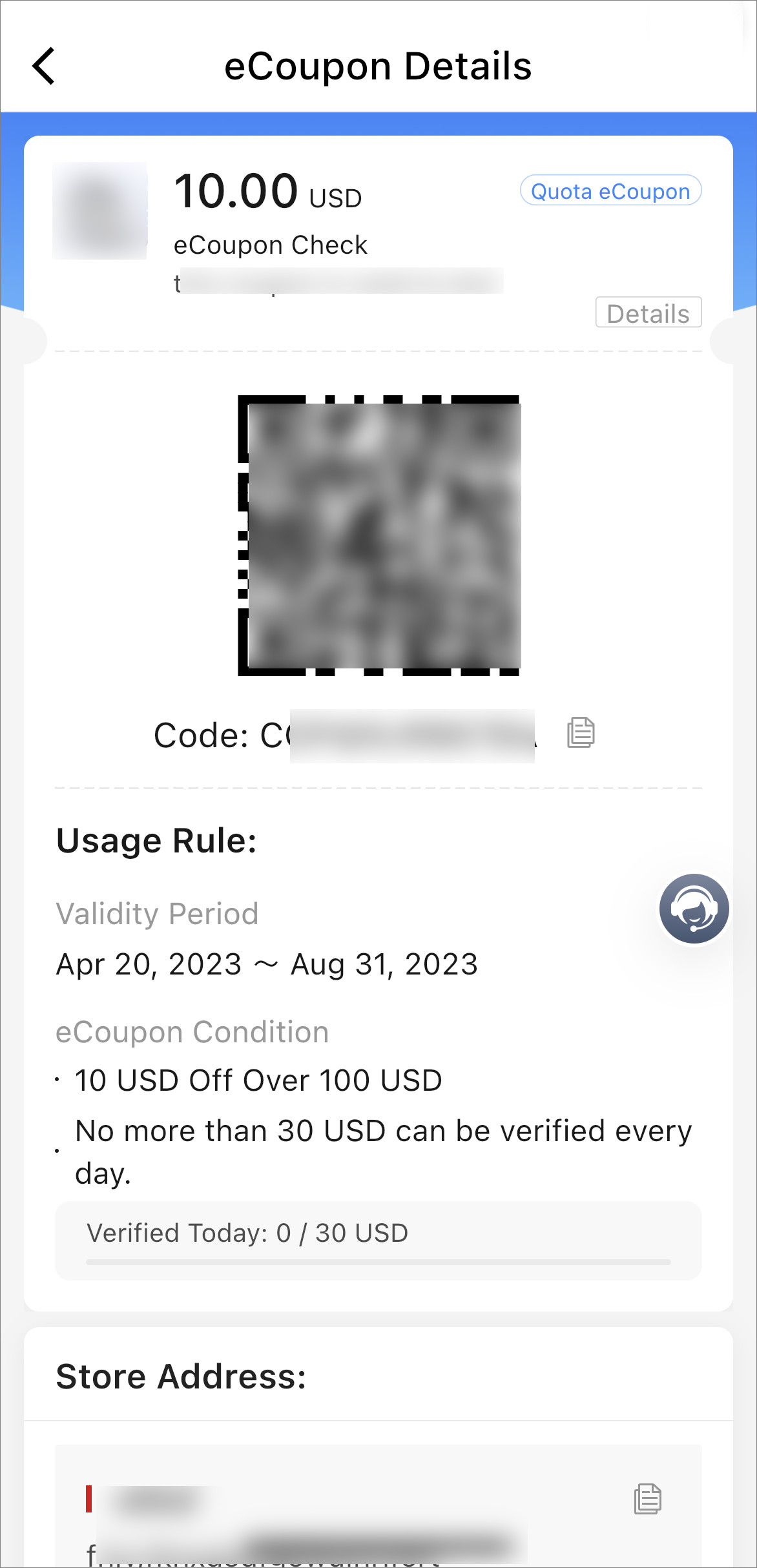
You can tap an eCoupon to view its details. On the eCoupon Details page, you can tap
Details to view the validity period, eCoupon condition,
and description of the eCoupon. You can tap  to copy the QR code, which should be refreshed every 3
minutes to make it valid.
to copy the QR code, which should be refreshed every 3
minutes to make it valid.