Register an Installer Account With or Without an Invitation
The Installer accounts are "sub-accounts" to the Installer Admin account and are controlled by permissions for what they can do. Usually, the employees in a company will use the Installer accounts and can register the Installer accounts with or without invitations.
Register with an Invitation
As an employee, after you are invited to register the Installer account, you can accept the invitation and register an Installer account to manage sites and devices.
The Installer Admin or Installer whose role contains permission to Manage Account and Role should invite the employee first. For details, refer to Invite Employee.
After you are invited to join a company as an employee, you will receive an email from Hik-Partner Pro. You can complete your Installer account registration through the link or button in the email, for details about the registration process, refer to the Hik-Partner Pro Portal User Manual.
After registration, you can log in to Hik-Partner Pro with this Installer account and perform other operations such as site management and configuration.
Register Without an Invitation
As an employee of a company, you can also join the company upon registration without an invitation.
The registration process is similar to that for the Installer Admin. Refer to Register an Installer Admin Account for details.
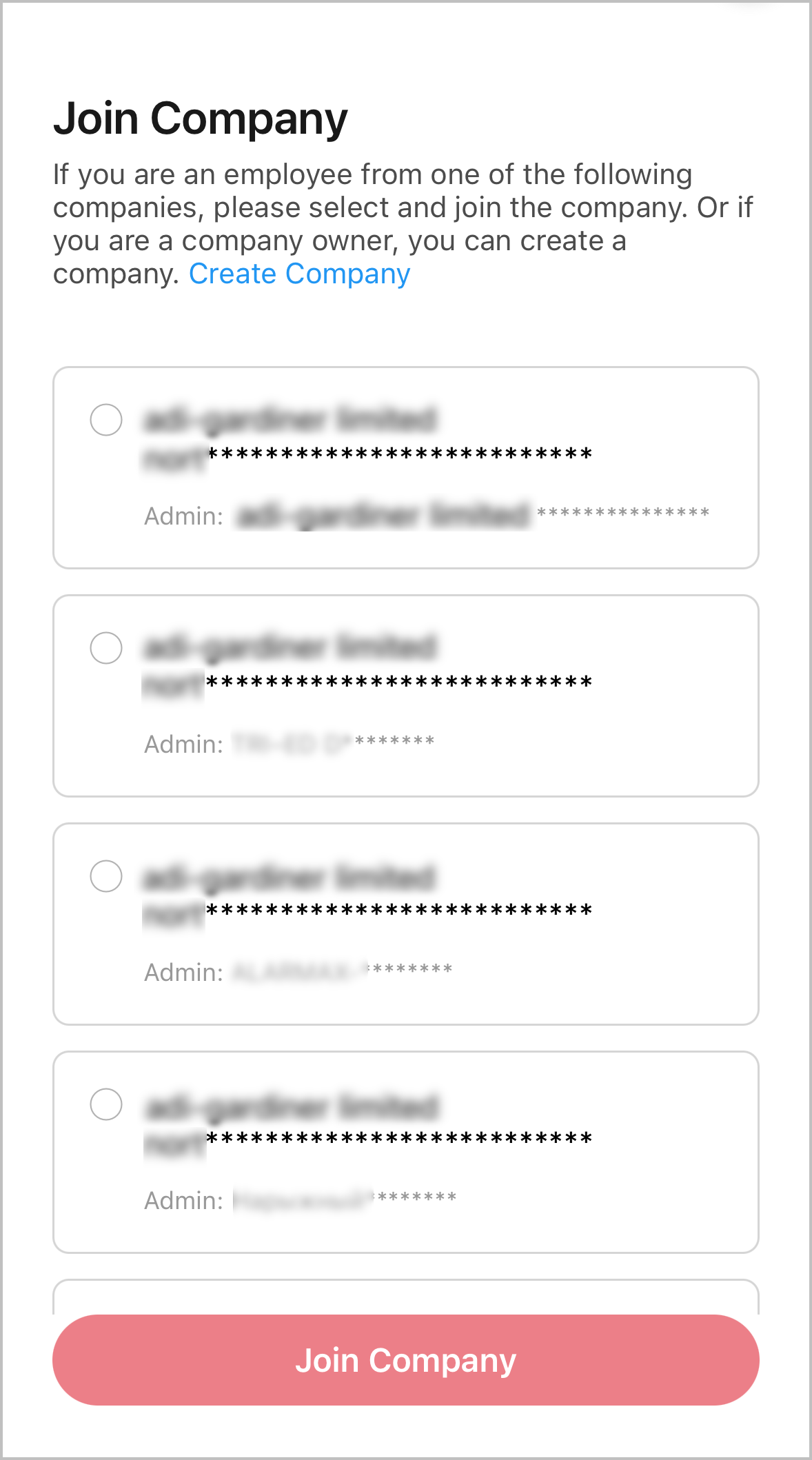
After you fill in the required information (company name, etc.) and tap Register on the registration page, if there are existing companies with names similar to the company name you just entered, these companies will be listed and displayed, and you can apply to join one of them.
After your application is approved by your company's administrator, you can log in to Hik-Partner Pro with this Installer account and perform other operations such as site management and configuration.
-
You can contact your company's administrator to ask them to approve your application in Notification Center (Business Notifications).
-
Only authenticated companies and companies which have submitted authentication applications can be listed and displayed.
-
If your company is not listed and displayed, you will not be able to register an Installer account without an invitation, and you should Register with an Invitation.
-
After you submit your joining application to an existing company and before it is approved by the company's administrator, you can withdraw the application.