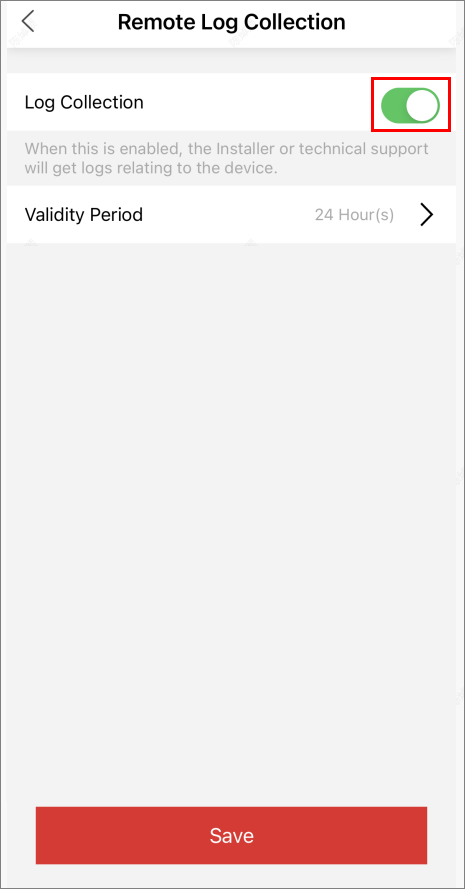
Enable Remote Log Collection
Remote Log Collection is for getting device logs. When this function is enabled, the technical support can collect device logs remotely for troubleshooting. You can set the validity period for collecting remote logs as needed, and this function will be automatically disabled when the validity period expires.
Make sure you have added the device which support remote log collection to the site, and the site has not been handed over to the end user. If the site has been handed over to the end user, you should contact with the end user to enable the Remote Log Collection function on Hik-Connect.
-
Tap
 in the upper right corner.
-
Switch on Log Collection.
Figure 1 Remote Log Collection