Rewards Store
Hik-Partner Pro provides a reward point system to reward your trust and support. By completing specific tasks (e.g., check-in), you can get the reward points redeemable for lots of gifts (e.g., certain value-added services) in the Rewards Store.
-
The reward point system is only supported in some countries/regions.
-
For some countries/regions, the reward points are available only when you have your company authenticated. For details about company authentication, see Authenticate Company.
Three ways to enter the Rewards Store page:
-
Tap to enter the Rewards Store.
-
Tap to enter the Rewards Store.
-
Tap to enter the Rewards Store.
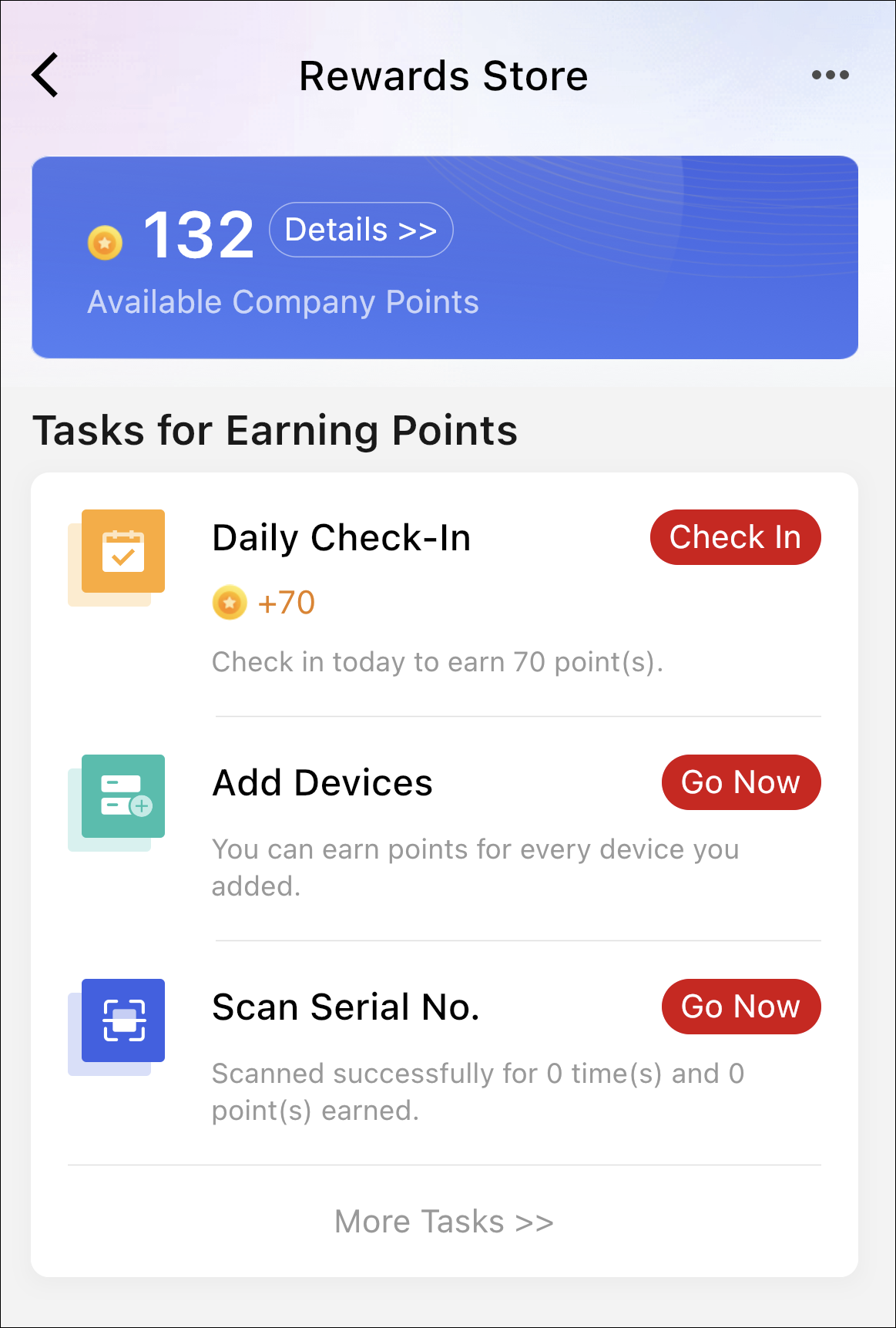
For the Installer Admin and Installers, the information displayed on the My Points page varies. The Installer Admin can view more information and perform more operations. See the table below for details.
|
Information/Operation |
Installer Admin |
Installer |
|---|---|---|
|
Available Company Points |
√ View company total points. |
√ View personal total points. |
|
Points History |
√ View and filter points earned by each staff member. |
√ View and filter points earned by the Installer. |
|
Point Rules |
√ |
√ |
|
Check-In Records |
√ Records of all people in the company are available. |
√ Only the Installer's own records are available. |
|
Tier Information |
√ |
√ |
|
Add Device to Earn More Points |
√ |
√ |
|
View the Task List and Do Tasks Note:
The task types include inviting friends (by sharing the OR code, invitation code, or invitation link), answering questions, browsing/liking news and how-to articles, inviting staff members, scanning SN codes, and adding devices. |
√ |
√ Installers can perform some of the tasks available for Installer Admin. |
|
Redeem Points for Gifts |
√ |
× |
|
View My Gifts |
√ |
× |
|
Scan History |
√ |
√ |
|
Lucky Draw |
√ Only supported in some countries/regions. |
× |
After user upgrading, if your original account and Hik-ePartner account are merged to one OneHikID account, the points in the two accounts will add up.