View and Purchase Value-Added Services
You can view the information of value-added services in the Service Market of the Mobile Client, including the health monitoring service, remote maintenance service, cloud storage service, cloud attendance service, people counting service, HikCentral Connect service, temperature screening service, co-branding service, and employee account add-on.
Tap to enter the Service Market page to view details of the value-added services and purchase services online or by service key.
Purchase Services Online
You can purchase the health monitoring service and remote maintenance service online directly on the Mobile Client (only iOS). For purchasing other services online, you need to go to the Portal.
-
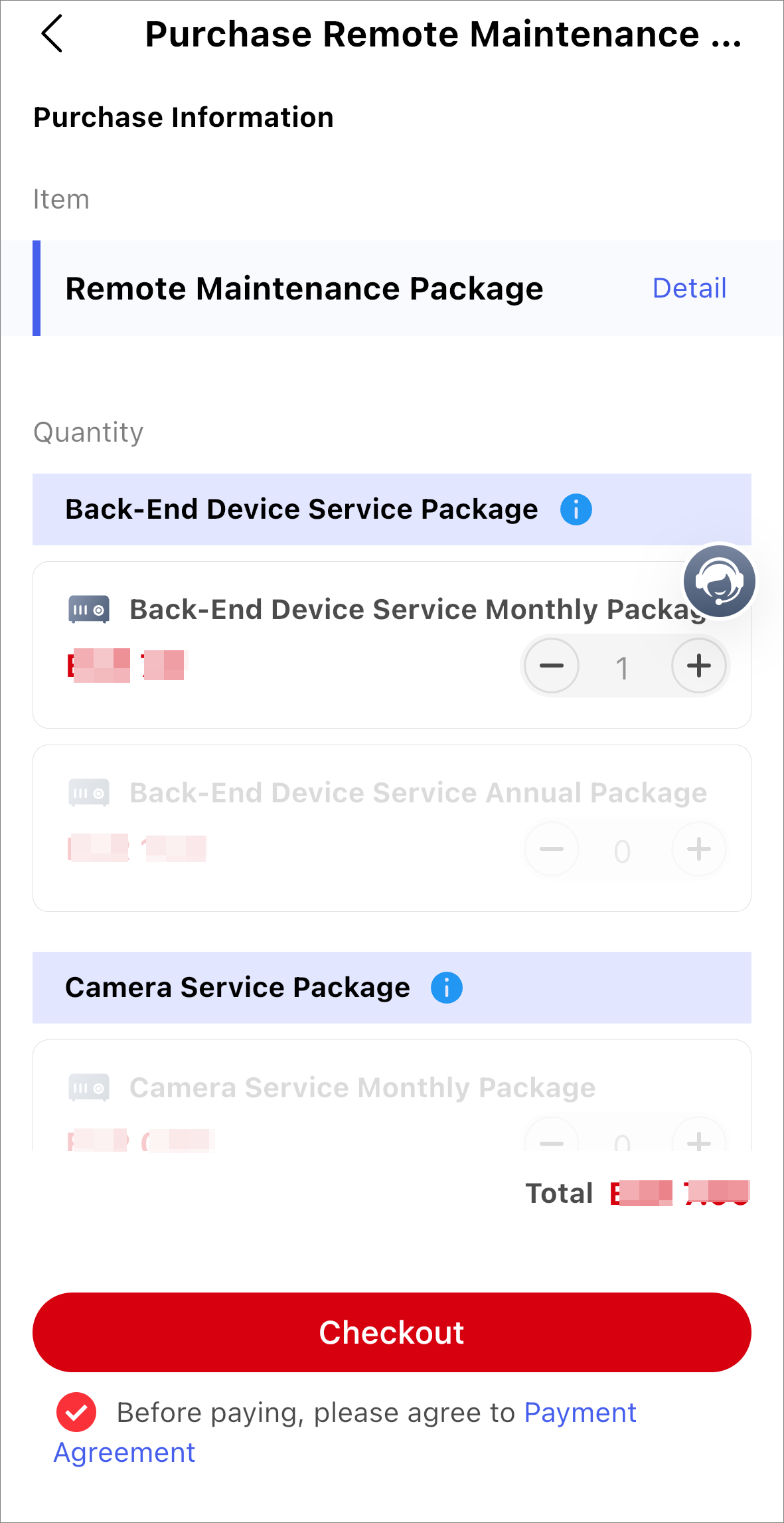
Tap Buy Now on the Remote Maintenance Package or Health
Monitoring Package card to open the purchase online page.
Figure 1 (As an Example) Purchase Remote Maintenance Service Online
Purchase Service by Service Key
You can purchase the health monitoring service and remote maintenance service by service key directly on the Mobile Client (only iOS). For purchasing other services by service key, you need to go to the Portal.
Make sure that your country or region supports purchasing by service key. Contact the local distributor for details.
-
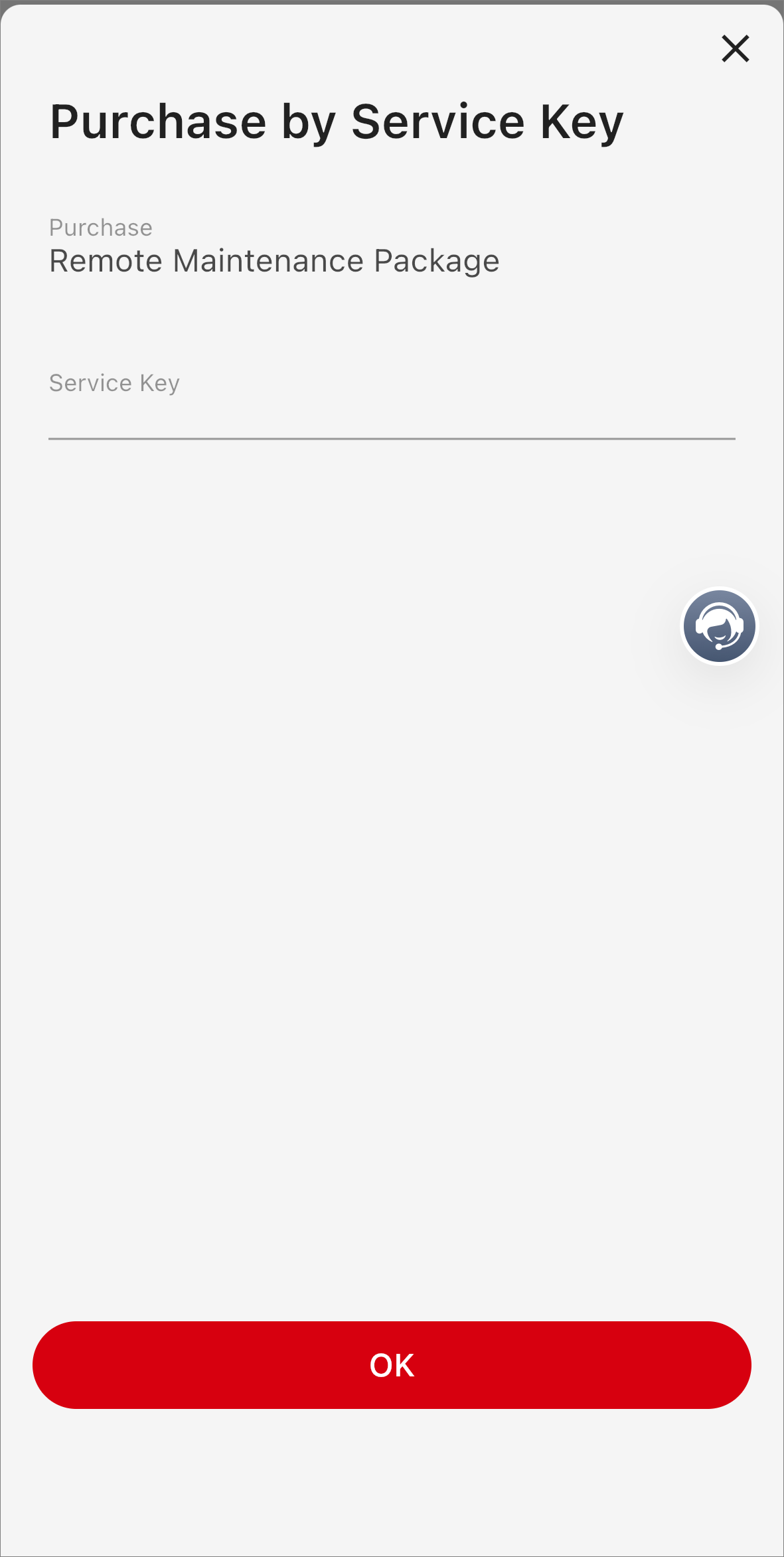
Tap Purchase by Service Key on the Remote Maintenance
Package or Health Monitoring Package card to open the Purchase by Service Key
page.
Figure 2 Purchase by Service Key