Add Existing Site
If a site (handed over by transferring) for which the authorization was discarded by an Installer and currently no Installer is authorized to manage it, you can add it to the site list by entering the site ID and applying for site authorization from the site owner.
-
Enter the Add New Site page.
-
Tap the Site tab at the bottom to enter the Site page. Tap
 to
enter Add New Site page.
to
enter Add New Site page. -
Tap Add in the Site area on the Home page.
Figure 1 Add Existing Site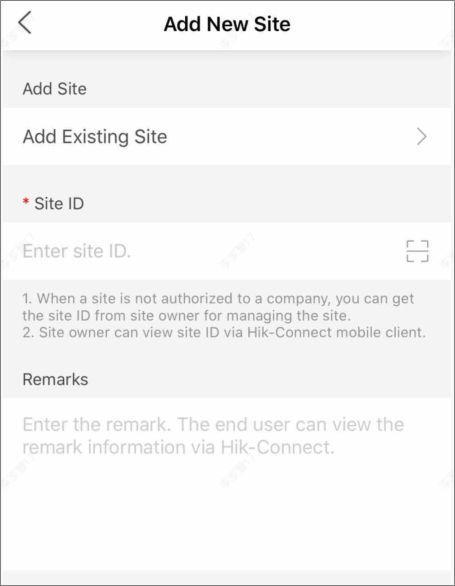
-