View and Search Products
You can search for products and view detailed product information, including the product picture, description, parameters, and related documents.
You can view a list of hot products on the home page under the tab Products, or view the products by product category in the Products module. You can search for a specific product by product name or model, or filter the products by brand, product category, type, series, and the relevant parameters. For a specific type of products, you can switch between gallery view and list view for different product display modes.
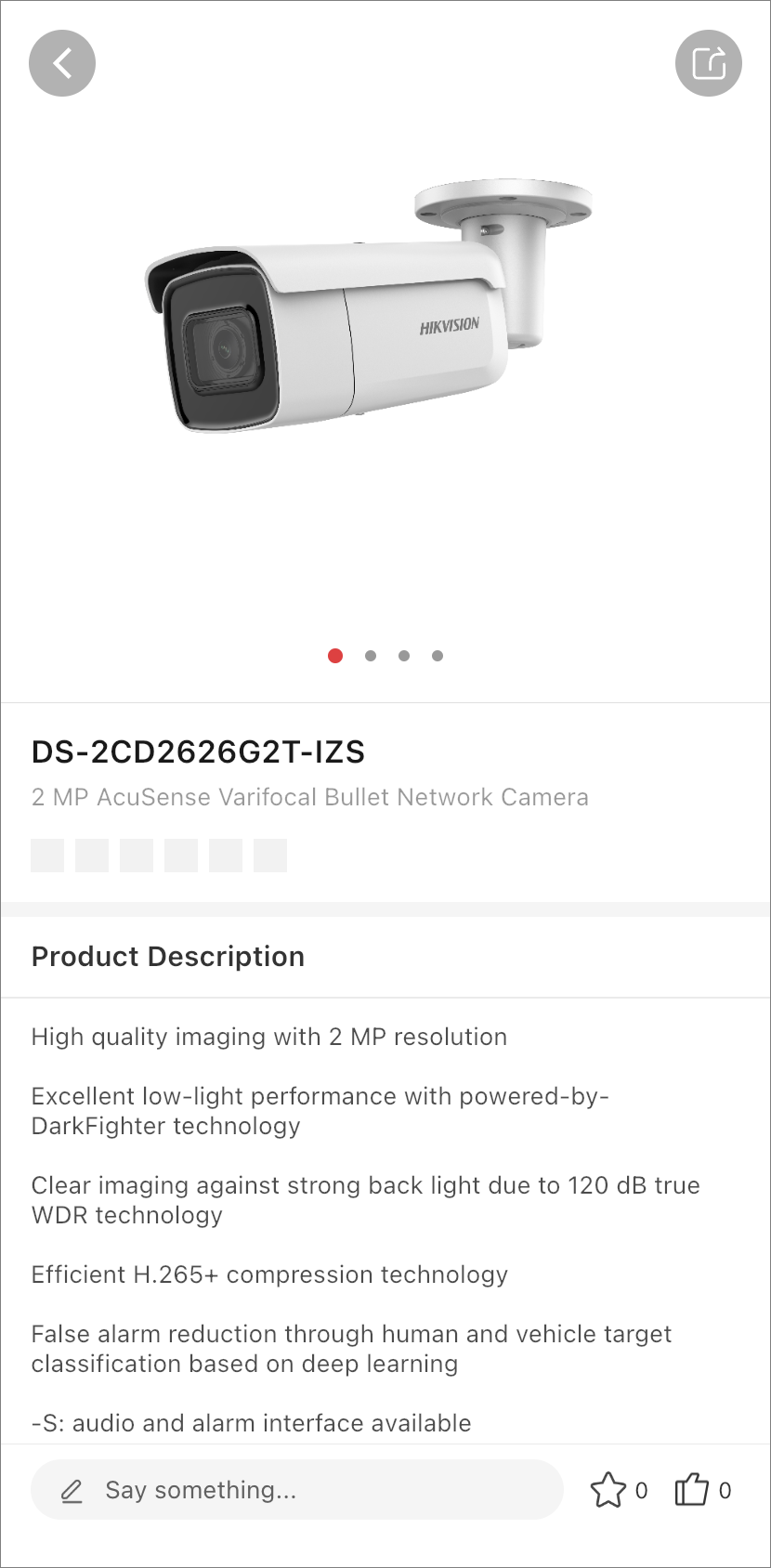
Tap on a product to view detailed information about the product, including the product picture, description, parameters, and related documents. On the product details page, you can also leave comments for the product, add it to Favorites, give it a thumbs up, download the related documents, or share the product information with others.
You can find the products you have added to Favorites later in , and the comments you have left for the products in .