Register by Hik-Connect Account
If you already have a Hik-Connect account, you can register an Installer Admin account by the Hik-Connect account.
-
Make sure you have registered a Hik-Connect account.
-
Make sure the account to be registered is in the same region with the Hik-Connect account.
-
Tap
 to start the Mobile Client.
The Login page will show.
-
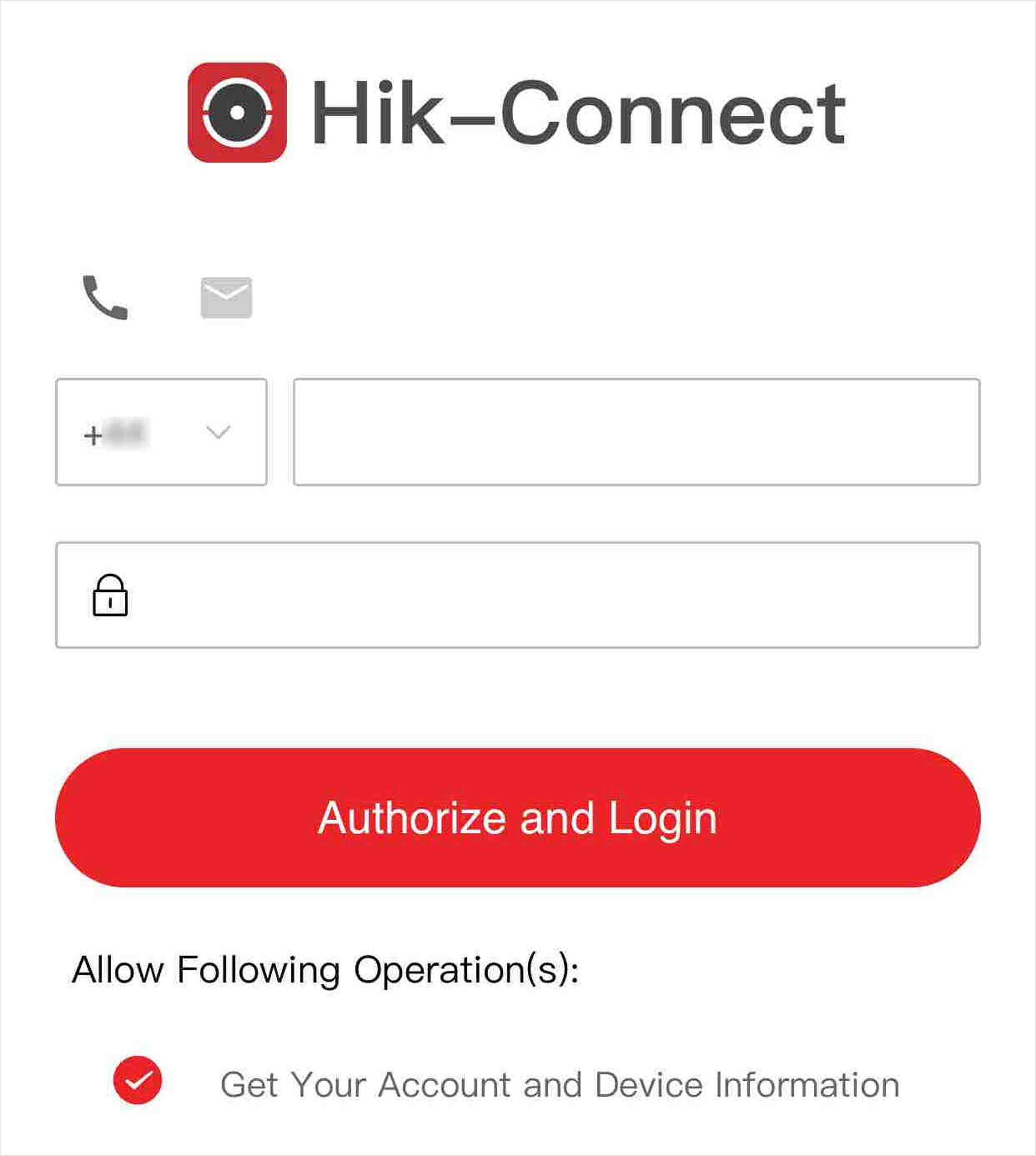
Authorize Hik-Partner Pro to get the
account information of Hik-Connect.
Figure 1 Authorize and Login
-
Enter your phone number and password for authorization.
-
Enter your email address/user name and password for authorization.
Note:You should check Get Your Account and Device Information to allow Hik-Partner Pro to get these information.
-
On the login page, enter the email address and password to log in to the Hik-Partner Pro Mobile Client.