Submit RMA Requests
You can register an RMA request for exchanging or repairing goods. After registration, you can check real-time status of the requests.
The function is only available in certain countries and regions, and cross-country requests are not supported. For details about whether your country or region supports the function, refer to the after-sales or local distributor.
Tap Me >  (at the top right) > RMA or tap to enter the Case page.
Add Product
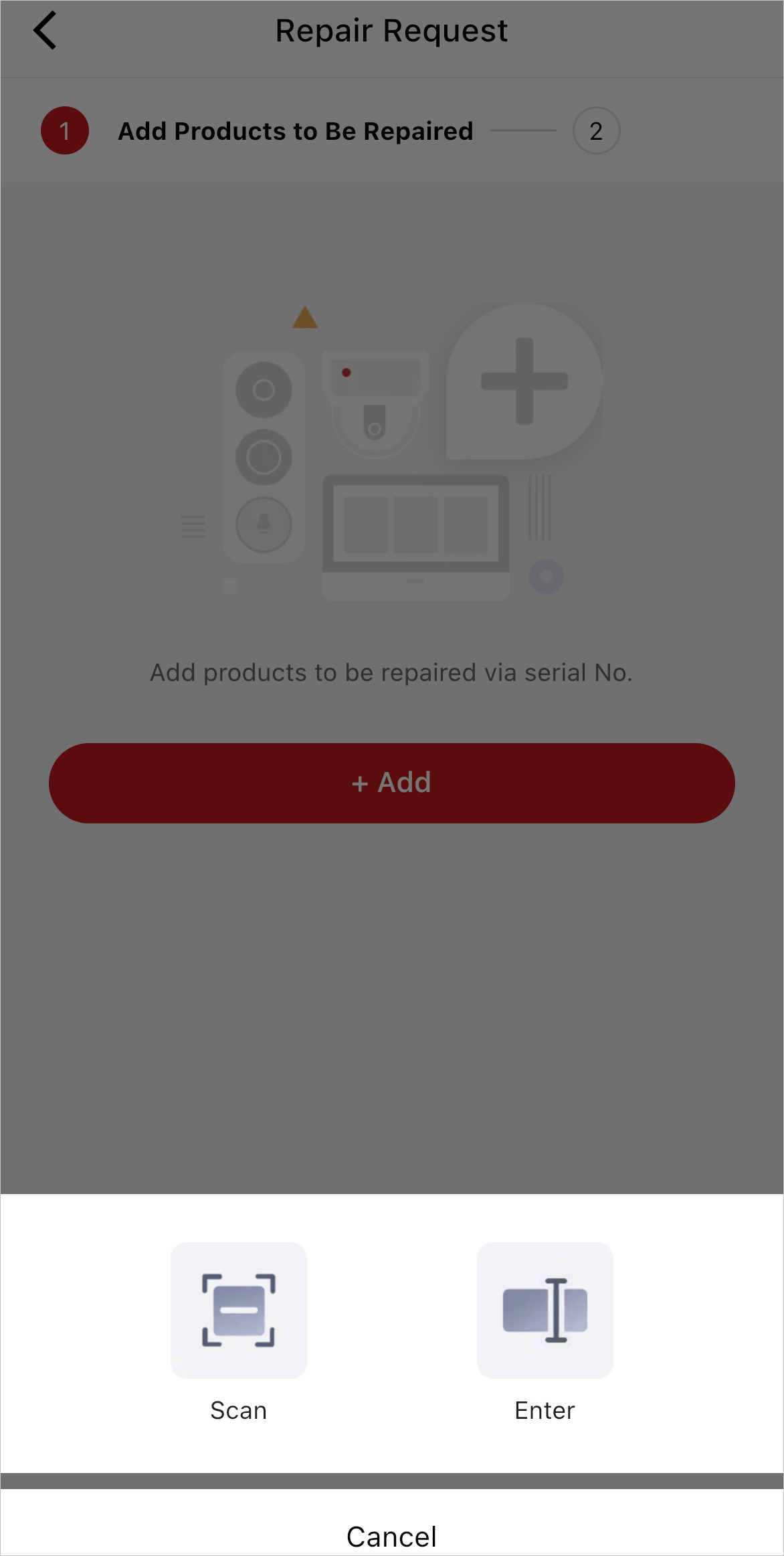
Tap to initiate a request, and enter the product serial No. or scan the product QR code to start the application.
-
For countries and regions that support cross-contributor repair, if the contributor is identified according to the serial number, the contributor will be automatically selected. If not identified, you need to choose a contributor by yourself. After choosing a contributor, the contributor and product information will show up in the list. You can still tap
 to change distributors.
By default, the repair location is the nearest location. You can also select among all locations of all contributors in the country.
-
For countries and regions that do not support cross-contributor repair, the system will identify the contributor according to the serial code. The default choice is the nearest location of the contributor. If the contributor can not be identified according to the serial number, then the product can not be added.
If there are more devices to be repaired, tap +Add to add more devices, or you can tap Confirm to enter shipping information.
It should be a Hikvision product sold in the current country or region.
Shipping Information
Complete the shipping information including fault description, shipping method (by shipping carrier or by myself), and remarks (optional).
Tap Add a New Address to add a new shipping address or select an existing address, then tap Submit, and the status of an RMA request will turn to Requested.
If you select by shipping carrier as the shipping method, you will also need to tap Ship to Distributor to enter shipping carrier and shipping order No.
If you select by myself, confirm that the product is shipped, and then the status of an RMA request will turn to Shipped to Distributor.