System Messages
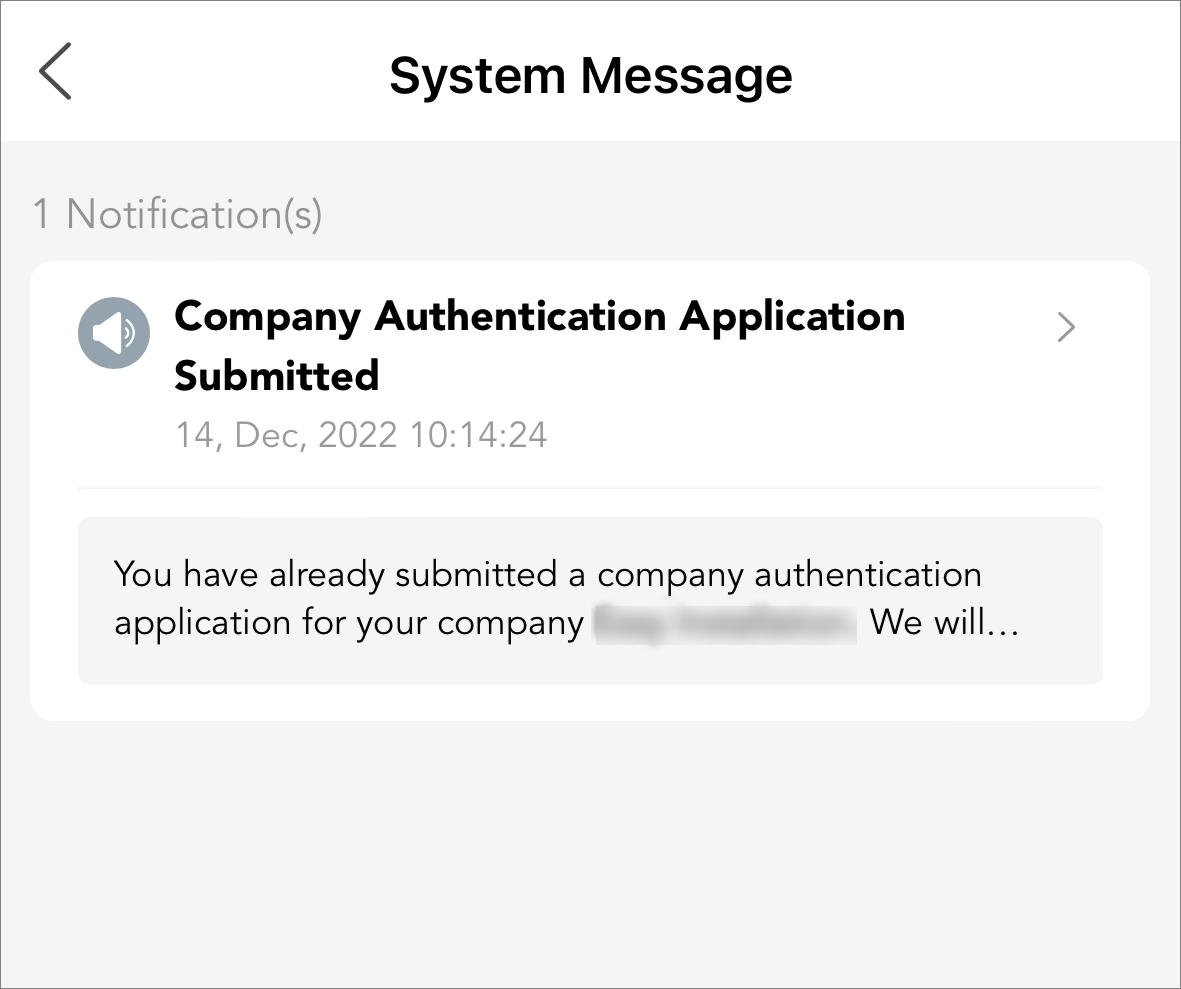
The System Message tab of the Notification Center supports displaying system messages to keep you informed of any system-related information. You can view basic information of the messages in the list, including the message title, time when it was generated, the read/unread status, and the message content (in the form of texts or images).
In the upper-right corner of the page, tap  > System Message to enter the System Message page.
Feature and Version Updates
You can receive and view messages of system version updates and newly added features.
Complimentary Service Packages
You can receive and view messages notifying you of the complimentary value-added service packages issued to your account, which tell you the type of the service packages and the total quantity.
Company Authentication Application Related
You can receive and view messages related to company authentication applications, which include status change information such as application submitted, application approved, and application declined. You can also receive and view the message when the authentication status of your company turns from authenticated to unauthenticated due to incomplete company information or company information expiration.
-
These are relevant for online applications only. If you are authenticating your account with an authentication code, status change information will not be displayed here.
-
Only users who have the permission to manage company information can view messages of company authentication status change.
Case Related
You can receive and view messages related to cases, which include case updates such as case reply receiving, request to close the case, notification on upcoming auto-closing of case (7 days from closing-case request), and notification on completed auto-closing of case (14 days from closing-case request).
Reward Points Related
You can receive and view messages of changes to your reward points balance and check-in reminders. Also, if you are the Installer Admin, you can receive the points expiration reminder every time your points are about to expire.
Company Merger Related
If you are the Installer Admin, you can receive and view messages related to company mergers that you have initiated, which include status change information such as merger failed, merger rejected, and merger completed. Besides, you can also receive invitation to merge with your company or reminders for initiating a merger if there are other companies with information similar to your company's detected.
For details about company merger, refer to #GUID-7A7A0DC1-3726-48C2-9BB6-0066D152DD7B.
Employee Joining Application Approved
You can receive a notification after you successfully join a company.