Number Settings via PC Web
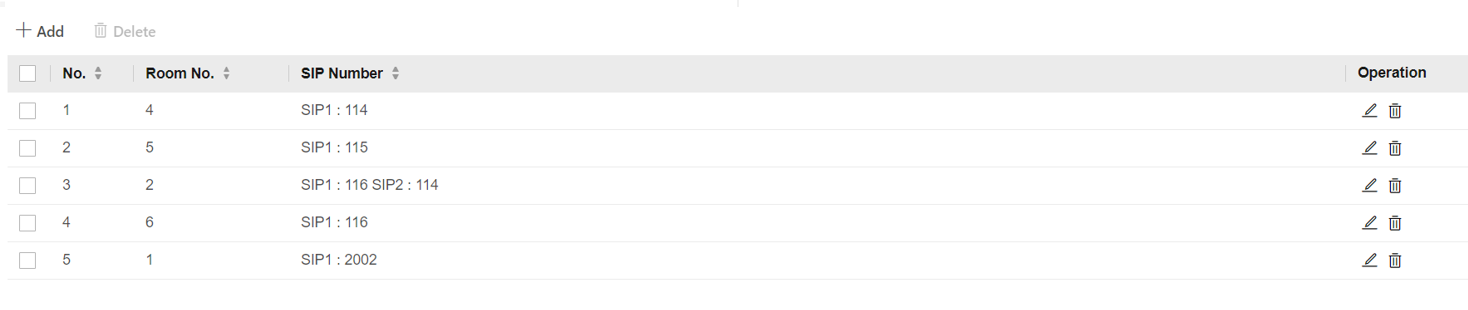
Set SIP number for the room. The rooms can communicate with each other via SIP number.
-
Go to .
Figure 1 Number Settings
- Optional:
Click Add to add the SIP number or click
 to delete the number.