Set Password Change Type
You can set the password change type as reserved email address or security questions. Once you forgot the device password, you can change the password via the selected change type.
Change Password via Email Address
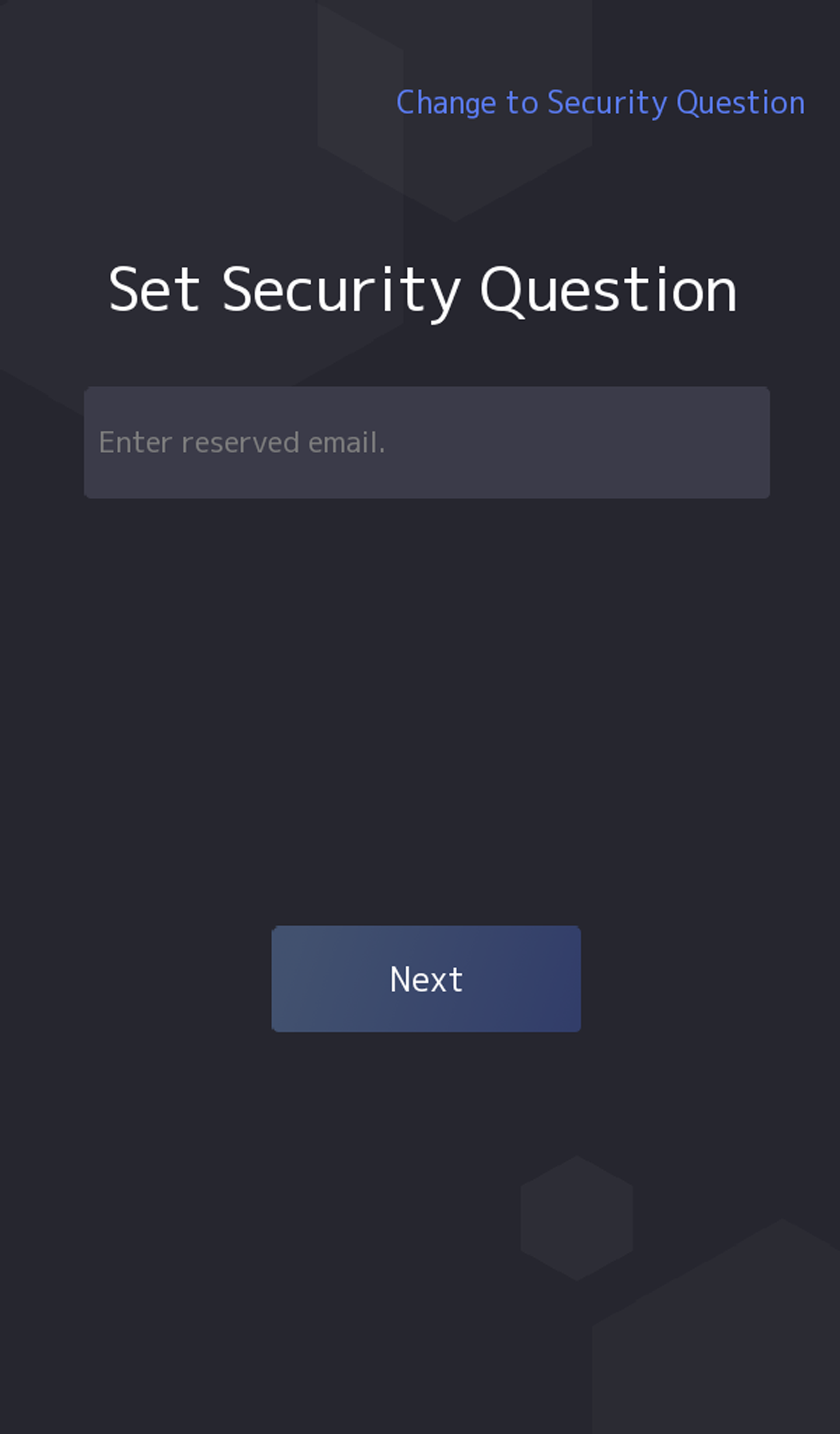
If you need to change password via reserved email, you can enter an email address, and tap Next.
Figure 1 Password Change Page
Change via Security Questions
If you need to change password via security questions, you can tap Change to Security Questions on the right corner. Select the security questions and enter the answers. Click Next.
Note:
You can only select one type to change password. If you need, you can enter the web page to set both of the changing types.