The face recognition terminal can connect
external access controller, secure door control unit, card reader,
or QR code scanner via the RS-485 terminal.
-
Tap (Communication Settings) on the Home page to enter the
Communication Settings page.
-
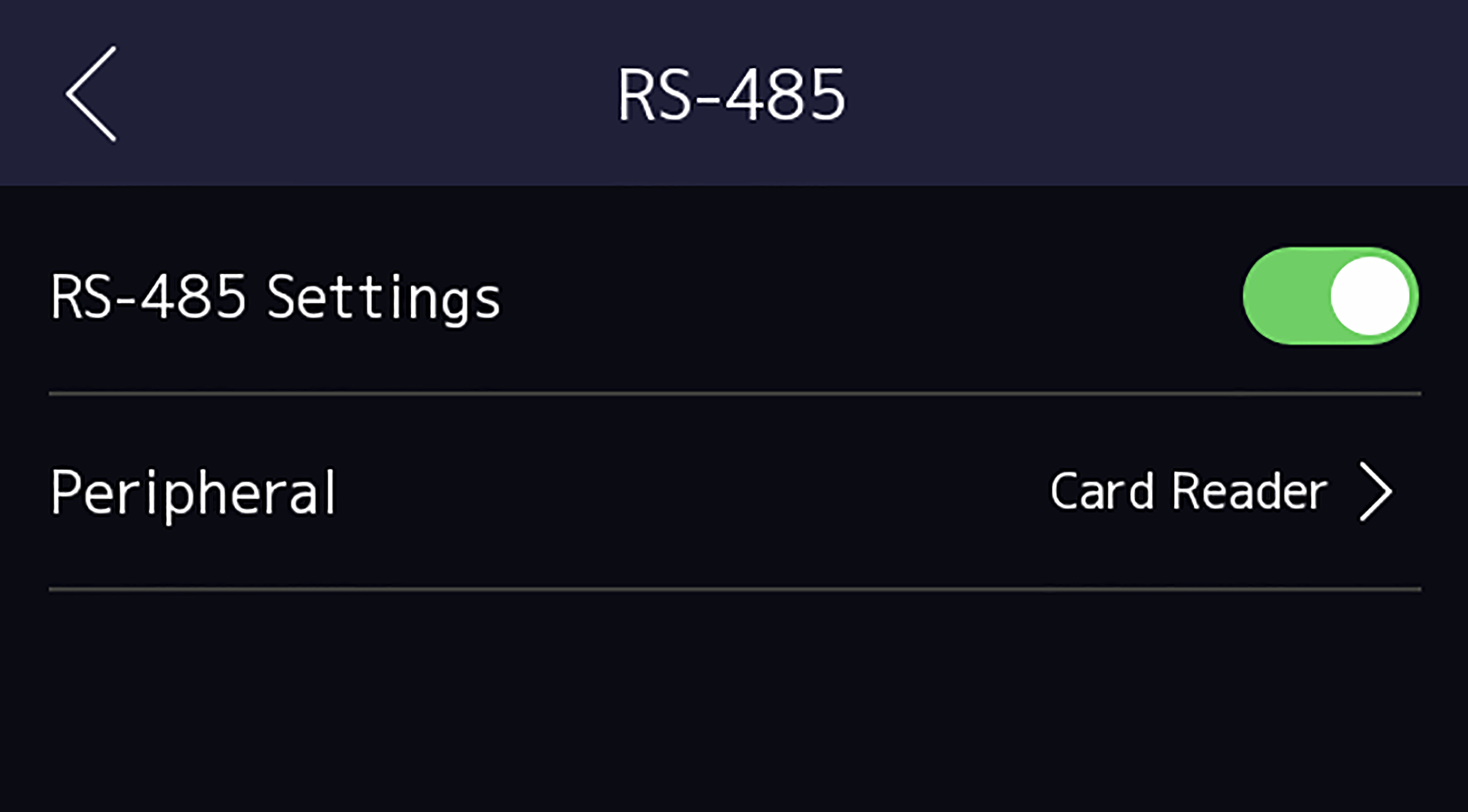
On the Communication Settings page, tap RS-485 to enter
the RS-485 tab.
Figure 1 Set RS-485
Parameters
-
Select an peripheral type according to your actual needs.
Note:
If you select Access Controller: If
connect the device to a terminal via the RS-485 interface, set the
RS-485 address as 2. If you connect the device to a controller, set the
RS-485 address according to the door No.
-
Tap the back icon at the upper left corner and you should reboot the device if
you change the parameters.