Login by Activation Password
You should login the system before other device operations. If you do not configure an administrator, you should follow the instructions below to login.
-
Enter the password.
-
If you have added an administrator for the device, tap
 and enter the
password.
and enter the
password. -
If you haven't added an administrator for the device, enter the password.
-
-
Tap OK to enter the home page.
Note:
The device will be locked for 30 minutes after 5 failed password attempts.
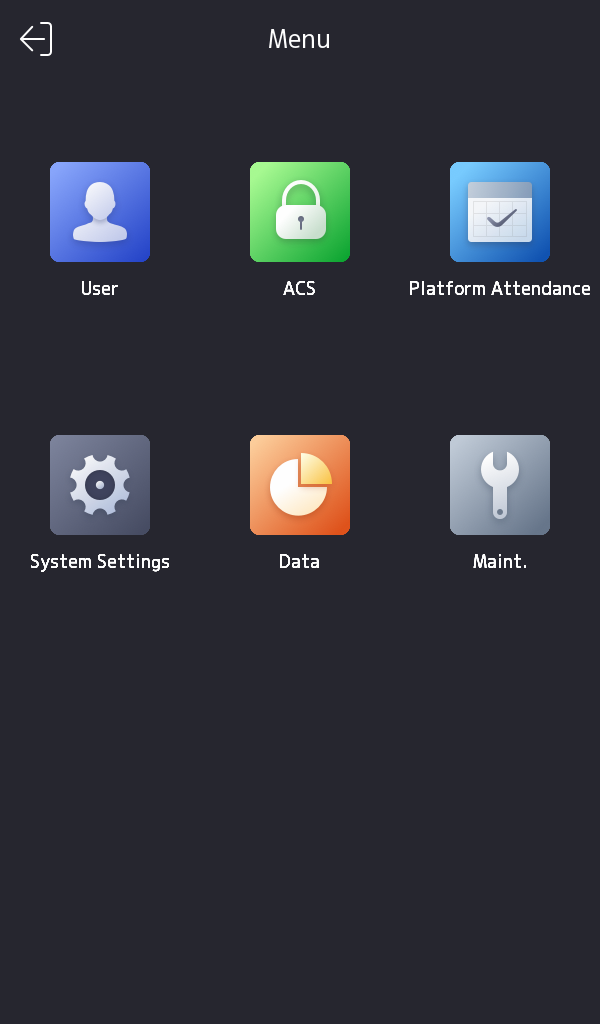
Figure 1 Home Page