You can enable the Wi-Fi function and set the Wi-Fi related
parameters.
Note:
The function should be supported by the device.
-
Tap (Communication Settings) on the Home page to enter the
Communication Settings page.
-
On the Communication Settings page, tap.
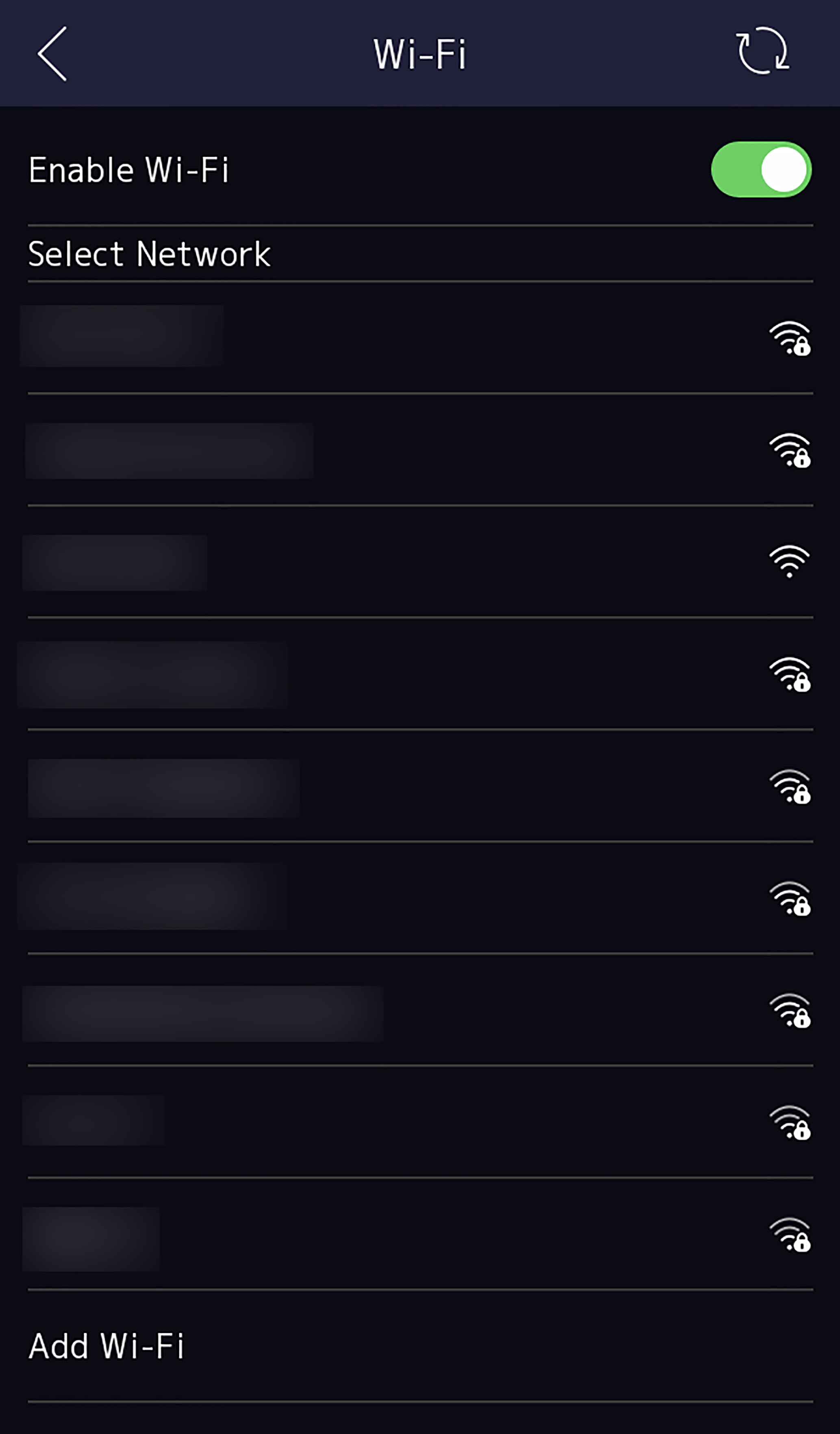
Figure 1 Wi-Fi Settings
-
Enable the Wi-Fi function.
-
Configure the Wi-Fi parameters.
-
Select a Wi-Fi from the list, and enter the Wi-Fi's password. Tap
OK.
-
If the target Wi-Fi is not in the list,tap
Add
Wi-Fi. Enter the Wi-Fi's name and password. And tap
OK.
Note:
Only digits, letters, and special characters are allowed in the
password.
-
Set the Wi-Fi's parameters.
-
By default, DHCP is enable. The system will allocate the IP address, the
subnet mask, and the gateway automatically.
-
If disable DHCP, you should enter the IP address, the subnet mask, and
the gateway manually.
-
Tap OK to save the settings and go back to the Wi-Fi
tab.
-
Tap
 to save the network
parameters.
to save the network
parameters.