Set Manual and Auto Attendance via Device
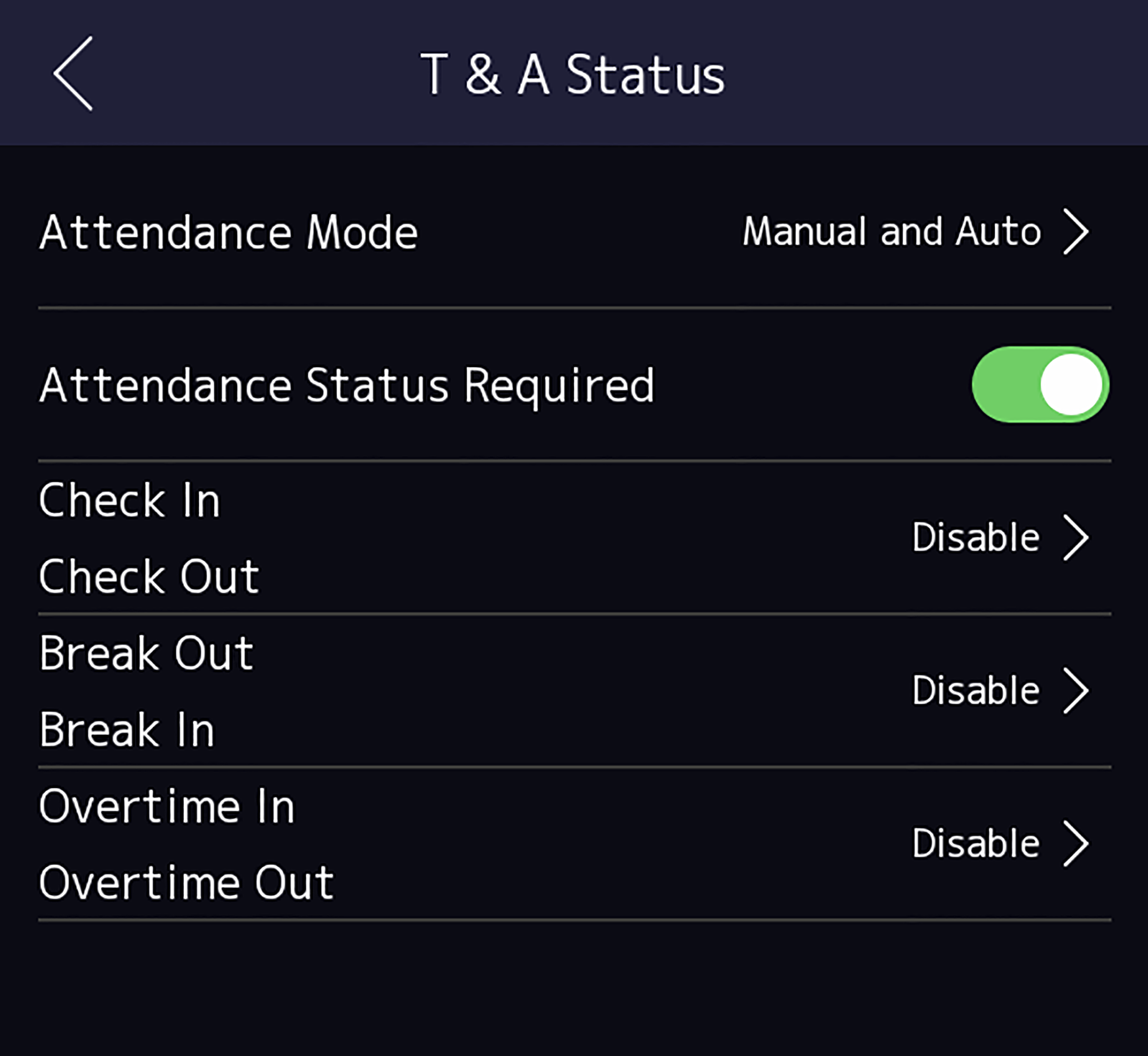
Set the attendance mode as Manual and Auto, and the system will automatically change the attendance status according to the configured schedule. At the same time you can manually change the attendance status after the authentication.
Add at least one user, and set the user's authentication mode. For details, see User Management.
-
Set the Attendance Mode as Manual and
Auto.
Figure 1 Manual and Auto Mode
On the initial page and authenticate. The authentication will be marked as the configured attendance status according to the schedule. If you tap the edit icon on the result tab, you can select a status to take attendance manually, the authentication will be marked as the edited attendance status.
If set the Break Out as Monday 11:00, and Break In as Monday 12:00, the valid user's authentication from Monday 11:00 to 12:00 will be marked as break.