Set Manual Attendance via Device
Set the attendance mode as manual, and you should select a status manually when you take attendance.
Add at least one user, and set the user's authentication mode. For details, see User Management.
-
Set the Attendance Mode as
Manual.
Figure 1 Manual Attendance Mode
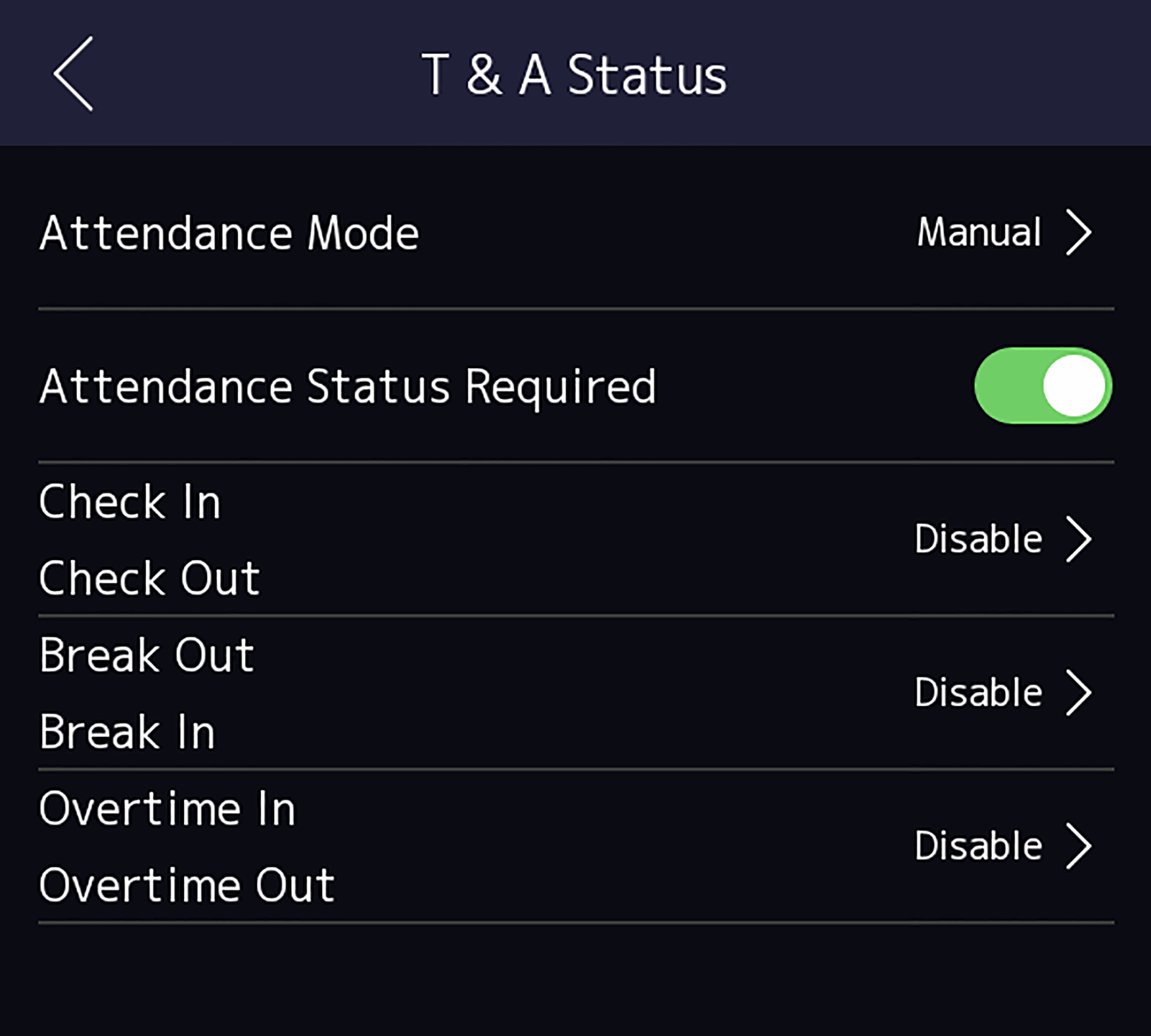
You should select an attendance status manually after authentication.
Note:
If you do not select a status, the authentication will be failed and it will not be marked as a valid attendance.