Access to Platform
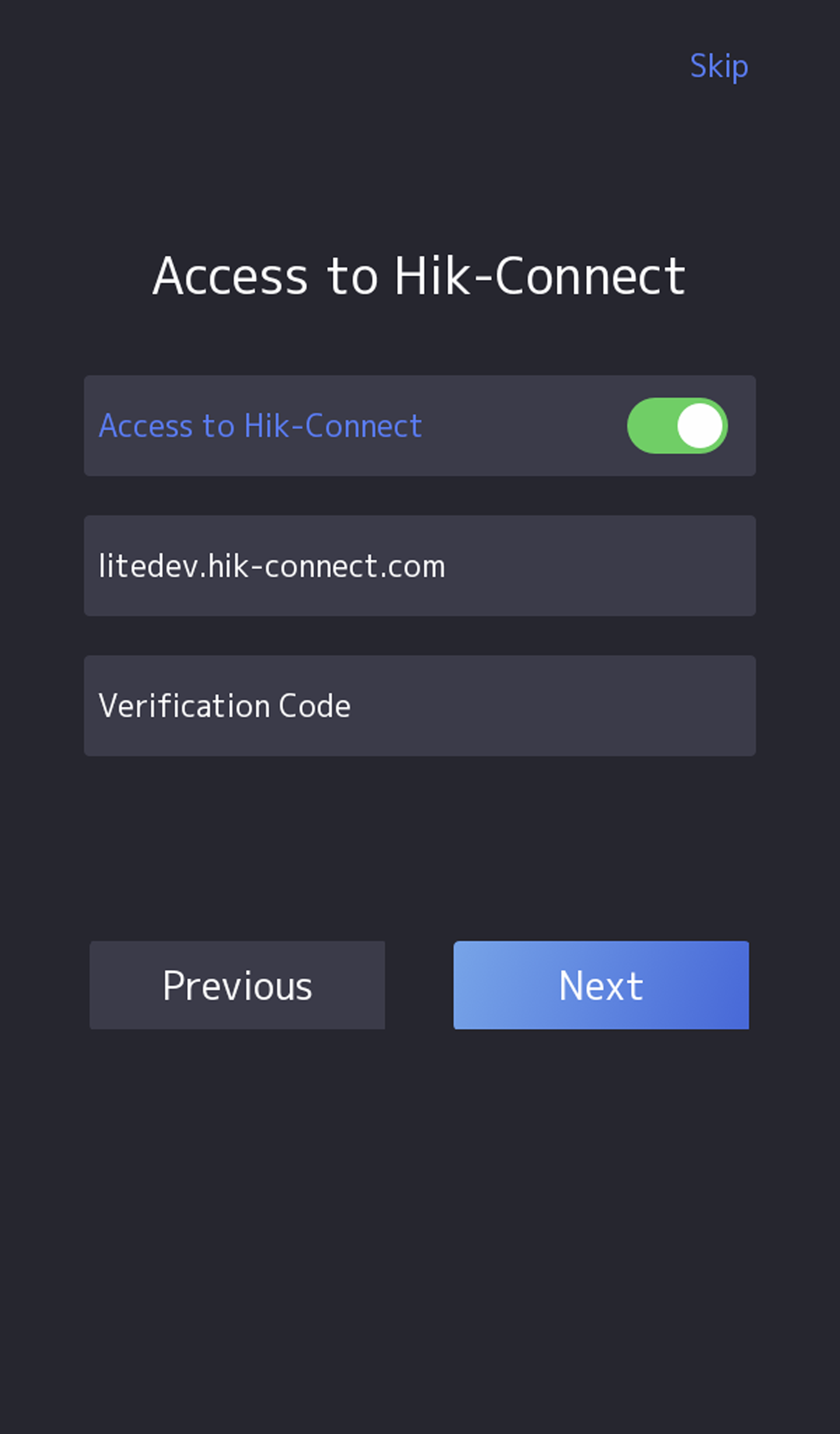
Enable the function and the device can communicate via Hik-Connect. You can add the device to Hik-Connect mobile client and so on.
Note:
Parts of the device models supports function. Refers to the actual device for details.
-
Enable Access to
Hik-Connect, and set the server IP and verification
code.
Figure 1 Access to Hik-Connect