You can set the network for the device.
Note:
Parts of the device models supports wi-fi function. Refers to the actual
device for details.
-
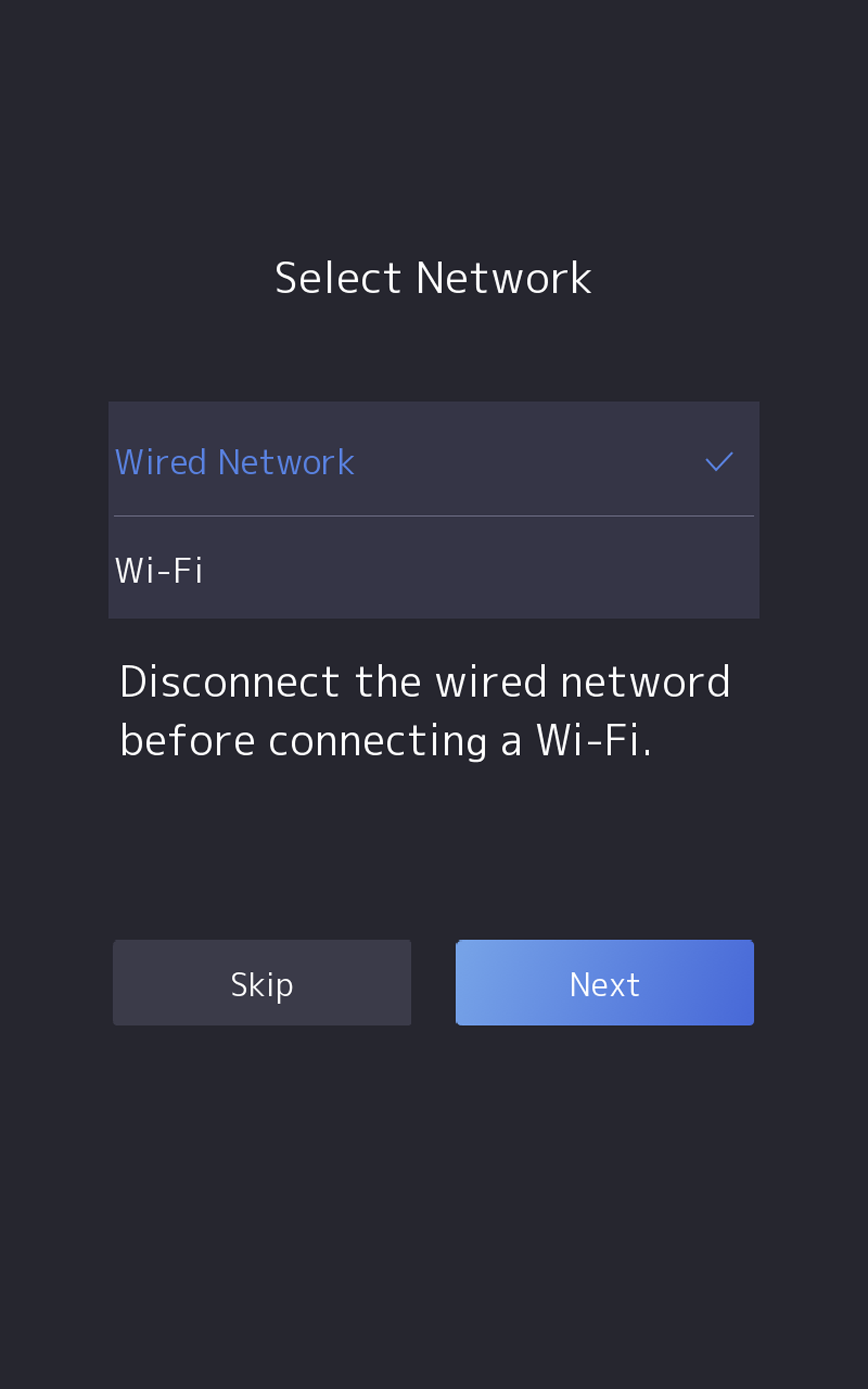
When you enter the Select Network page, tap Wired
Network or Wi-Fi for your actual
needs.
Figure 1 Select Network
Note:
Disconnect the wired network before connecting a Wi-Fi.
-
Tap Next.
- Wired Network
-
Note:
Make sure the device has connected to a network.
If enable DHCP, the system will assign the
IP address and other parameters automatically.
If disable DHCP, you should set the IP
address, the subnet mask, and the gateway.
- Wi-Fi
-
Select a Wi-Fi and enter the Wi-Fi's password to get
connected.
Or tap Add Wi-Fi and enter the Wi-Fi's
name and the password to get connected.
- Optional:
Tap Skip to skip network settings.