Set Notice Publication via PC Web
You can set the notice publication for the device.
Go to .
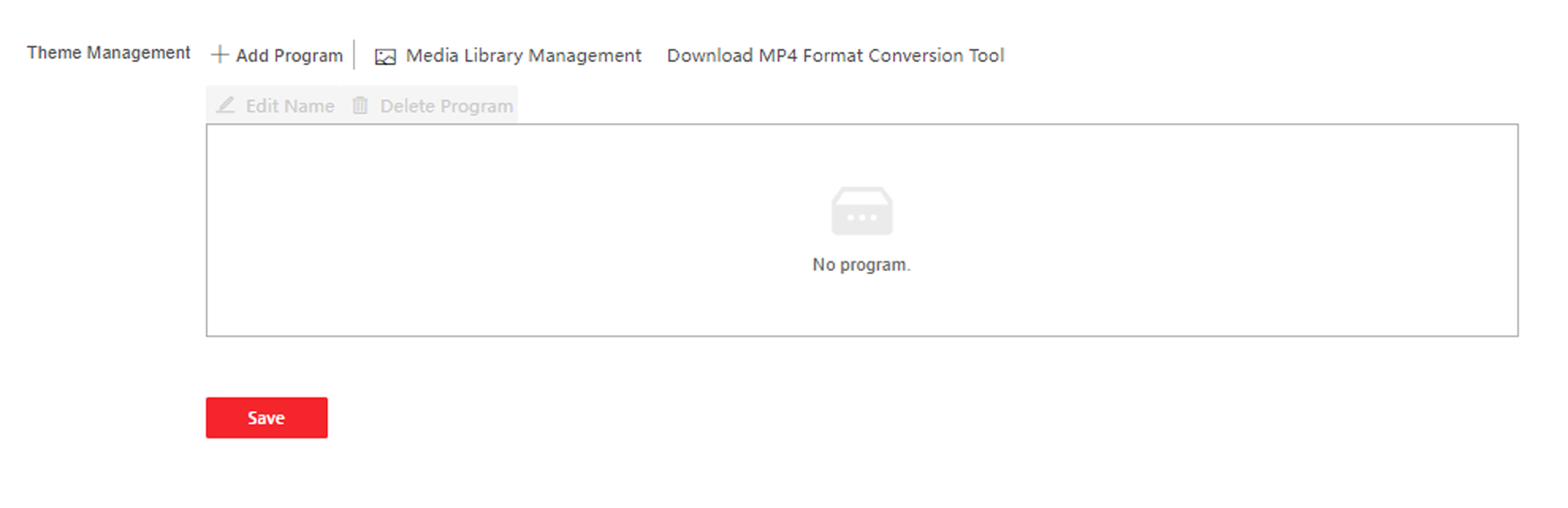
- Download MP4 Format Conversion Tool
-
You can click Download MP4 Format Conversion Tool if you need to change the format.
- Material Management
-
You can click + Add Theme, and set Theme Name and Theme Type.
Click Upload, and click + to upload the picture or video from the local PC.
Note:By now, there is only one theme can be added.
- Add Program
-
You can set the program name and select program type.
-
- Picture
-
If you select picture, you can click + to add picture.
- Welcome Message
-
If you select welcome message, you can set the template, content, font size and color of main and sub title. You can also custom the background picture.
- Standard
-
If you select standard, you can set the background color and picture.
- Play Schedule
-
After you have created a theme, you can select the theme and draw a schedule on the time line.
Select the drawn schedule, and you can edit the exact start and end time.
Select the drawn schedule and you can click Delete or Delete All to delete the schedule.
- Slide Show Interval
-
Drag the block or enter the number to set the slide show interval. The picture and video will be changed according to the interval.