Set OTAP via PC Web
Connect the device to the platform through the OTAP protocol to obtain device information, upload operation status and alarm information, restart and upgrade the device.
-
Click .
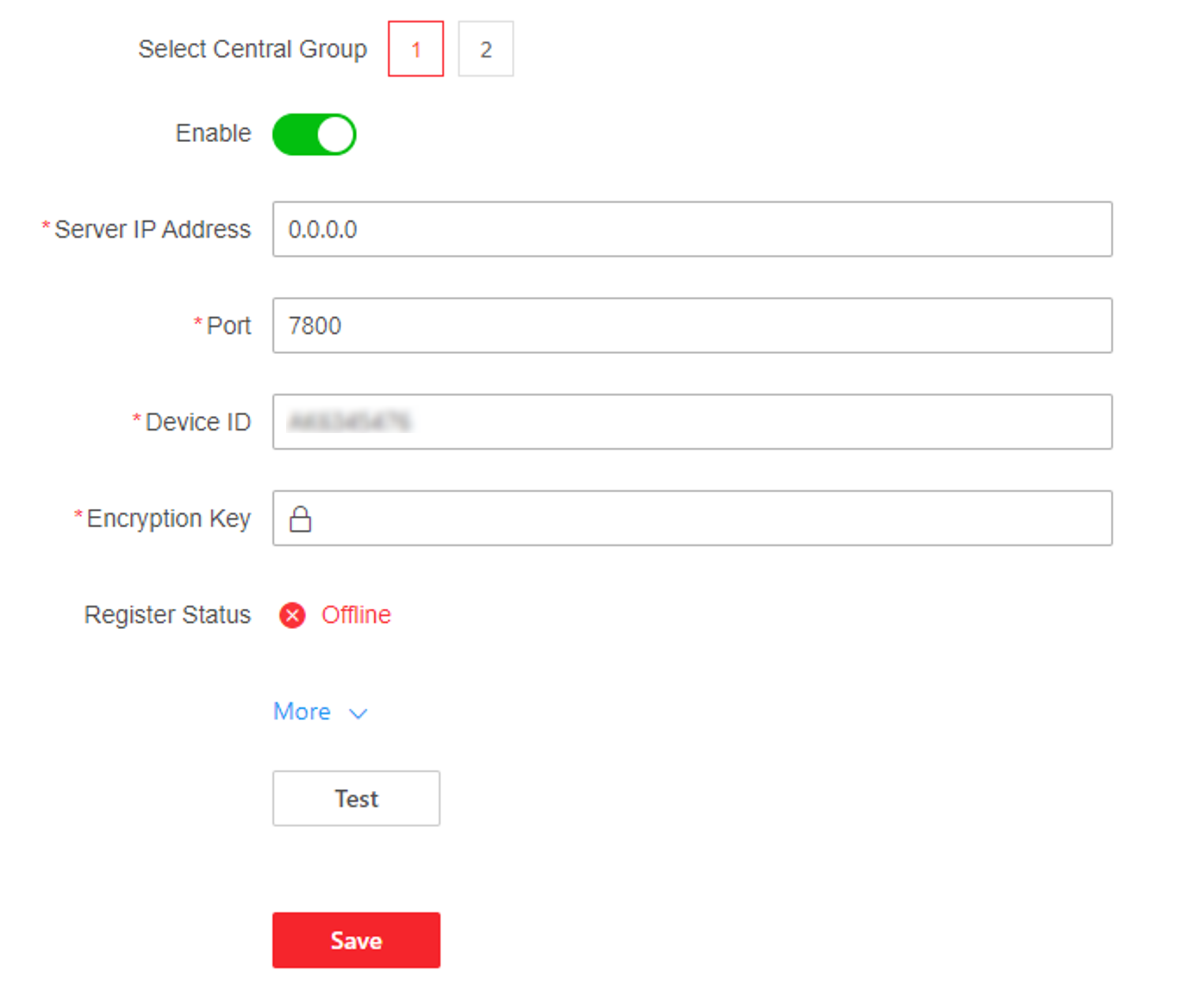
Figure 1 Set OTAP
Connect the device to the platform through the OTAP protocol to obtain device information, upload operation status and alarm information, restart and upgrade the device.