Set Basic Network Parameters via PC Web
Click .
Figure 1 TCP/IP Settings Page
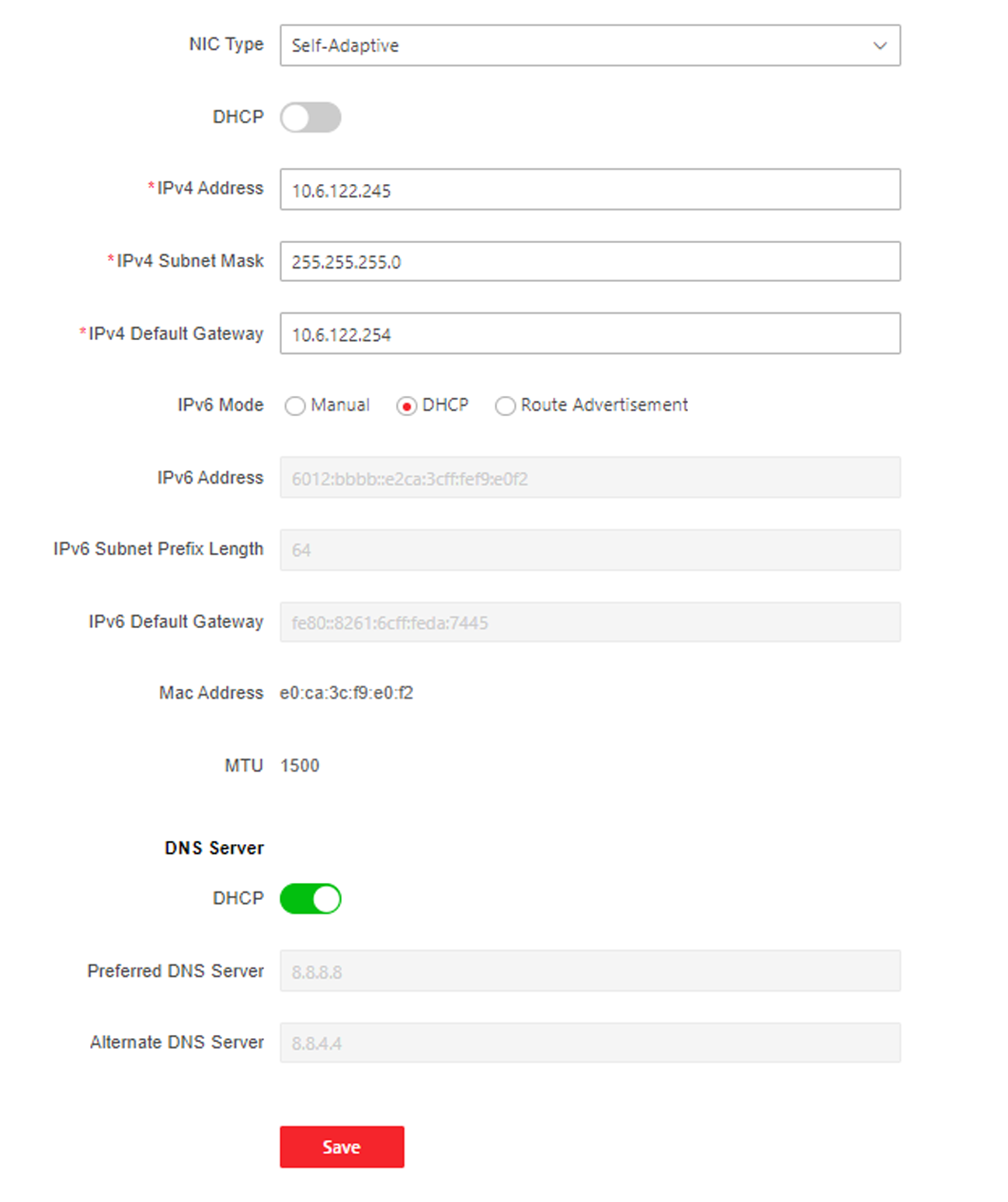
Set the parameters and click Save to save the settings.
- NIC Type
-
Select a NIC type from the drop-down list. By default, it is Auto.
- DHCP
-
If uncheck the function, you should set the IPv4 address, IPv4 subnet mask, IPv4 default gateway, Mac address, and MTU.
If you check the function, the system will allocate the IPv4 address, IPv4 subnet mask, the IPv4 default gateway automatically.
- DNS Server
-
Set the preferred DNS server and the Alternate DNS server according to your actual need.