Set Entry & Exit Rule for Registered Vehicles
Registered vehicles are the ones that have been added to the platform. You can set the entry & exit rule for registered vehicles, which can help you to manage the entry and exit of them more easily.
Make sure that at least one vehicle has been added to the platform. See Add a Registered Vehicle or Batch Import Registered Vehicles for details.
-
On the top navigation bar, select
 > Passing Management > Parking Lot > Parking Lot Management.
-
Click Edit beside Entry & Exit
Rule for Registered Vehicles to open the following pane.
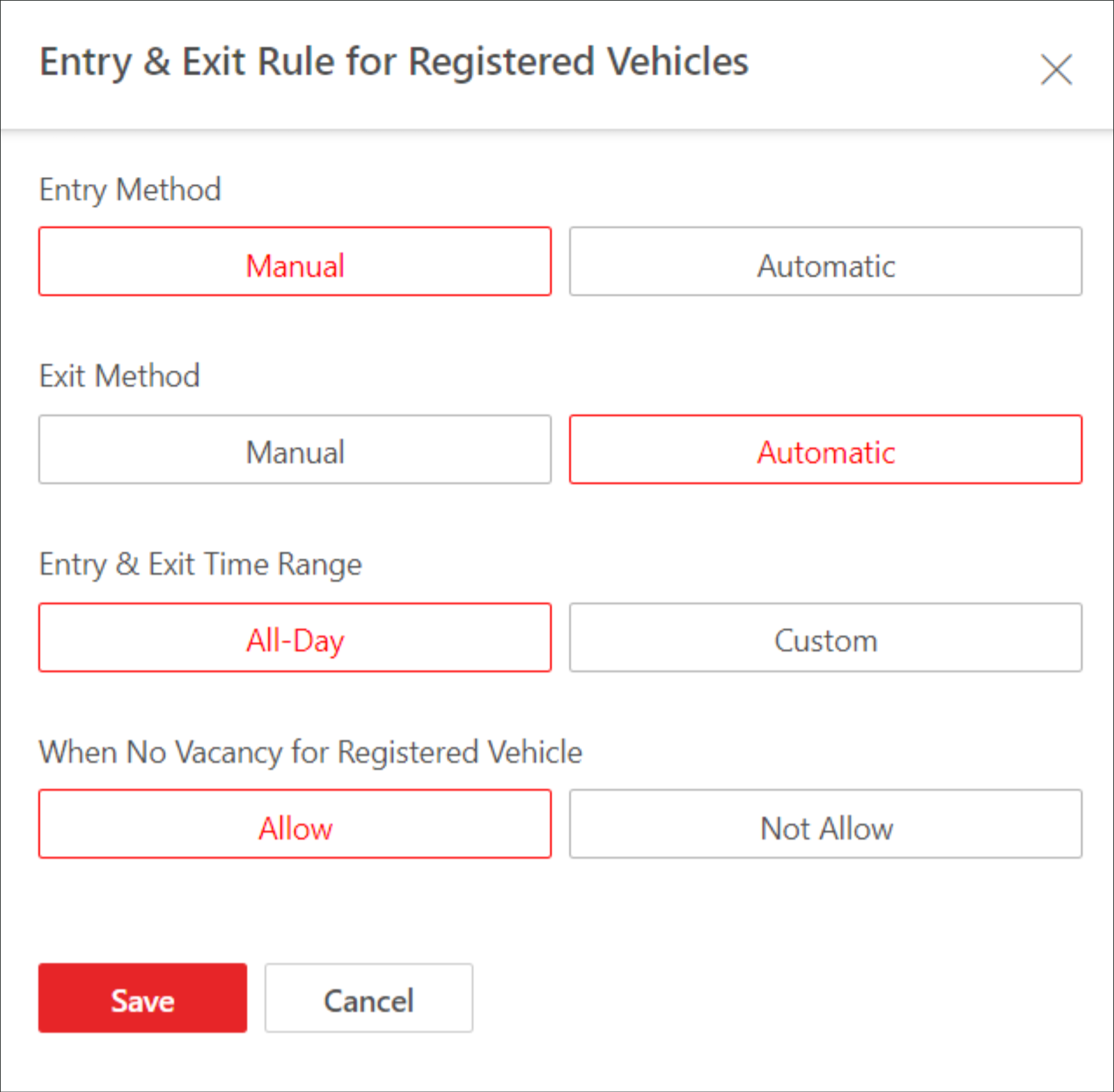 Figure 1 Entry & Exit Rule
for Registered Vehicles
Figure 1 Entry & Exit Rule
for Registered Vehicles