Set Entry & Exit Rule for Visitor Vehicles
Visitor vehicles are the ones that are not added to the platform and are driven by visitors who come for a visit. You can set the entry & exit rule for visitor vehicles, which can help you to manage the entry and exit of them more easily.
-
On the top navigation bar, select
 > Passing Management > Parking Lot > Parking Lot Management.
-
Click Edit beside Entry & Exit
Rule for Visitor Vehicles to open the following pane.
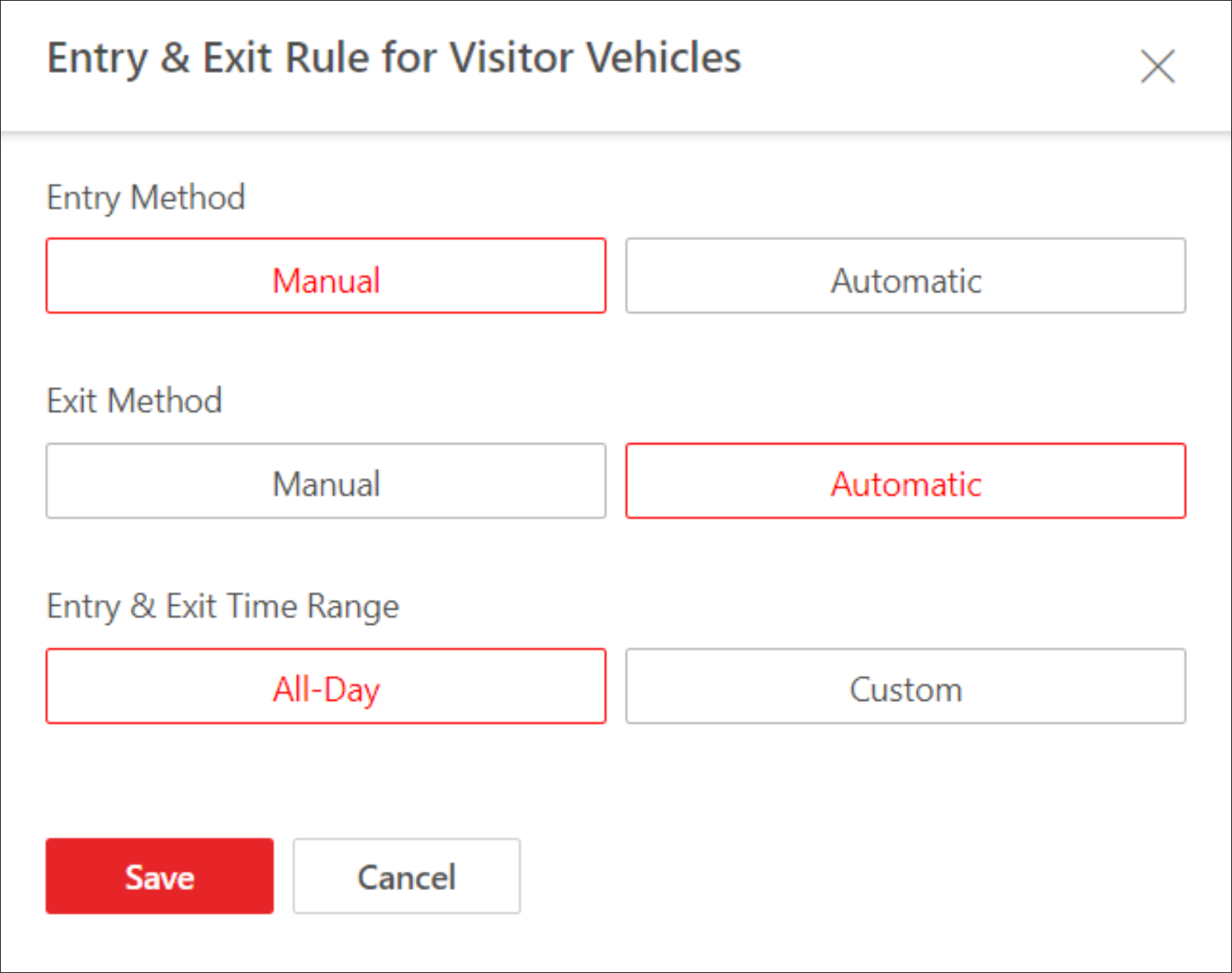 Figure 1 Entry & Exit Rule
for Visitor Vehicles
Figure 1 Entry & Exit Rule
for Visitor Vehicles