Self-Service Vehicle Finding Client
The self-service vehicle finding client is for users to find their vehicles in the parking lot easily and accurately. You can search for your vehicle by license plate No., parking space No., and the time the vehicle is parked in. If your vehicle does not have a license plate, you can click No License Plate, and set specific conditions to search for it. When you are searching for your vehicle, both your and your vehicle's position will be displayed on the map, which makes it more helpful for you to find your vehicle.
On the Web Client, you can choose whether to enable fuzzy search for the self-service vehicle finding client and set the date display format of the client. For details, see Set Basic Parameters of Parking Management.
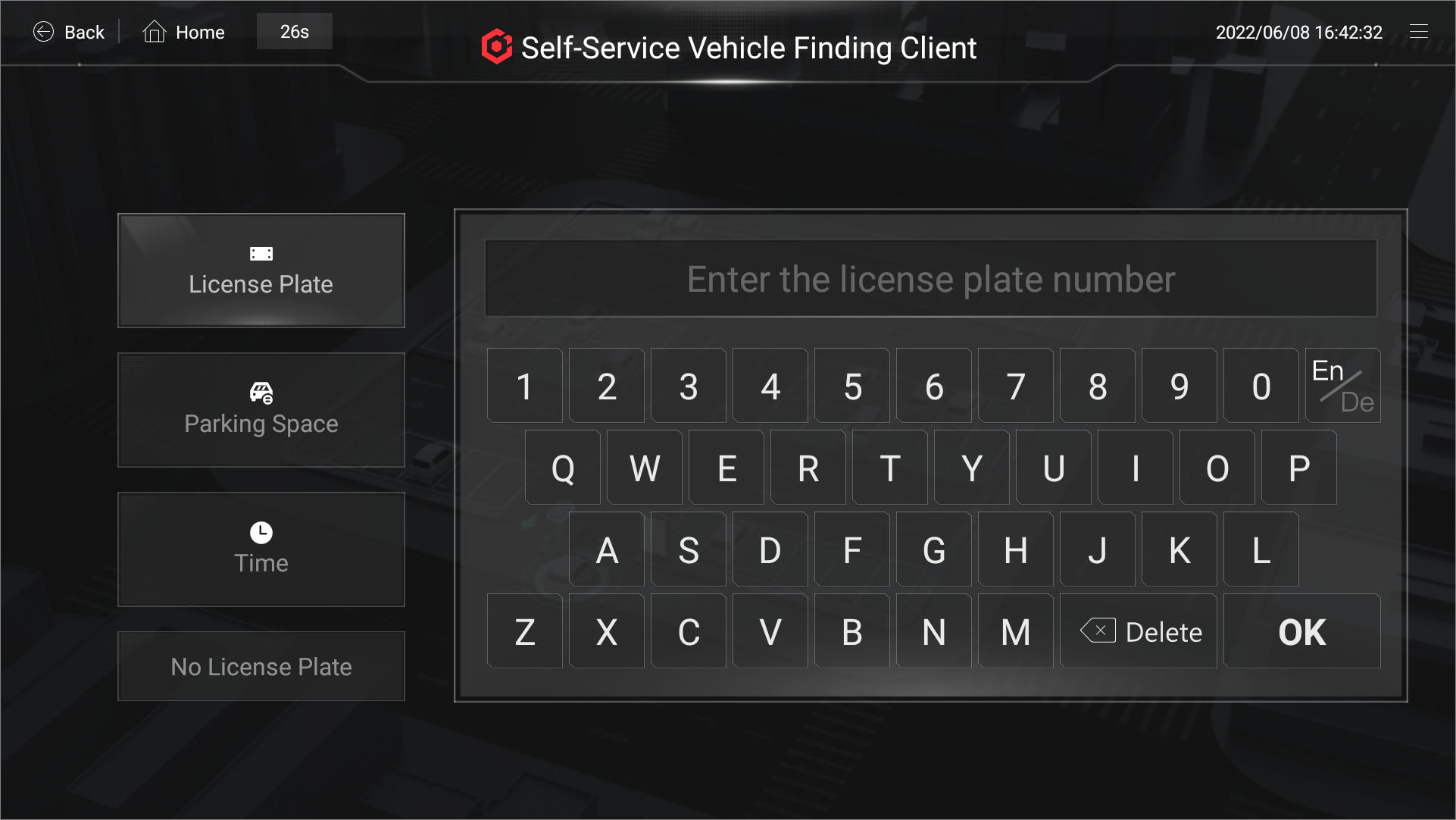 Figure 1 Self-Service Vehicle Finding
Client
Figure 1 Self-Service Vehicle Finding
Client