Parking Guidance Configuration
Parking guidance is designed for both the administrator and the vehicle owners, and it is performed by two devices: the guidance terminal and the display screen. The guidance terminal can relate multiple parking cameras for management, and the display screen can guide the vehicle owners to the area where there are vacant parking spaces. With parking guidance, the parking lot can be better operated.
Make sure you have added a parking lot. For details, refer to Add Parking Lot.
On the top navigation bar, select  > Passing Management > Parking Lot > Parking Guidance Configuration, and then select a parking lot to enter the corresponding configuration
page.
> Passing Management > Parking Lot > Parking Guidance Configuration, and then select a parking lot to enter the corresponding configuration
page.
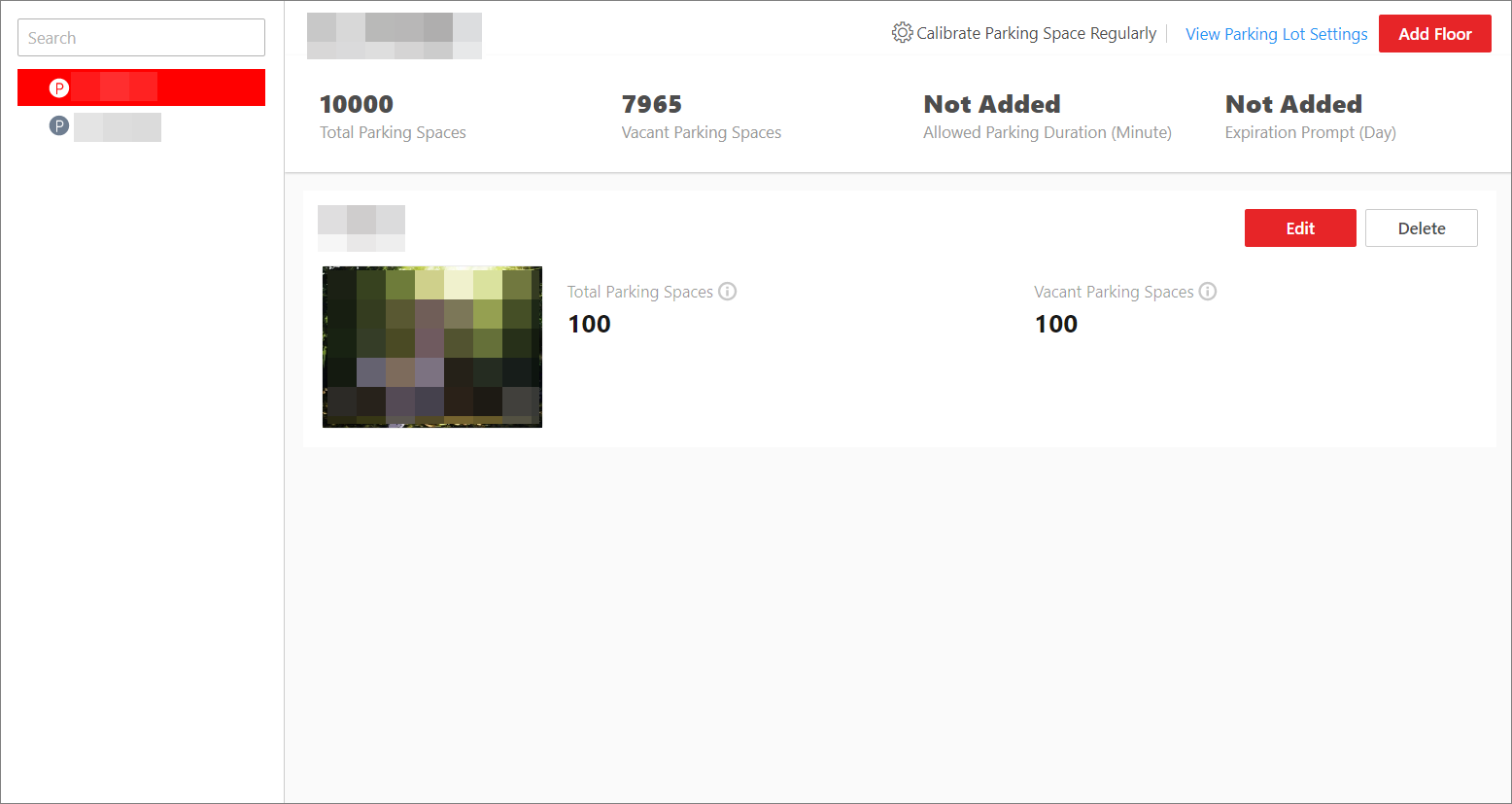 Figure 1 Parking Guidance Configuration Page
You can follow the steps below to finish the parking guidance configuration.