Add Parking Fee Rule for Abnormal Pass
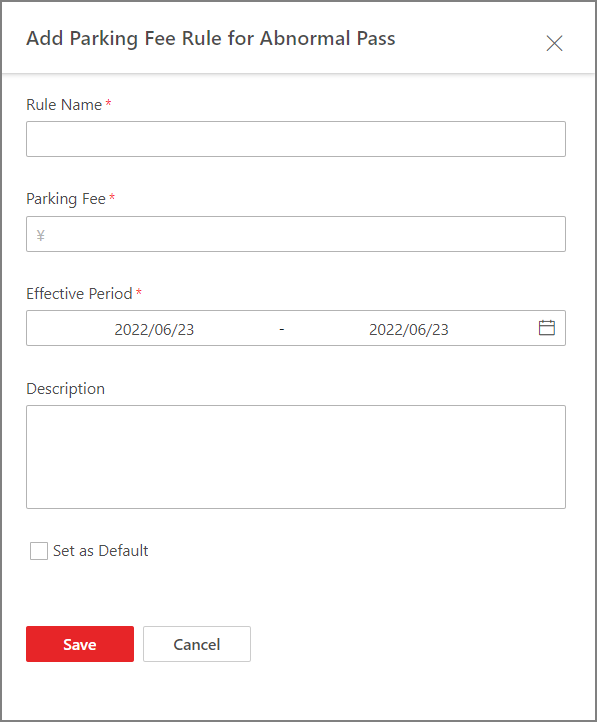
You can add parking fee rule for abnormal pass (e.g., a vehicle with an entry record but without an exit record), which can help you manage abnormal entries and exits more easily.
Make sure that the parking fee mode has been set to Charge. Refer to Enable Parking Charge Mode for how to set the parking fee mode.
-
On the top navigation bar, select
 > Passing Management > Parking Lot.
-
Click Add beside Parking Fee Rule
for Abnormal Pass.
Figure 1 Add Parking Fee Rule for Abnormal Pass
- Optional:
Perform the following operations as needed.
Option Description Copy a Rule to Other Parking Lot(s)
Click
 and select the
parking lot(s) to which the rule is to be copied.
and select the
parking lot(s) to which the rule is to be copied.Edit a Rule
Click
 to edit a rule.
Delete a Rule
Click
 to delete a
rule.
to delete a
rule.