Enable Parking Charge Mode
You can set the parking fee mode for parking lots, and select the type of currency to pay. This configuration will affect the functions related to parking fee.
-
On the top navigation bar, select
 > Passing Management > Parking Lot > Basic Configuration > Parking Fee Mode.
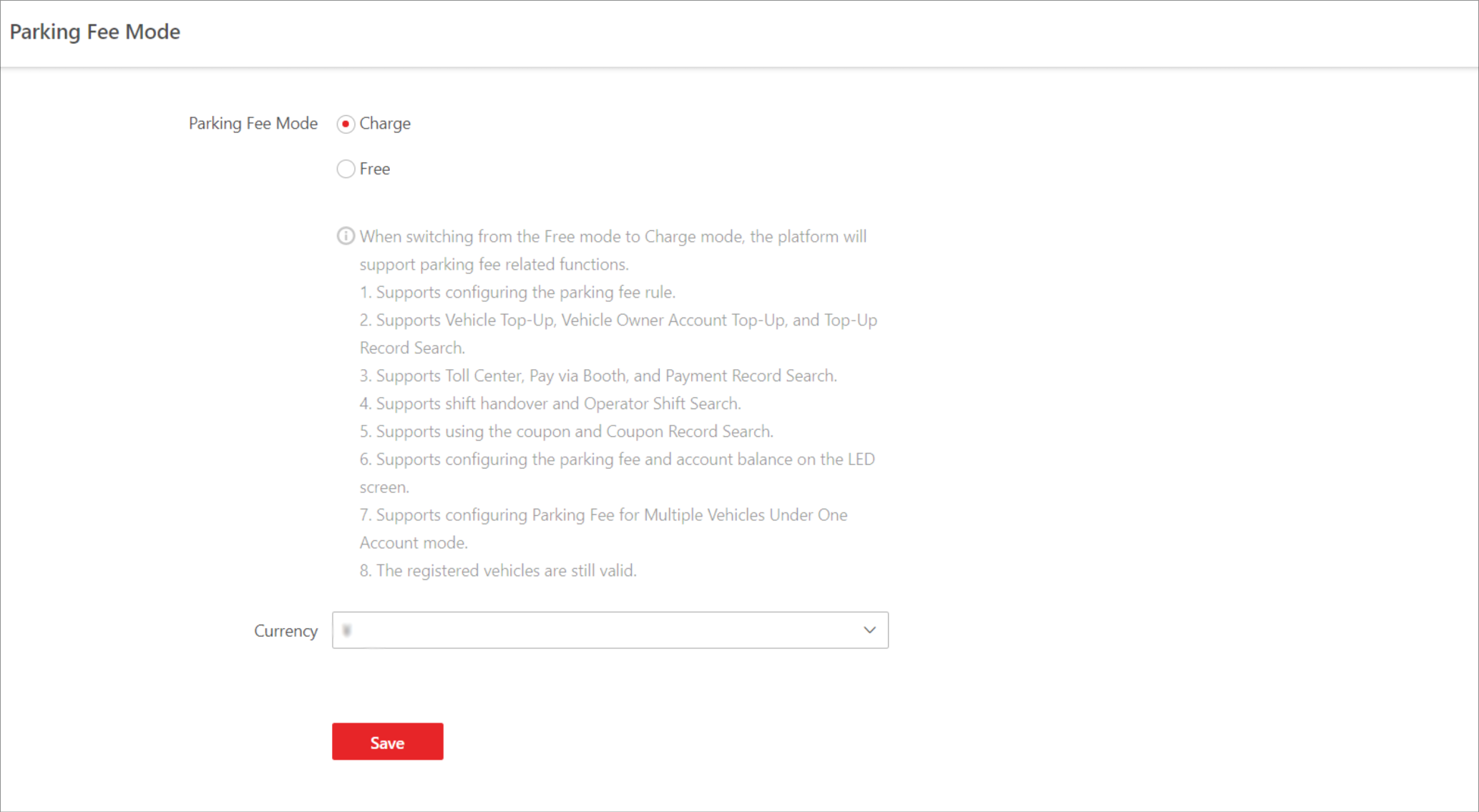 Figure 1 Parking Fee Mode
Settings Page
Figure 1 Parking Fee Mode
Settings Page