Search for Payment Records
If a vehicle pays the parking fee and exits the parking lot, its payment information, such as the payment source and operation time, will be recorded in the platform. On the platform, you can search for the payment records generated in a specific parking lot or the records of a specific vehicle by setting search conditions according to actual needs. You can also export the records to your PC. With the statistics, you can monitor some of the transactions done in the parking lots, which can help you manage the parking lots better.
-
On the top navigation bar, select
 > Passing Management > Parking Lot > Search > Payment Record Search.
-
Click Search.
The matched record(s) will be displayed on the right.
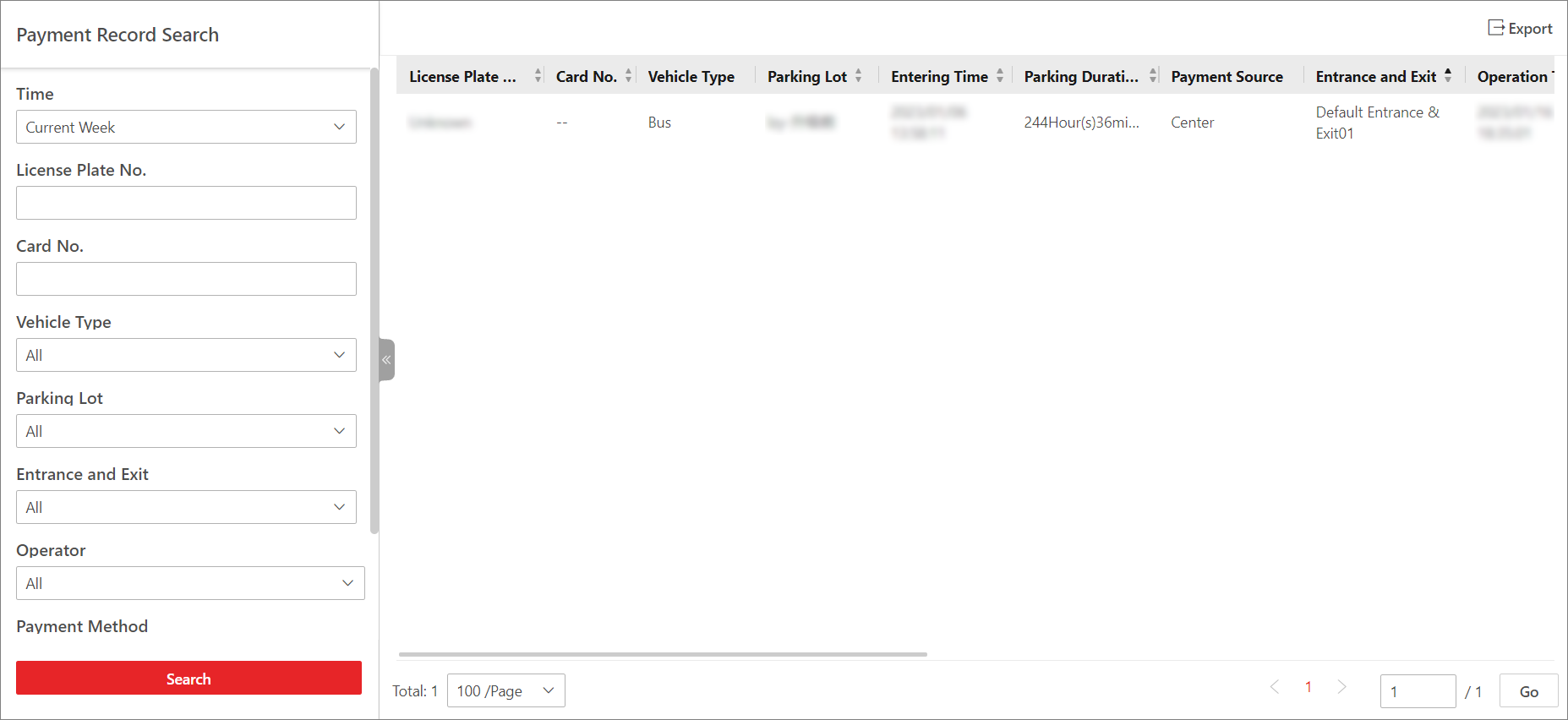 Figure 1 Payment Record Search
Results
Figure 1 Payment Record Search
Results