Search for Work Records of Operators
In the Search module, you can search for the work records of operators (i.e., the persons responsible for payment management). You can view information such as the on-duty and off-duty time of an operator as well as the amount of payment the operator managed during working hours.
-
On the top navigation bar, select
 > Passing Management > Parking Lot > Search > Operator Shift Search.
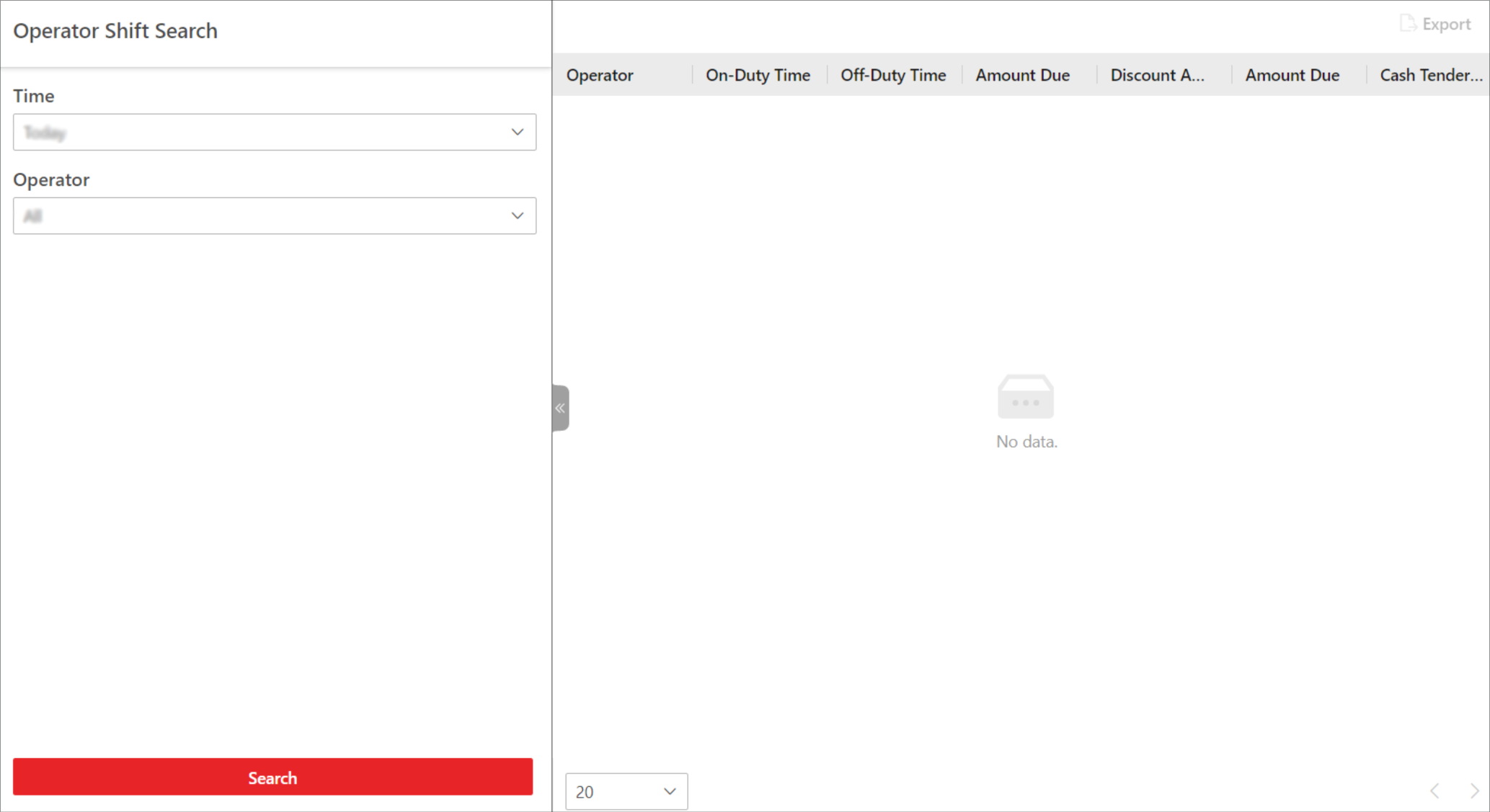 Figure 1 Operator Shift Search
Page
Figure 1 Operator Shift Search
Page