Search for Coupon Records
In the Search module, you can search for coupon records and view detailed information about the coupons, such as the discount rule, expiration time, and the coupon status.
-
On the top navigation bar, select
 > Passing Management > Parking Lot > Search > Coupon Record Search.
-
Click
 to specify a time range for the
search.
Note:
to specify a time range for the
search.
Note:Only coupons of which the effective period falls within the specified time range will be displayed as search results.
-
Click Search.
The matched record(s) will be displayed on the right.
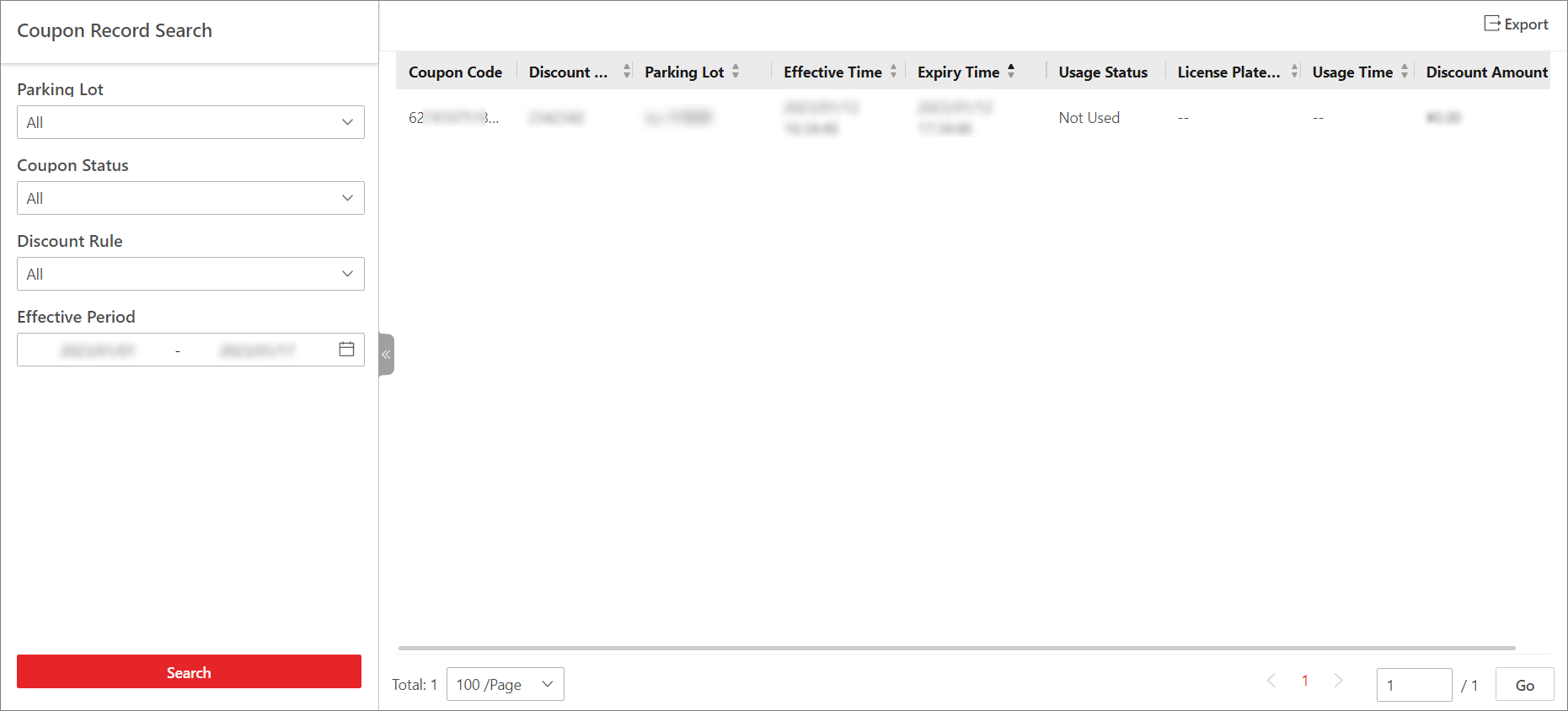 Figure 1 Coupon Record Search Results