In the Search module, you can search for the top-up and refund records of
vehicles or parking lots, and export the records to your PC. With the statistics, you can
monitor some of the transactions happened in the parking lots, which can help you manage the
parking lots better.
-
On the top navigation bar, select .
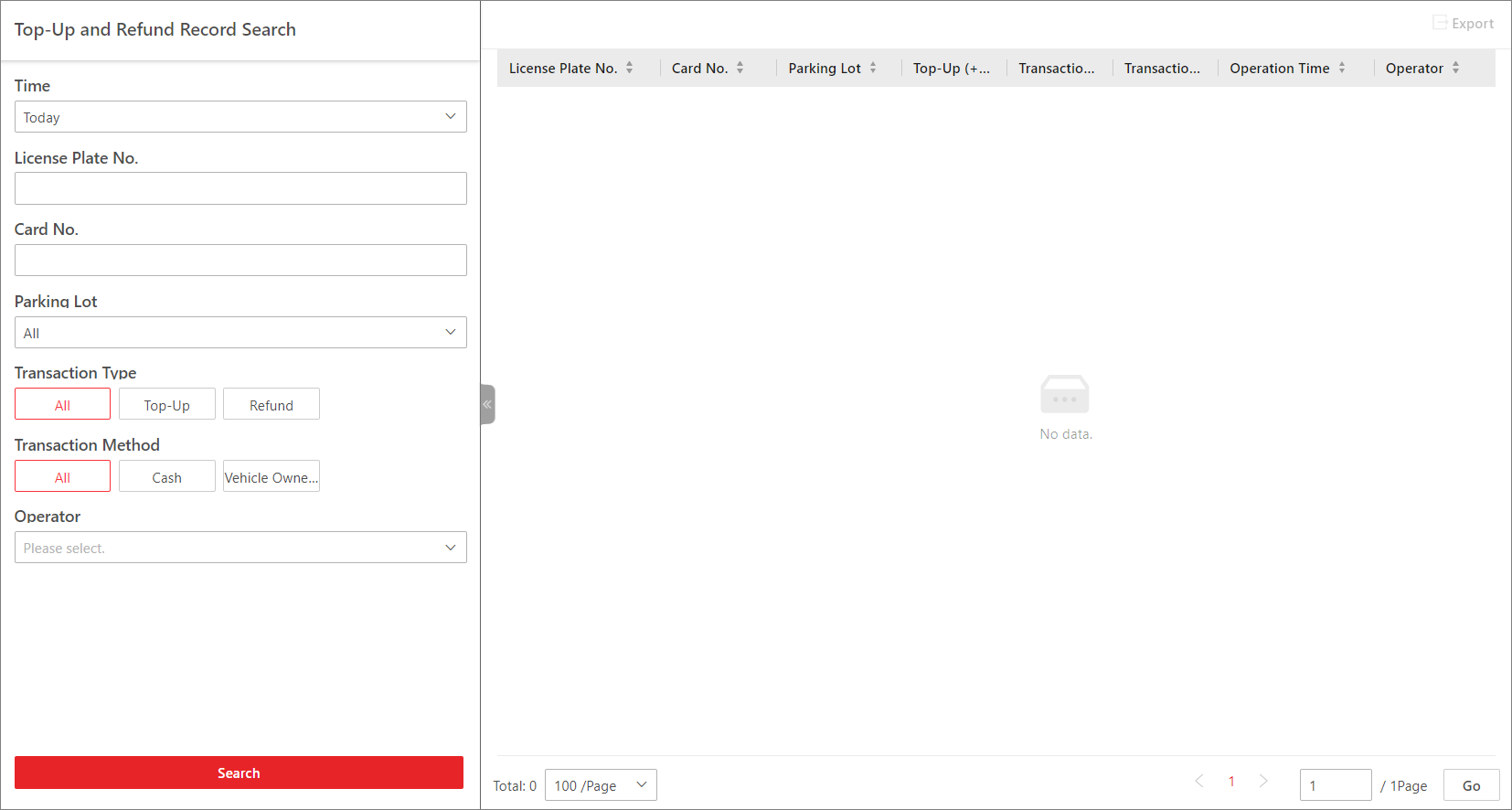 Figure 1 Top-Up and Refund
Record Search Page
Figure 1 Top-Up and Refund
Record Search Page
-
Select Today, Yesterday, Current Week,
Last 7 Days, or Last
30 Days from the drop-down list as the time range for search, or
click Custom Time Interval to customize a time
range.
-
Set the search condition(s) according to your needs. Here we only introduce
conditions that may confuse you.
- Transaction Type
-
Select the transaction type. Top-Up indicates
adding
money to a parking pass to keep it valid or extend its validity
period; Refund indicates getting
paid back (e.g., when you paid too much for one parking).
- Transaction Method
-
Select how the transaction is made. Cash indicates the transaction is
made in cash; Vehicle Owner
Account indicates the transaction is made with/to
the vehicle owner's account.
- Operator
-
Select the person responsible for handling the
top-up/refund transaction from the drop-down list.
-
Click Search.
The matched record(s) will be displayed on the right.
- Optional:
In the upper-right corner, click Export,
select
Excel or CSV as the format of
the exported file, and click Save to export the search
results to the local PC.
 > Passing Management > Parking Lot > Search > Top-Up and Refund Record Search.