Add Card/Tag
You can add cards or tags to the control panel and use the cards/tags to arm, disarm, or clear alarms.
-
On the device list page, tap the security control panel and then log in to the
device (if required) to enter the area page.
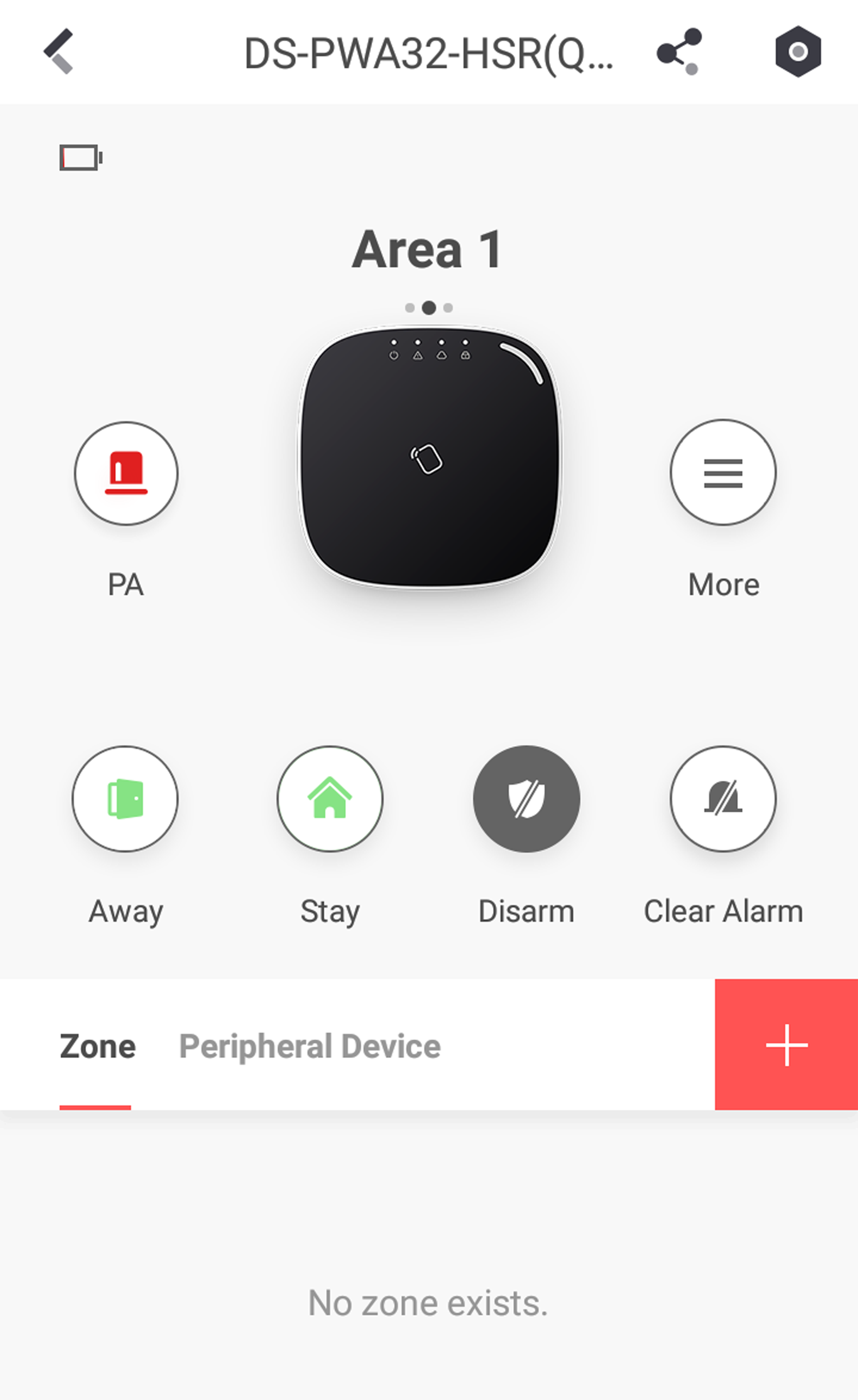 Figure 1 Area Page
-
Tap
 > User Management > Card/Tag Management to enter the Card/Tag Management page.