Panic Alarm Device
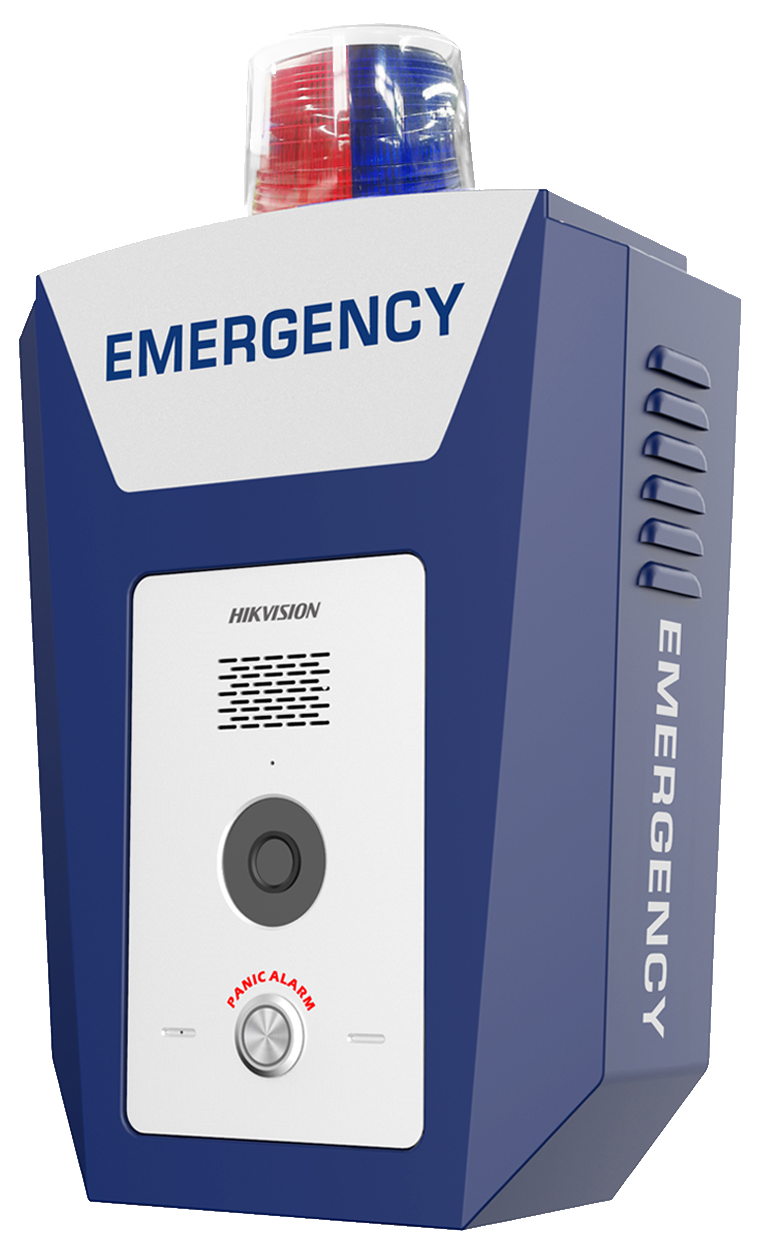
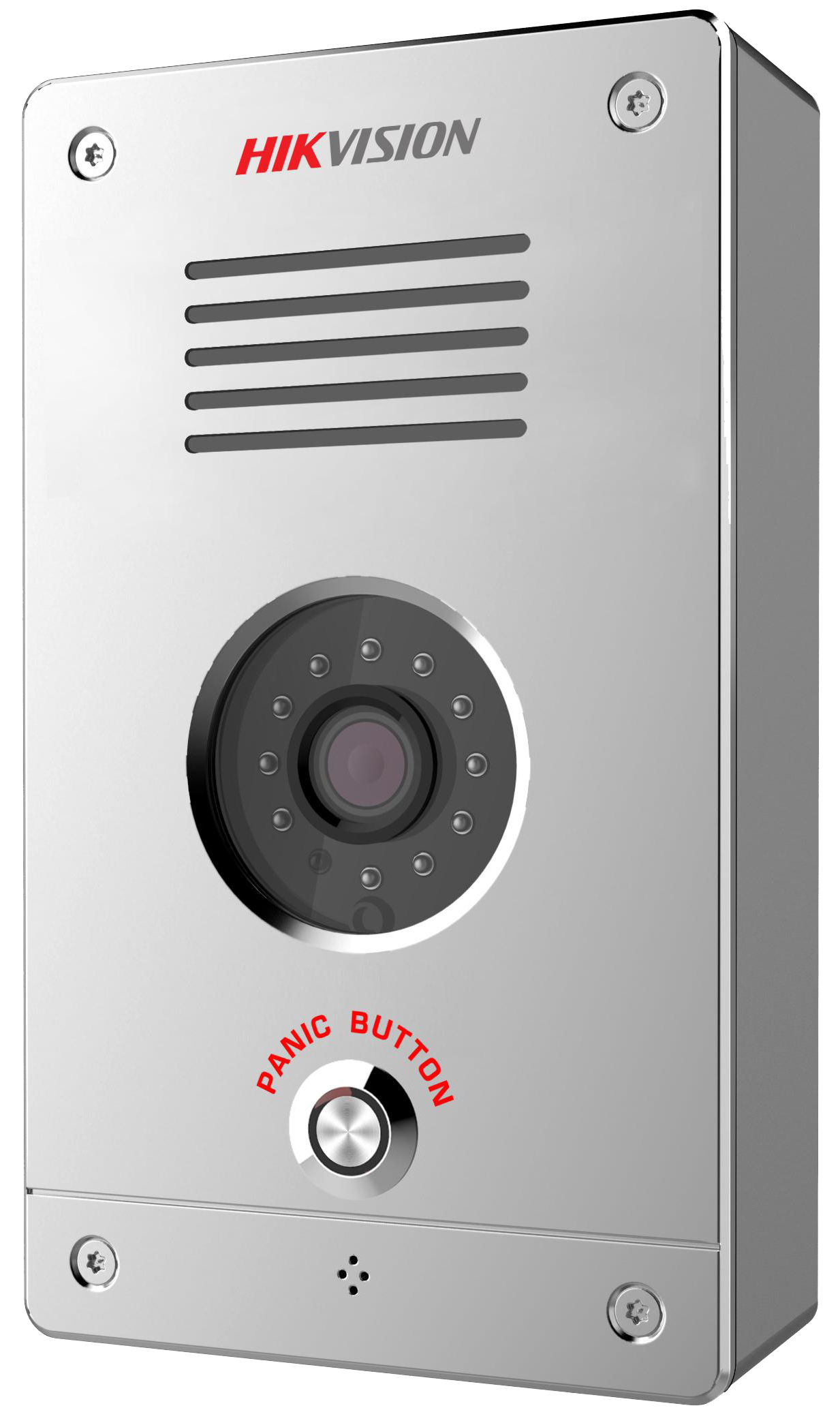
Panic alarm devices are designed to provide quick access of reporting emergencies and getting help when emergency situations occur and timely responses are required. You can quick respond to the emergency calls from the panic alarm devices on the Mobile Client.
 |
 |
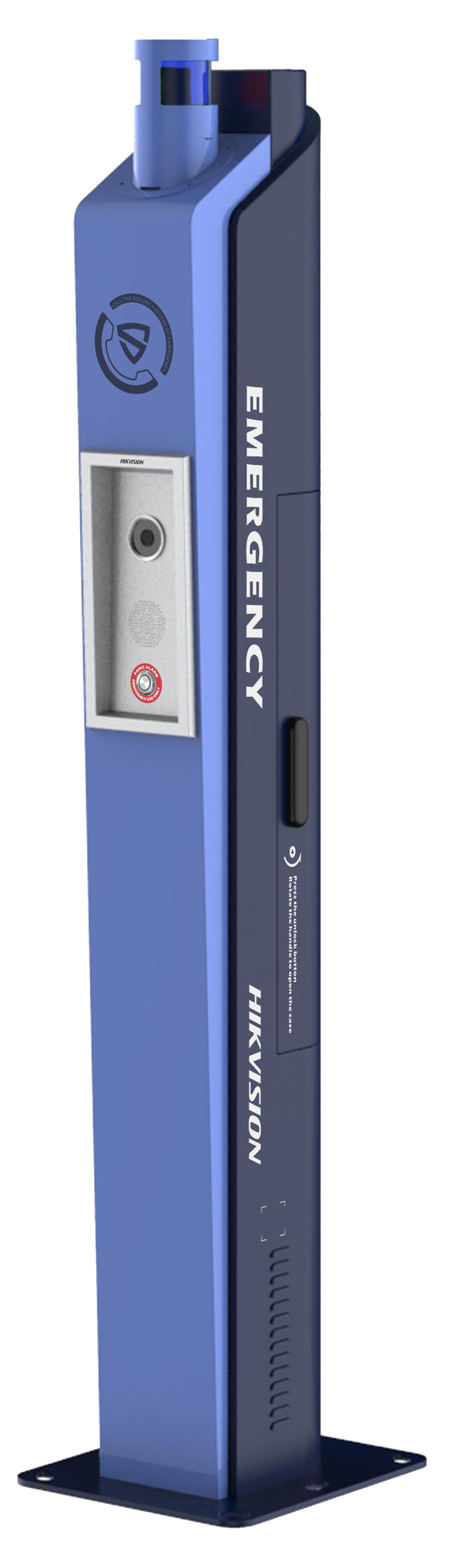 |
When a person presses the panic button (or emergency button) on a panic alarm device (including panic alarm panel/box/station), you will receive a call from the device on the Mobile Client.
Therefore, you can respond to the emergency and get in touch with the person reporting the emergency in time.
-
Before answering an emergency call, you can:
-
See the live video of the panic alarm device or linked camera.
-
Control the sounder, strobe light, and alarm outputs.
Note:You cannot control the sounder, strobe light, or alarm output if the panic alarm device is shared from another user.
-
-
After answering an emergency call, you can:
-
Start two-way audio.
-
Control strobe light and alarm outputs.
Note:You cannot control sounder after answering the call.
-
You can see the history of incoming emergency calls in .