User Management

  1. On the device list page, tap the security control panel and then log in to the device (if required) to enter the control panel page.
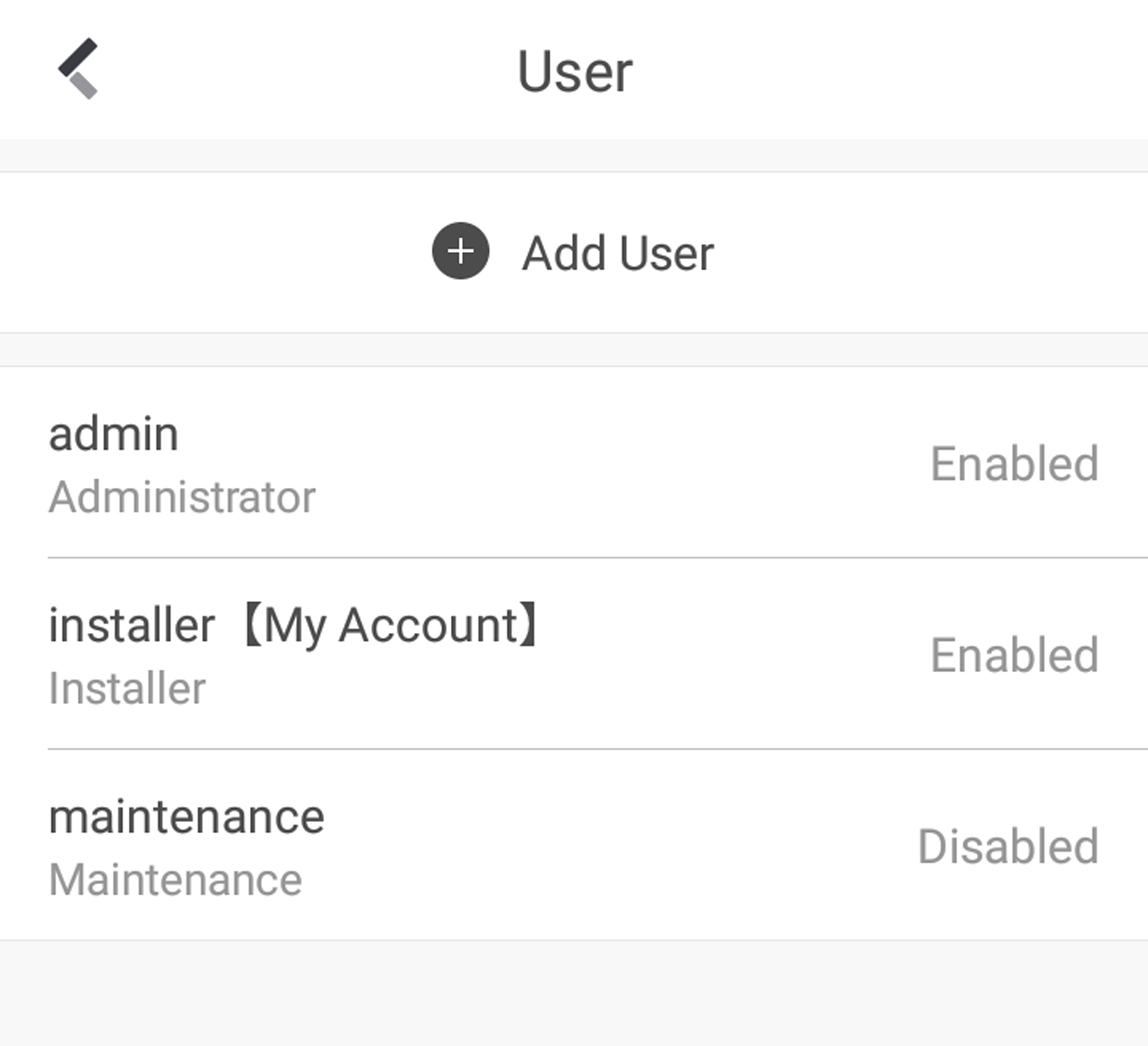
  2. Tap > User Management > User.
    Figure 1 User Management
  3. Tap Add User.
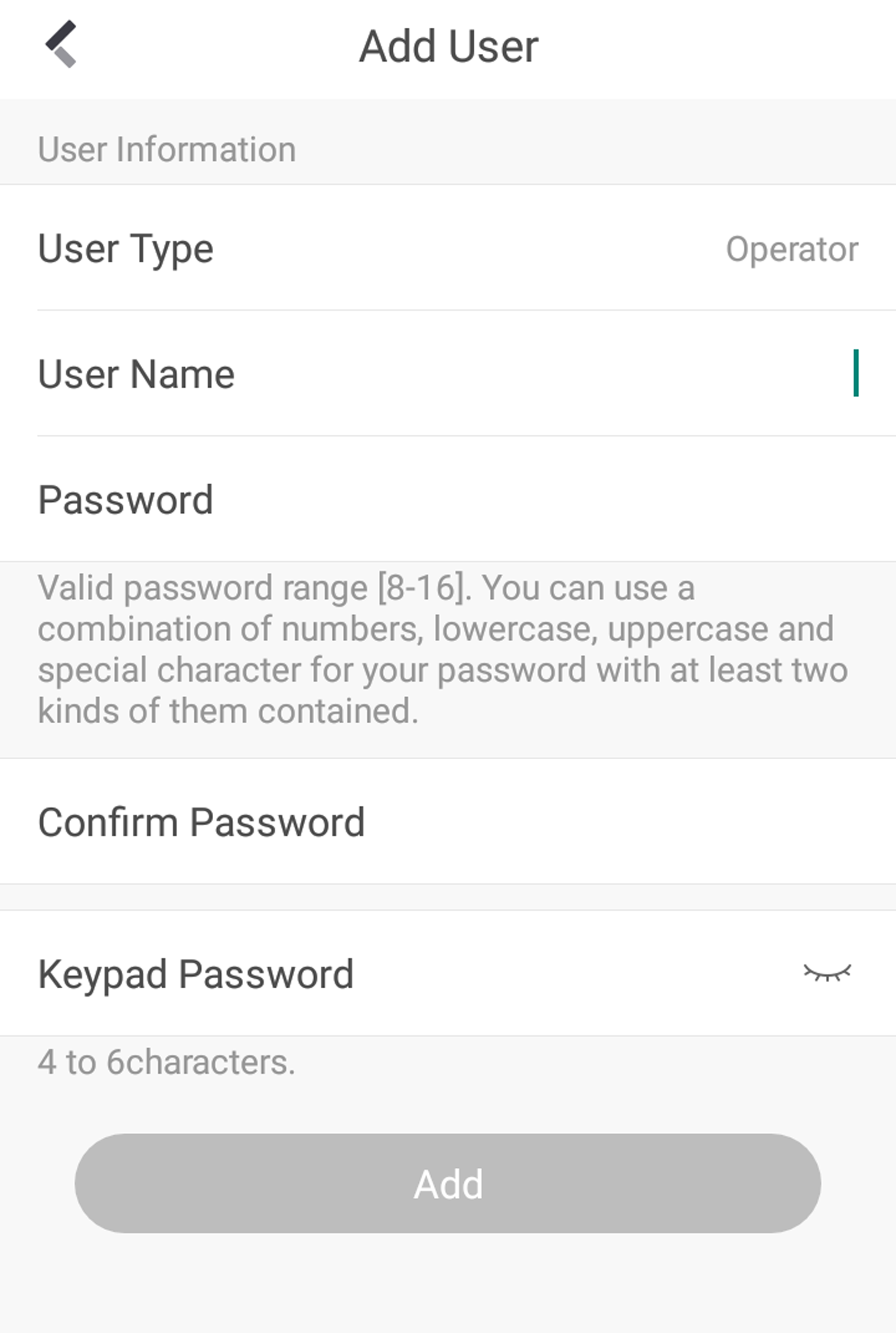
    Figure 2 Add User
  4. Select User Type. Enter User Name and Password.
  5. Enter Keypad Password.
    Note:

    The keypad password +1 or -1 is the duress code. Use the duress code can operate the keyboard to arm and disarm normally and upload a duress alarm. For example, if the keypad password is 123456, the duress code is 123455 or 123457.

  6. Tap Add to add the user.
  7. Optional: Tap a user to edit the parameters. You can choose to enable the user or not. Select the linked area and the permission.
  8. Optional: Tap a user and tap Delete to delete the user.
    Note:

    Admin, installer and manufacturer can not be deleted.