Face Capture
The face capture detects and captures faces appearing in the scene. Linkage actions can be triggered when a human face is detected.
-
Click Face Capture.
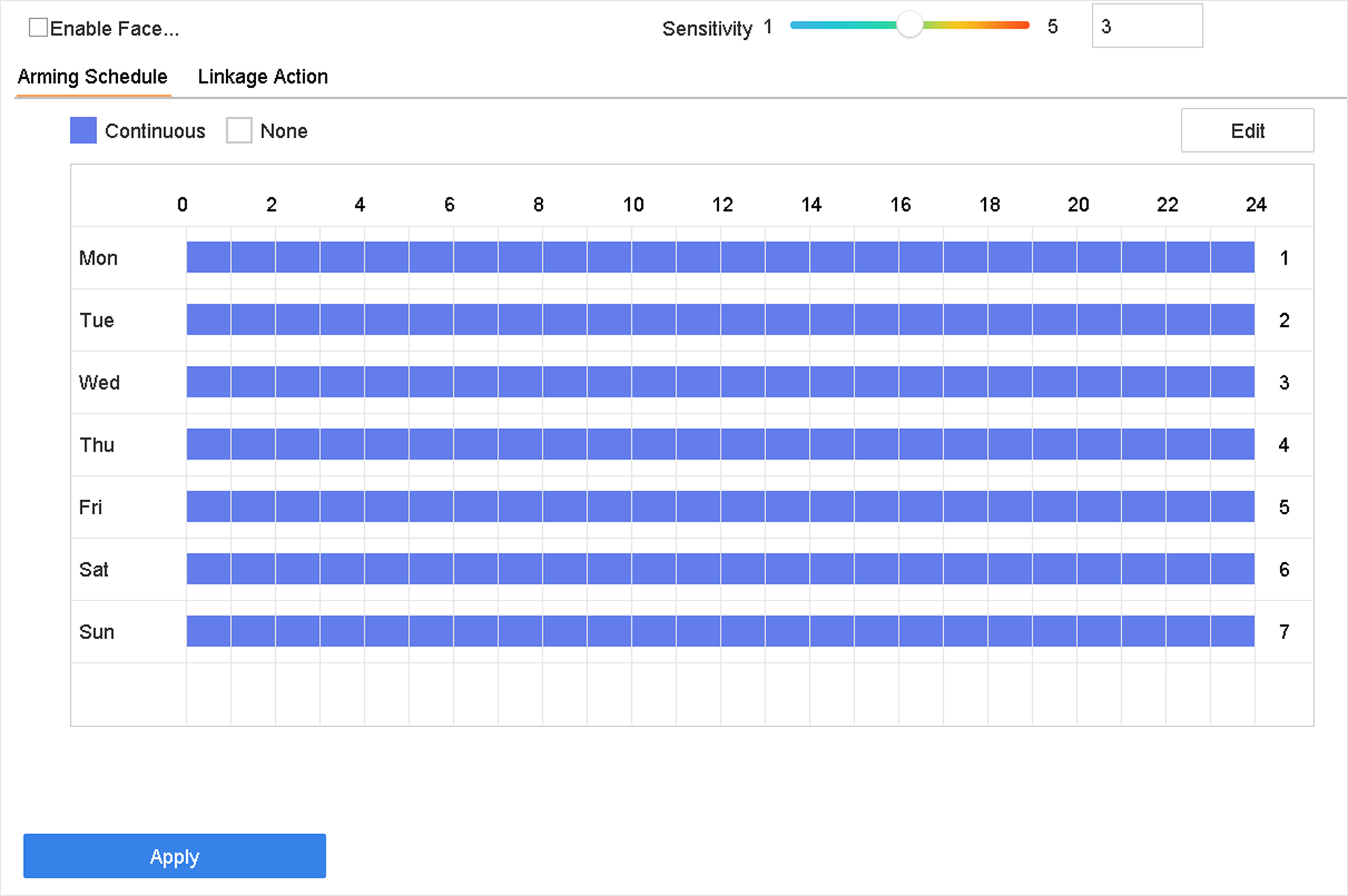 Figure 1 Face Capture
The face capture detects and captures faces appearing in the scene. Linkage actions can be triggered when a human face is detected.
Figure 1 Face Capture