Configure Arming Schedule
-
Select a day of the week and set the time period. Up to eight time periods can
be set each day.
Note:
Time periods cannot repeat or overlapped.
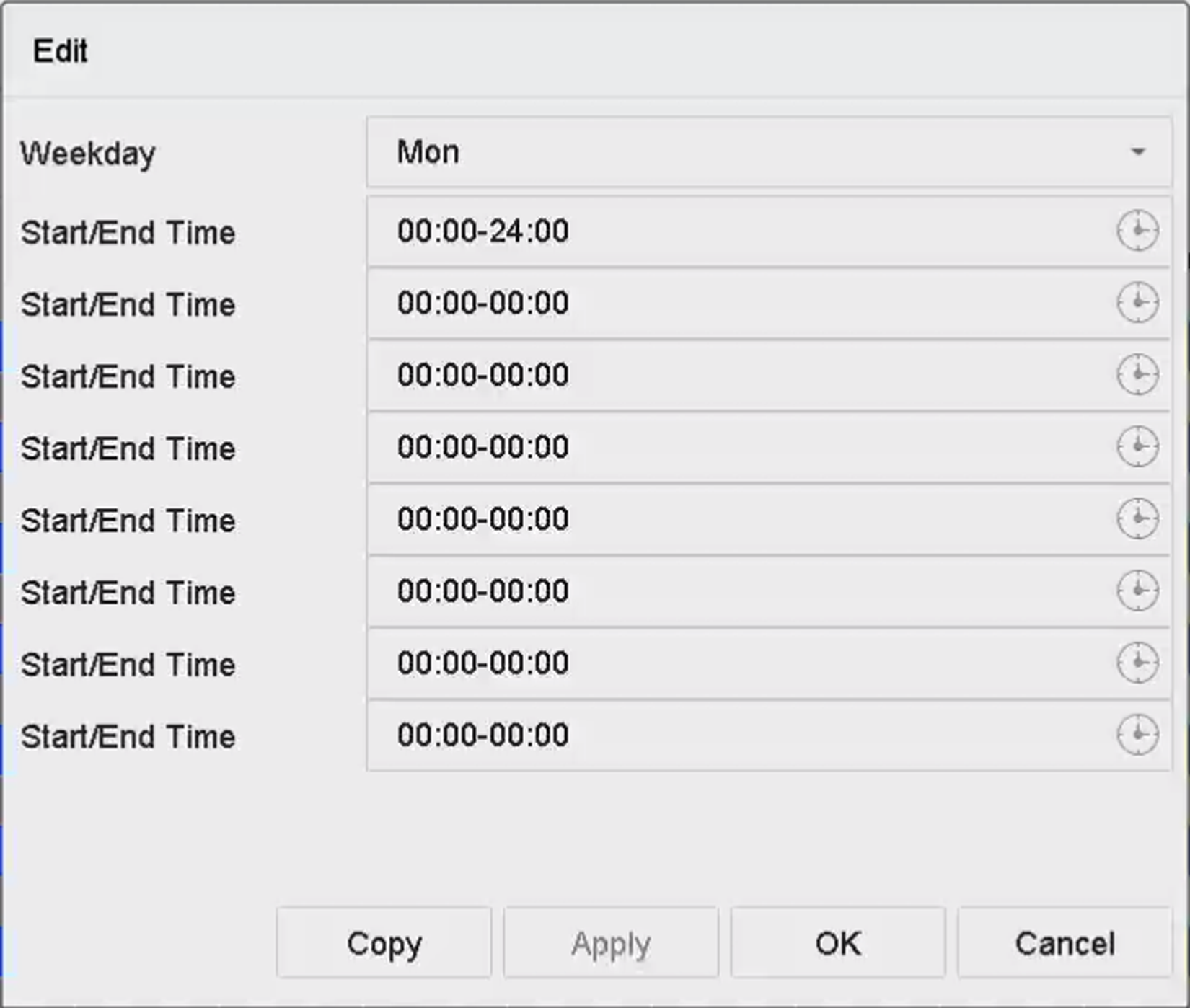 Figure 1 Set Arming
Schedule
Figure 1 Set Arming
Schedule