Audio exception detection detects abnormal sounds in the scene, such as a
sudden increase/decrease in sound intensity.
-
Go to .
-
Select a camera.
-
Click Audio Exception.
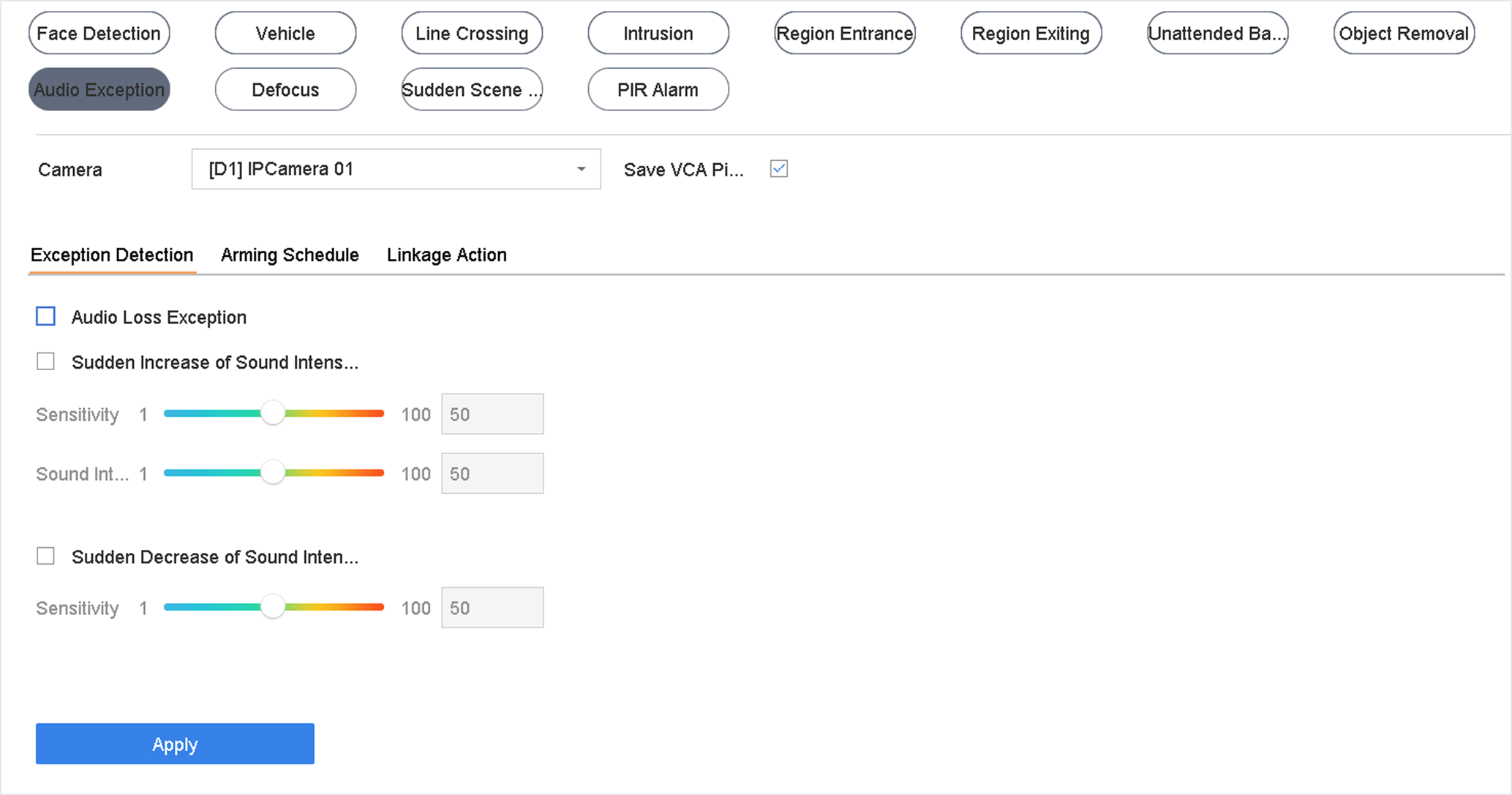 Figure 1 Audio Exception
Detection
Figure 1 Audio Exception
Detection
- Optional:
Check Save VCA Picture to save the captured audio
exception detection pictures.
-
Set the detection rules.
-
Select Exception Detection.
-
Check Audio Loss Exception, Sudden
Increase of Sound Intensity Detection, and/or
Sudden Decrease of Sound Intensity
Detection.
- Audio Loss Exception
-
Detects a steep sound rise in the scene. Set
Sensitivity and
Sound Intensity
Threshold for the steep sound rise.
- Sensitivity
-
The smaller the value is, the more severely
the change would trigger the detection. Range
[1-100].
- Sound Intensity Threshold
-
It can filter the sound in the environment.
The louder the environment sound is, the higher the
value should be. Adjust it according to the environment.
Range [1-100].
- Sudden Decrease of Sound Intensity
Detection
-
Detects a steep sound drop in the scene.
Detection sensitivity [1-100].
-
Set the arming schedule. Refer to Configure Arming Schedule.
-
Set the linkage actions. Refer to Configure Linkage Actions.
-
Click Apply.