Sudden Scene Change Detection

Scene change detection detects the change of the video security environment affected by external factors, such as the intentional rotation of the camera.

  1. Go to Smart Analysis > Smart Event Settings > Other Events.
  2. Select a camera.
  3. Click Sudden Scene Change.
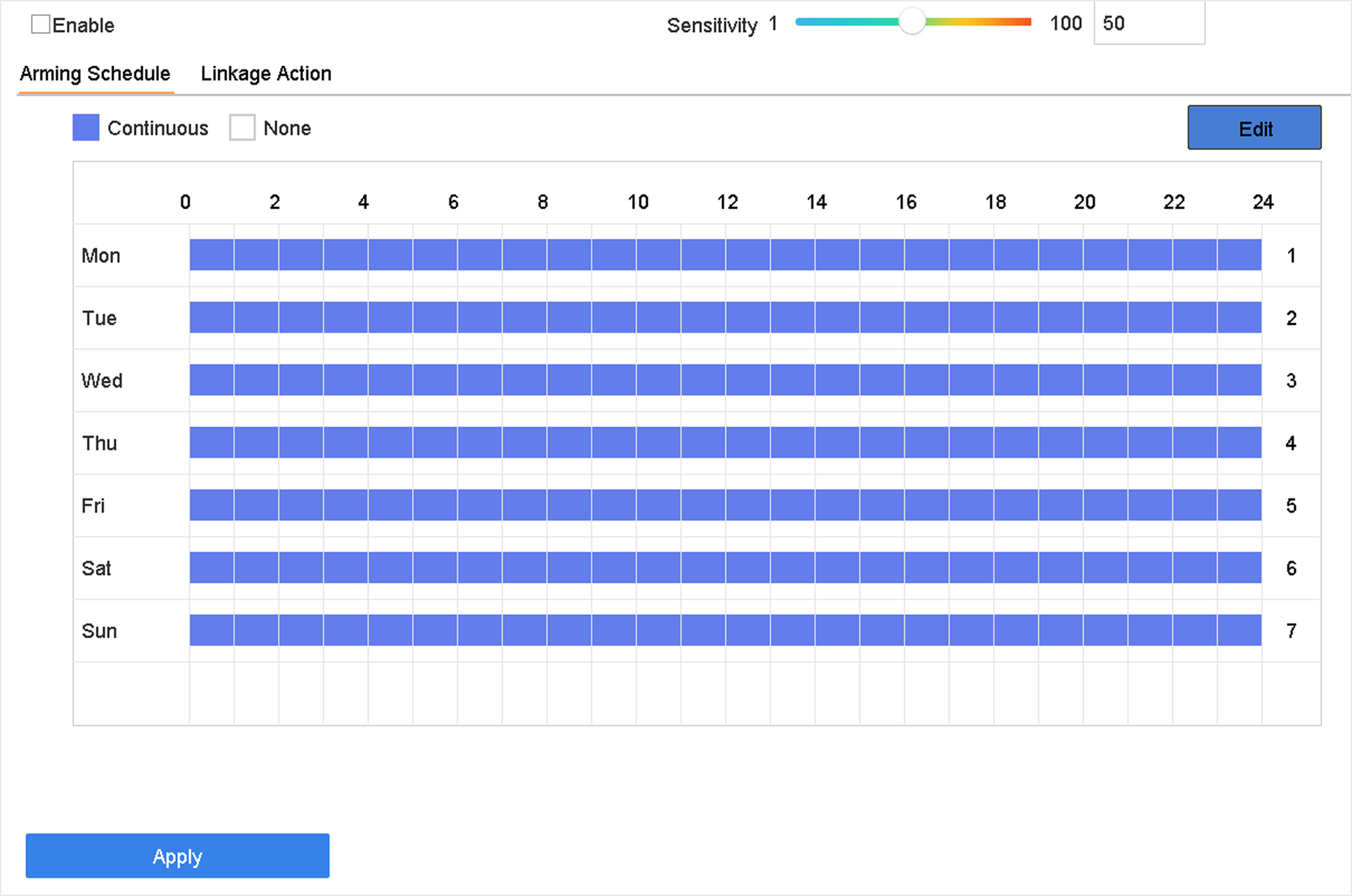
    Figure 1 Sudden Scene Change
  4. Check Enable.
  5. Optional: Check Save VCA Picture to save the captured sudden scene change detection pictures.
  6. Set the detection sensitivity.
    Sensitivity

    Ranges from 1 to 100, the higher the value, the more easily the change of scene can trigger the alarm.

  7. Set the arming schedule. Refer to Configure Arming Schedule.
  8. Set the linkage actions. Refer to Configure Linkage Actions.
  9. Click Apply.