Assign by Access Level
You can assign an access level to multiple persons so that the assigned persons can have the access to the access points in the access level.
-
Make sure you have added access levels to the system. For details, refer to Add Access Level.
-
Make sure you have added persons to the system. For details, refer to Person Management.
Follow the steps to assign an access level to persons.
-
In the top left corner of Home page, select
 > Passing Management > Access Control > Access Level.
-
Click on the access level that you want to assign to persons.
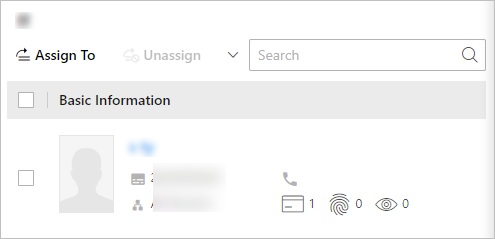 Figure 1 Assignee Panel
 - Optional:
To unassign a person from the access level, select the person and click
Unassign. To unassign all, click
 > Unassign All.
Test your access control configurations and devices before putting them into use. For details, refer to Access Control Test.