Assign by Person
You can assign access levels to persons, so that the assignees can have the access to the access points in the access levels.
-
Make sure you have added persons to the system. For details, refer to Person Management.
-
Make sure you have added access levels to the system. For details, refer to Add Access Level.
Follow the steps to assign one or more access levels to specific persons.
-
In the top left corner of Home page, select
 > Passing Management > Access Control > Access Level.
-
In the person information panel on the right, select the persons to whom you
want to assign access levels.
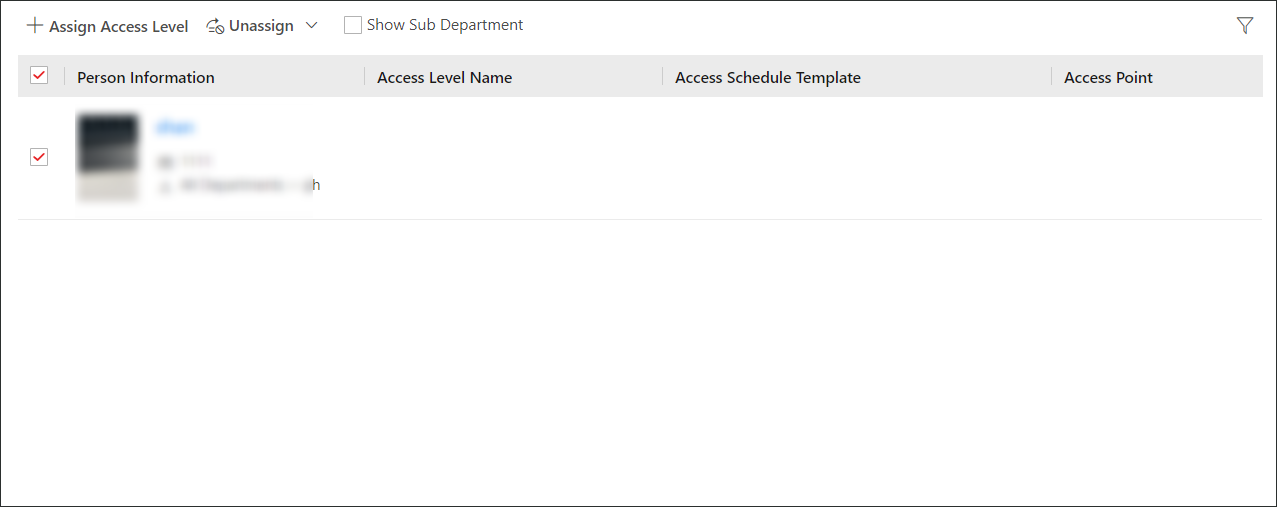 Figure 1 Person Information
PanelNote:
Figure 1 Person Information
PanelNote:You can click on person's name to view the details about the person.
Test your access control configurations and devices before putting them into use. For details, refer to Access Control Test.