Enable Open Door via Bluetooth
You can enable open door via bluetooth and select a door opening mode.
You can enable persons to open door via bluetooth in .
On the top, select Access Control. Then, select on the left. On Open Door via Bluetooth, choose from Auto Open Door and Open Door Manually.
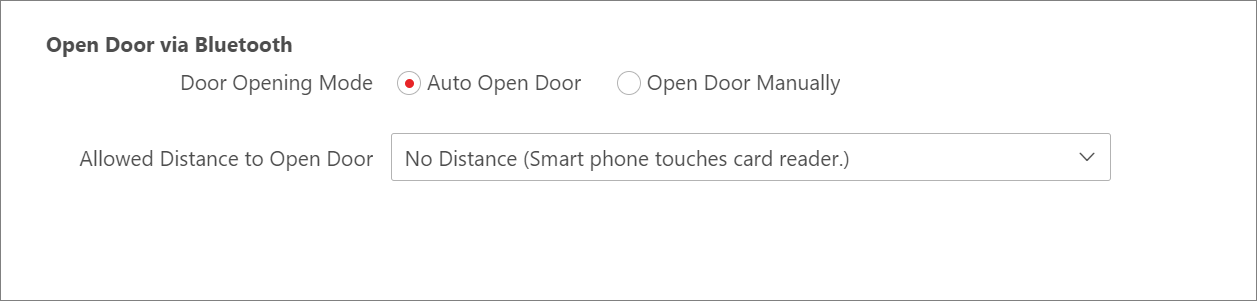 Figure 1 Open Door via Bluetooth
- Auto Open Door
-
The door will open automatically when you get close to the door in a specific distance.
- Allowed Distance to Open Door
-
You can select an allowed distance to open the door. You can choose from Near (The distance between smart phone and card reader is about 20 cm), Far (The distance between smart phone and card reader is about 300 cm), and Customize (Enter a custom RSSI value).
- Customize RSSI Value
-
You can set an RSSI value (a negative integer ranging from -1000 to -1). If the RSSI value of a nearby door is higher than or equal to the value you entered, the door will open automatically. It is recommended that you set this value according to the actual RSSI value displayed on the Mobile Client.
- Open Door Manually
-
You can manually open a specific door on the Mobile Client.