Add Exception Types for Patrol Management
You can add exception types for patrol persons to select from when they need to report exceptions via Mobile Client during patrols.
Make sure you have configuration permissions for patrol management.
-
On the top left of the Web Client, select
 > Integrated Service > Patrol > Basic Configuration > Exception Type.
-
On the top left of the page, click Add.
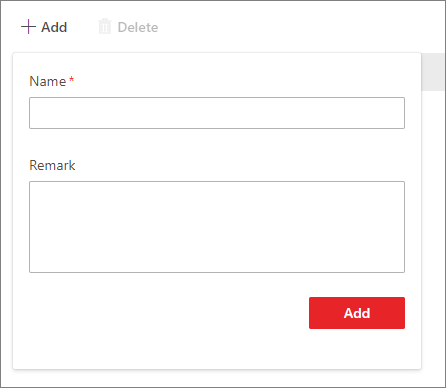 Figure 1 Add Exception Type
 - Optional:
Perform the following operations according to your needs.
Option Description Edit an Exception Type
In the Operation column, click
 to edit the name and
remark of the exception type.
to edit the name and
remark of the exception type.Delete Exception Type(s)
Select the exception types to be deleted and click Delete on the top left of the page.