Check Patrol Statistics
You can filter, check, and export patrol statistics by patrol route, patrol point, and patrol person.
Make sure you have the operation permission for patrol search.
On the top left of the Web Client, select  > Integrated Service > Patrol > Search > Patrol Statistics to enter the patrol statistics page.
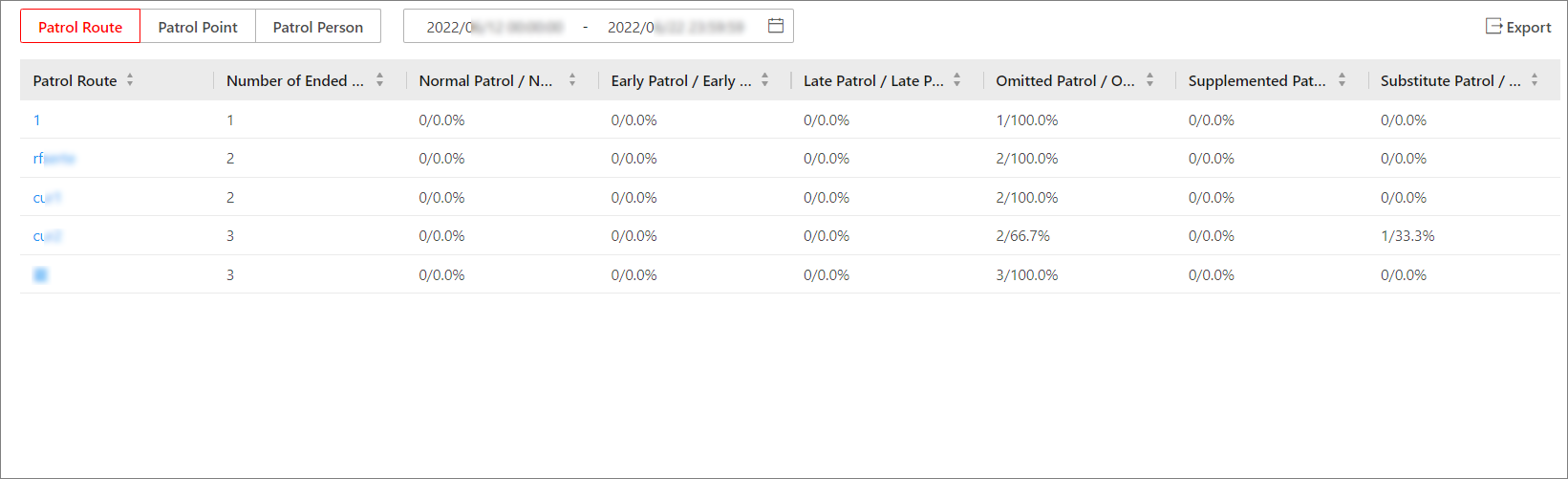 Figure 1 Patrol Statistics Page
You can select the type of patrol statistics to be displayed from Patrol Route, Patrol Point, and Patrol Person, and filter the results by specifying a time range. Information such as the number of shift schedules, number of patrols of a certain status (e.g. normal patrol, early patrol, late patrol, omitted patrol, supplemented patrol, and substitute patrol), and the percentage of each status will be displayed in a table. If needed, you can export the patrol statistics in either XLSX format or CSV format.
You can click the name of a patrol route, patrol point, or patrol person to view detailed information about each patrol in a list, including the patrol status, scheduled start time, actual start time, scheduled and actual patrol duration, shift schedule, and the person who performed the patrol. You can filter the patrol records by status and export the statistics in either XLSX format or CSV format.