Set Time

  1. Tap Settings > > Time and Date to enter the time synchronization page.
  2. Tap Date Format and Time Format to set the time format.
  3. Optional: Tap Time to set time manually.
  4. Tap Sync Time.
    Figure 1 Time Synchronization
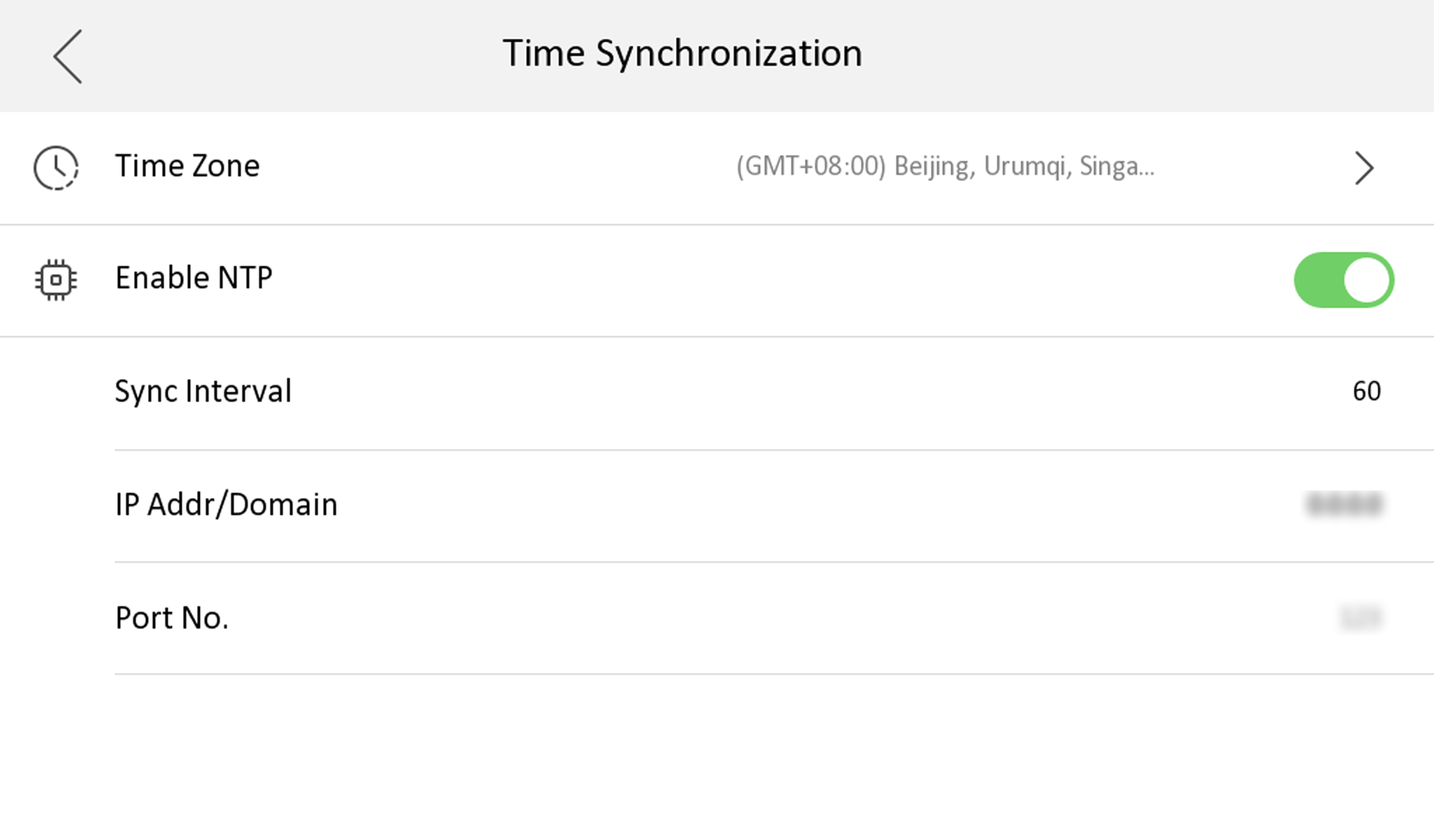
    1. Select the Time Zone.
    2. Enable Enable NTP.
    3. Set the synchronizing interval, enter the IP address/domain of NTP server and port No.
      Note:
      • The default unit of synchronizing interval is minute.

      • The time zone can be configured as well if the NTP is not enabled.