Link to the Mobile Client

Note:

The function of the device varies according to different models. Refers to the actual device for detailed information.

  1. Tap Settings > > Configuration > > Hik-Connect Service Settings to enter the settings page.
  2. Enable Enable Hik-Connect Service.
    Figure 1 Enable Hik-Connect Service
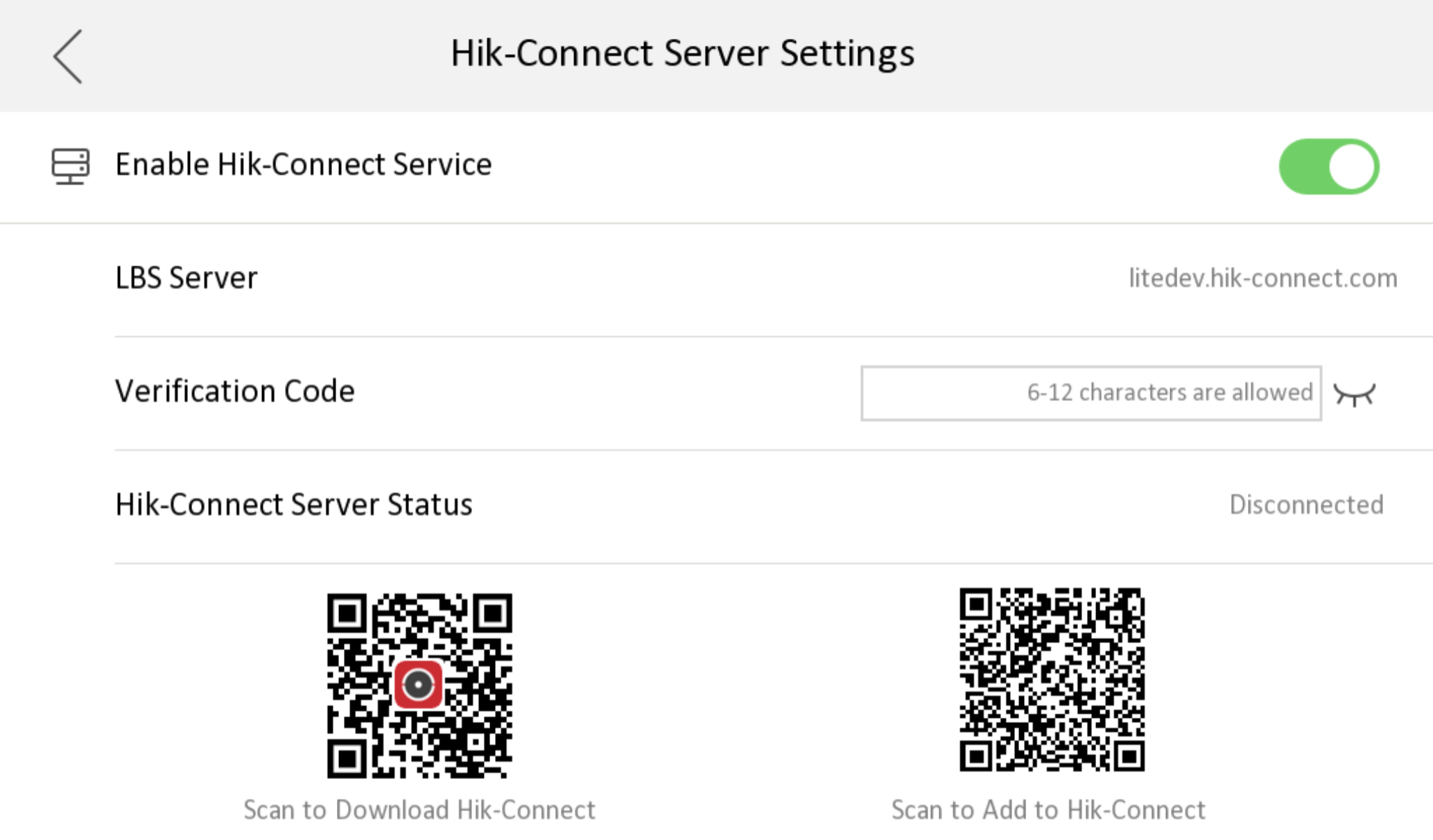
  3. Edit LBS server and Verification Code.
    Note:

    Verification code is used to add the device to mobile client.

  4. Optional: Scan the QR code on the screen.
    Note:
    • Scan the left QR code on the screen to access Hik-Connect.

    • Scan the right QR code on the screen to add the device to the mobile client.